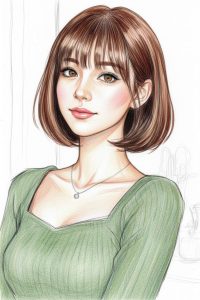
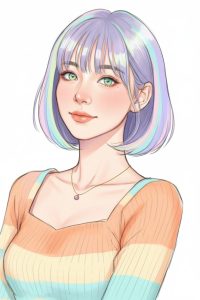
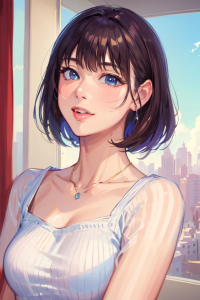
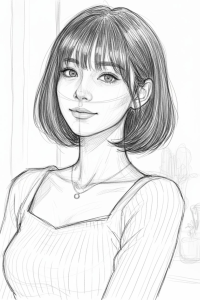
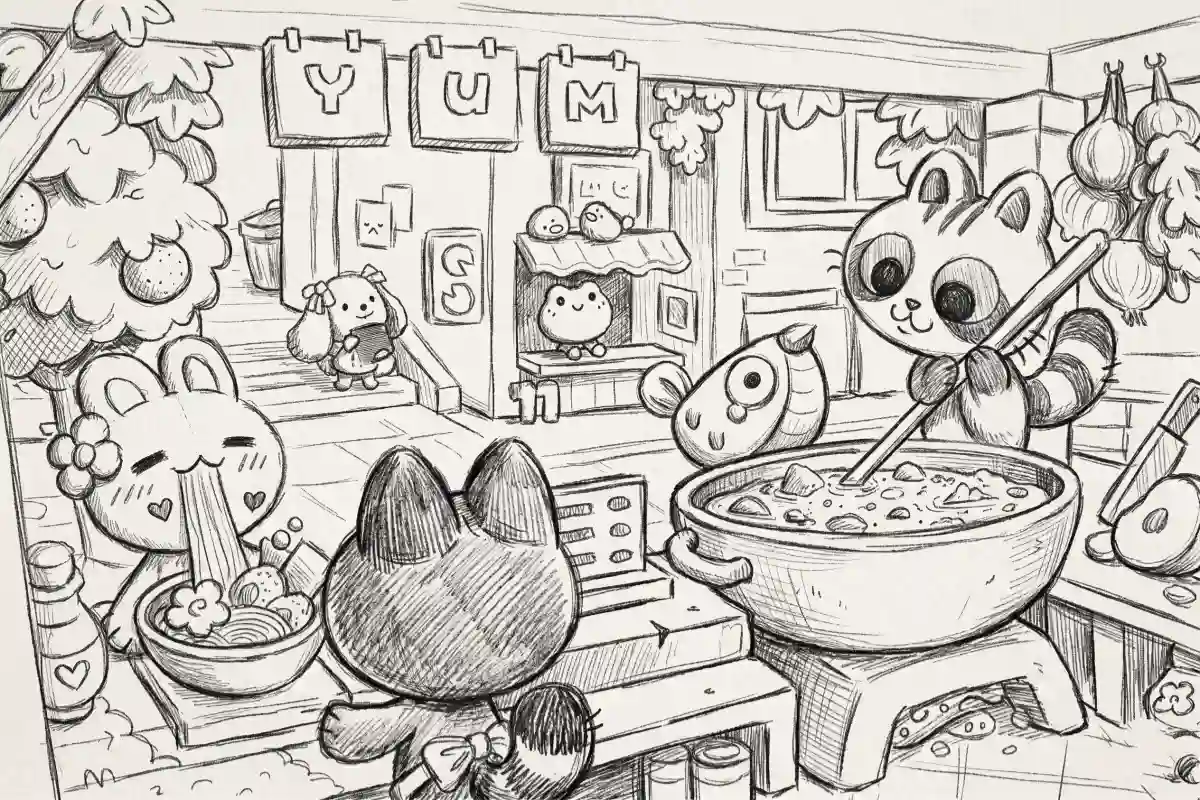
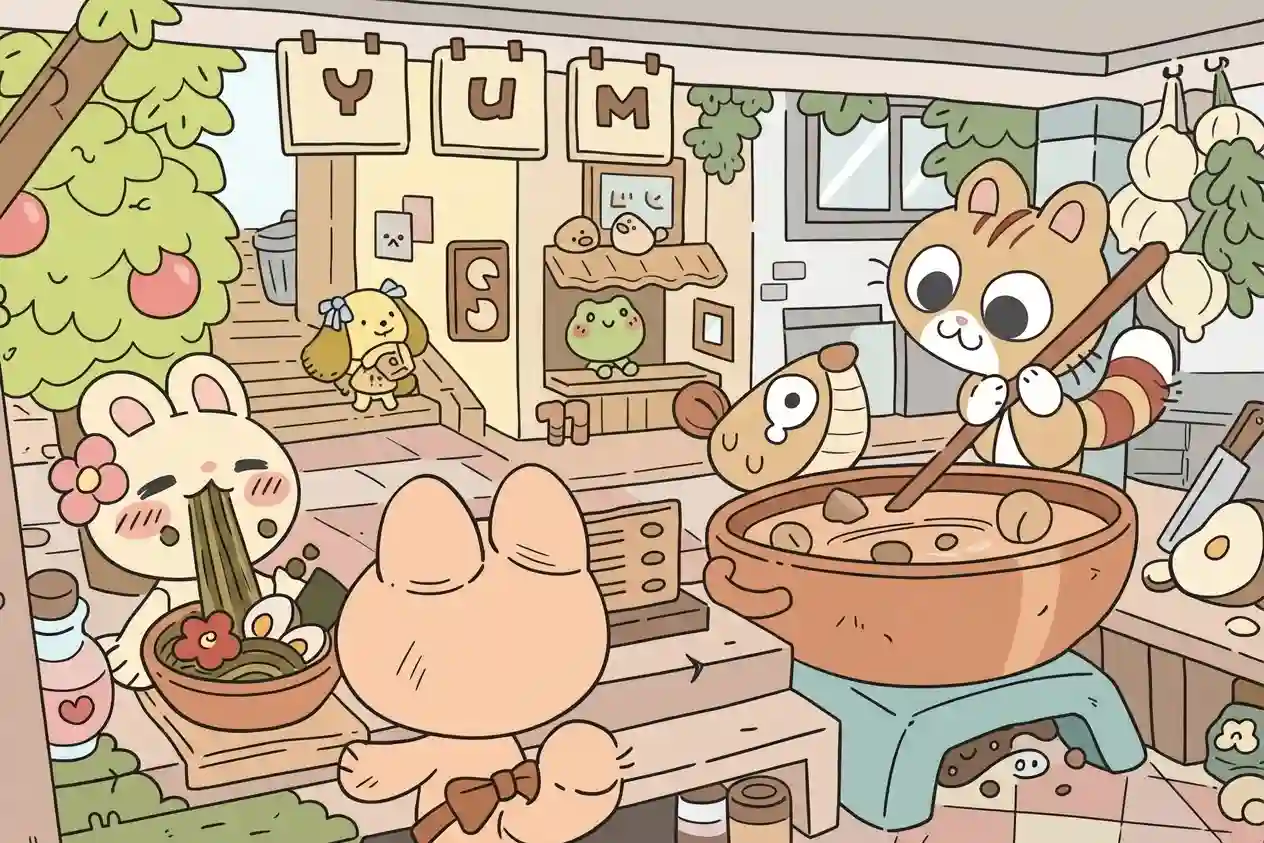
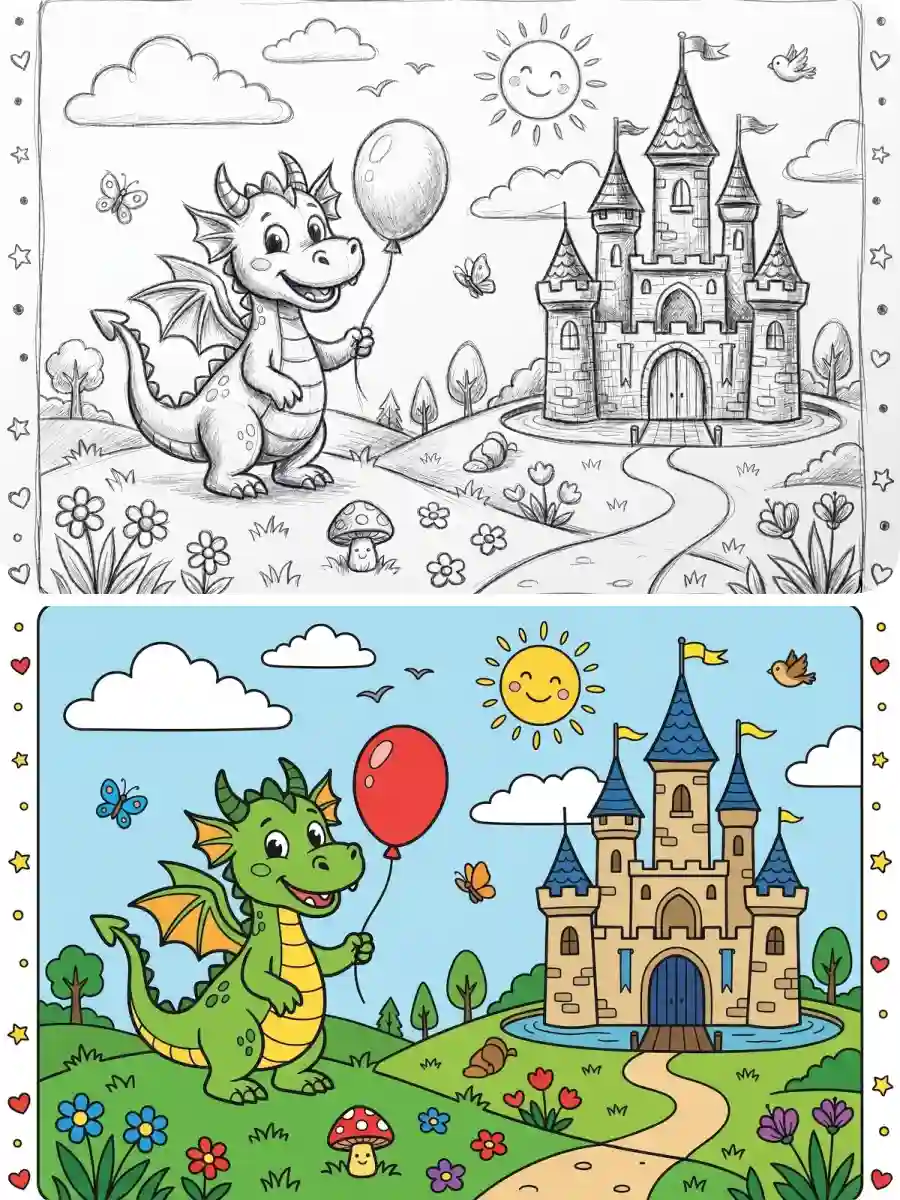
Free Sketch to Image AI Generator Online
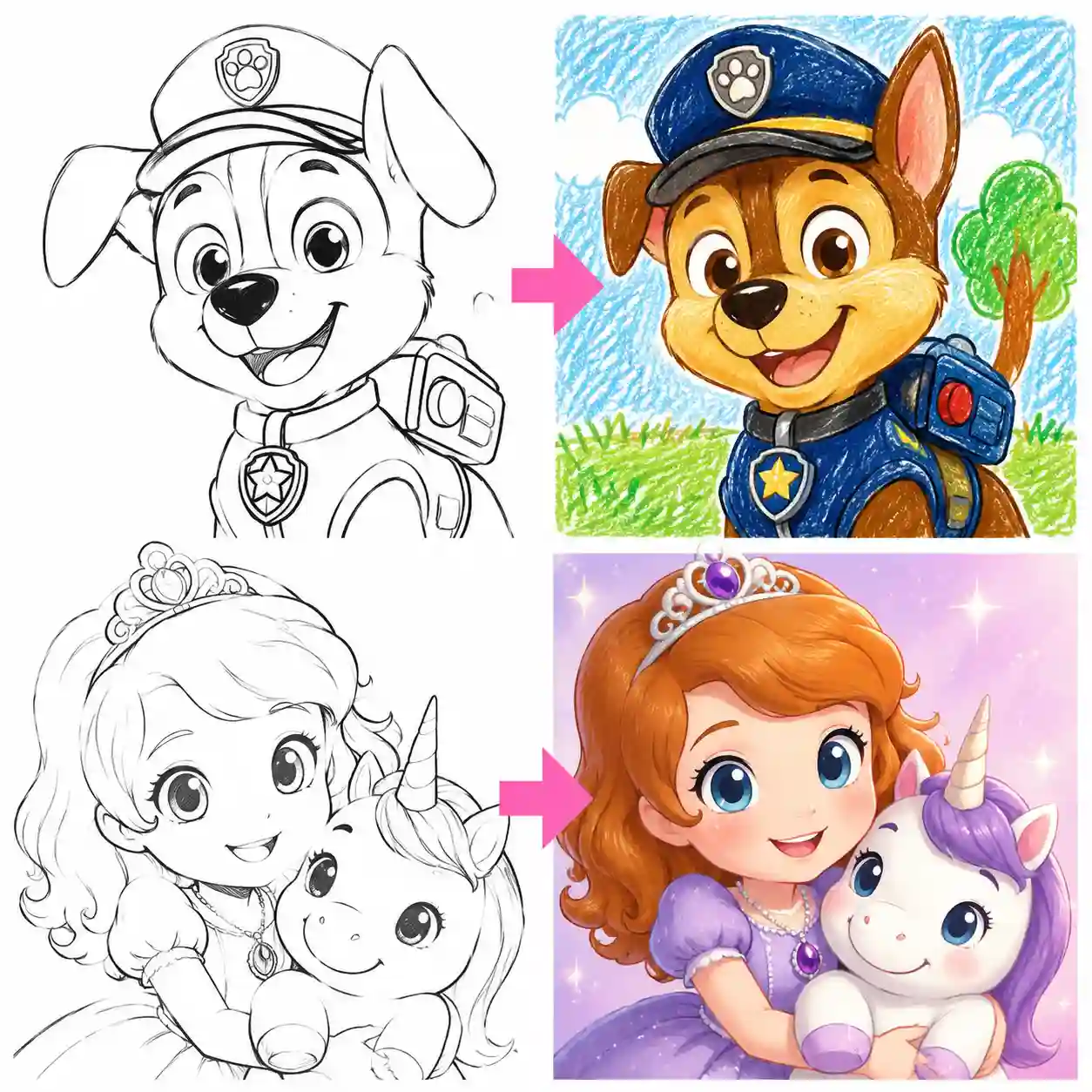
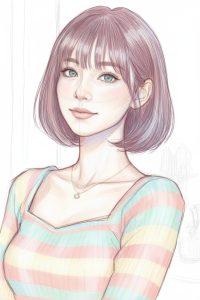
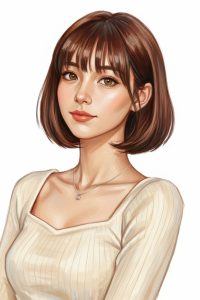
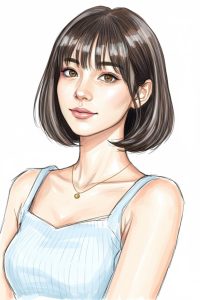
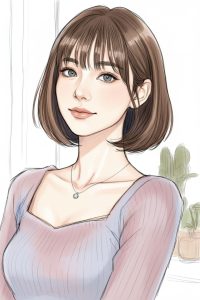
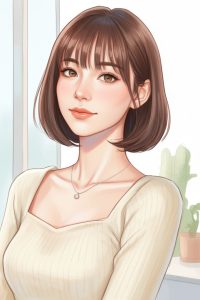
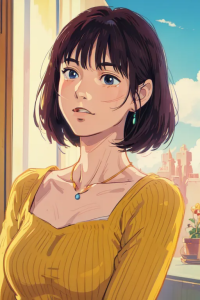
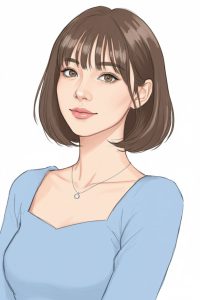
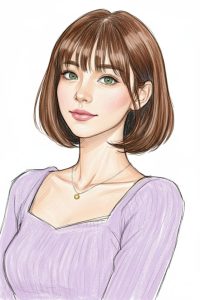
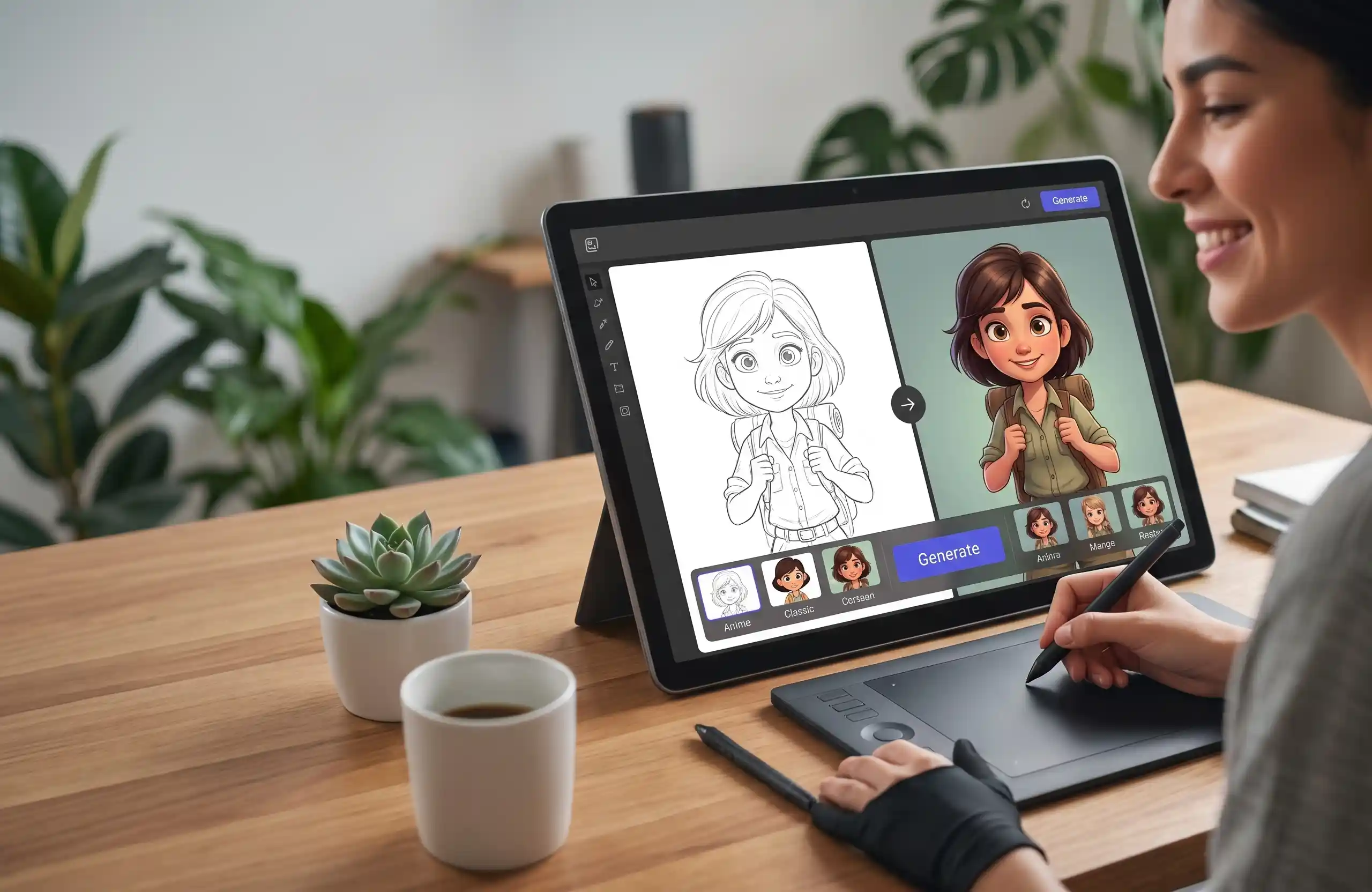
Turn simple sketches into stunning images in seconds. Create anime characters, illustrated scenes, colorful artwork, and more in 14 distinct styles using our advanced drawing to image AI, including Anime, Ghibli, Manga, Watercolor, and Oil Painting.
Demo
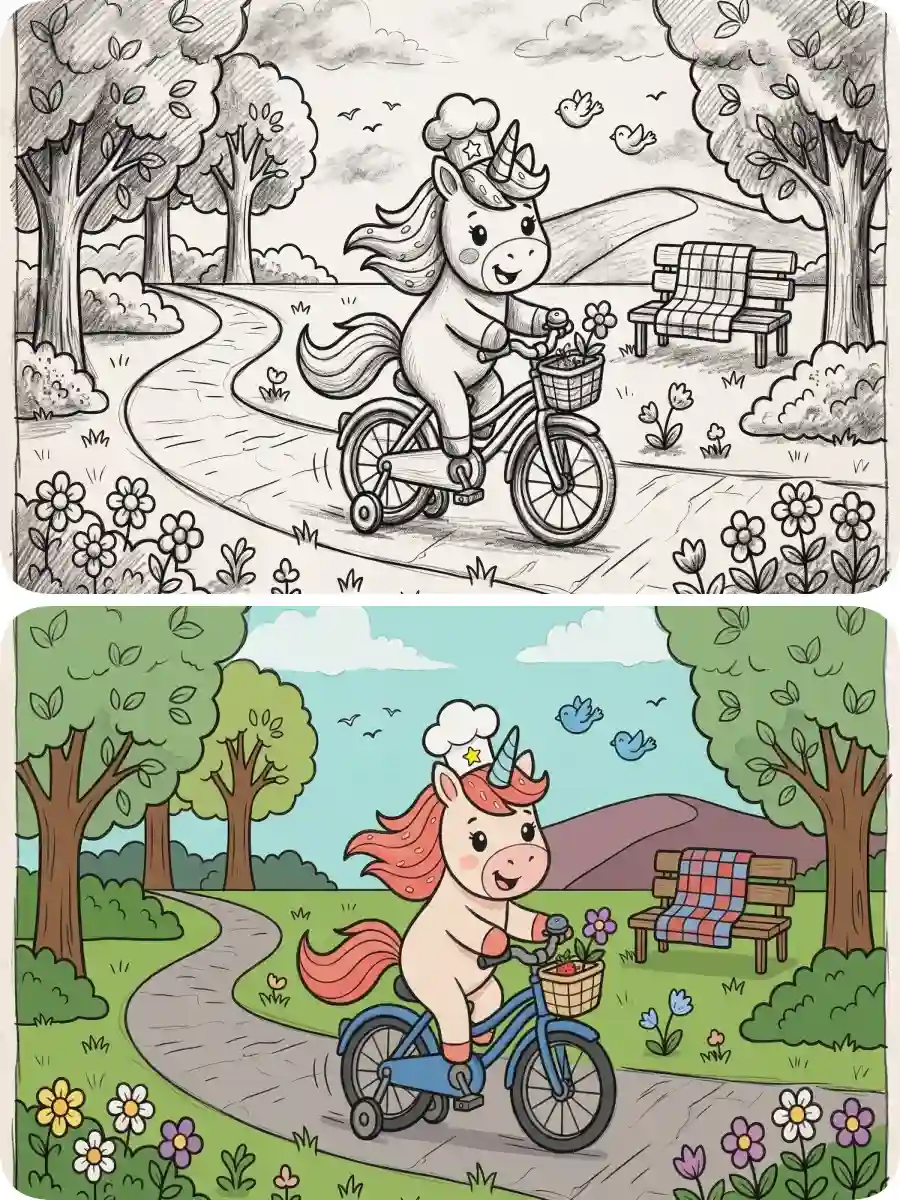
Turn Your Sketches into Stunning Images Instantly
Try sketch to color and bring your ideas to life with rich colors, details, and creative styles in seconds.
Creative Styles
Explore 14 Styles for Your Sketches
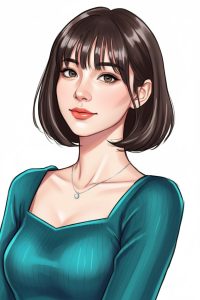
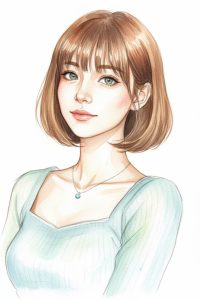
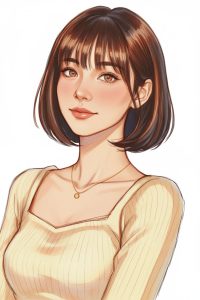
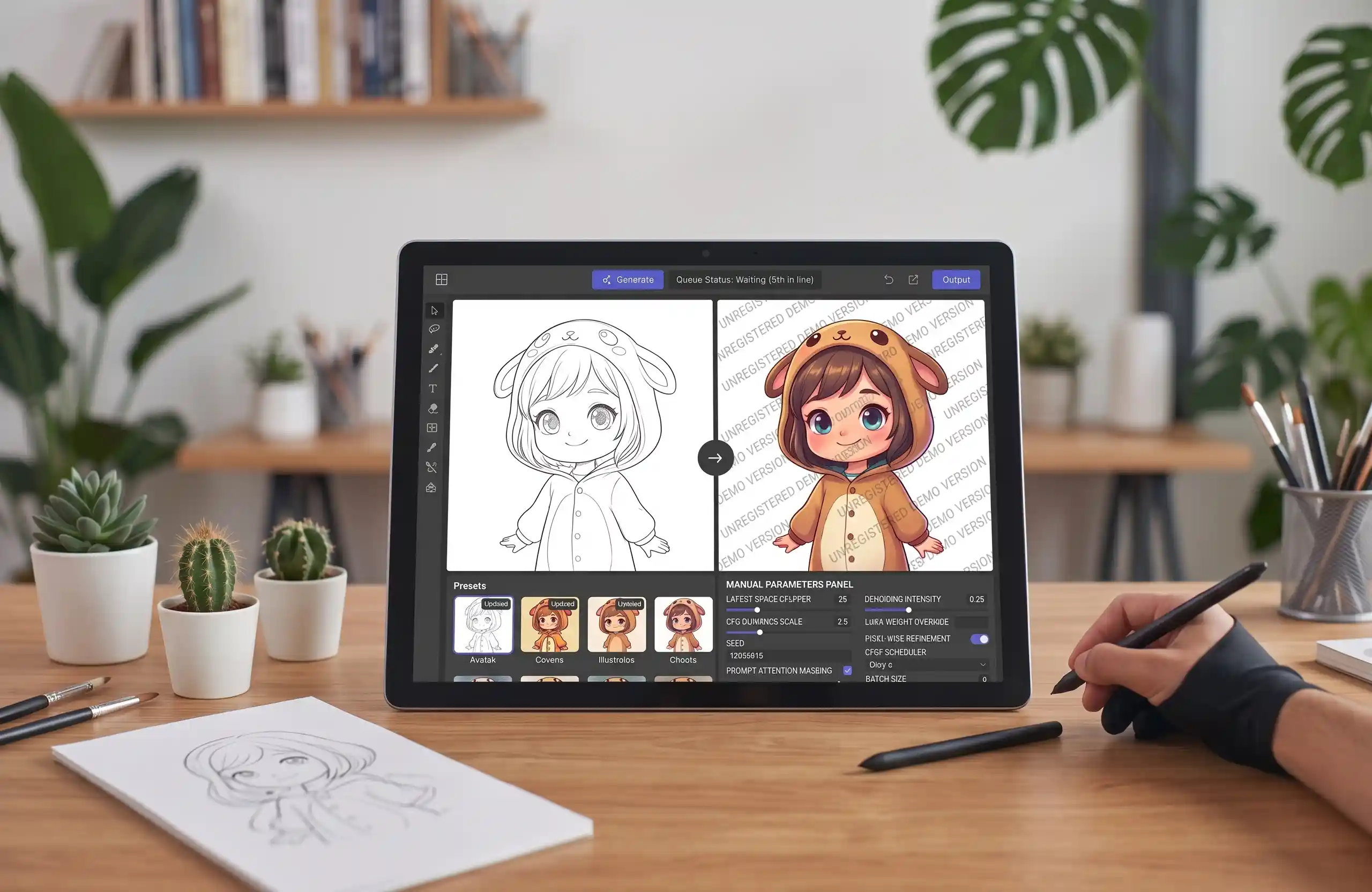
Create different looks with our sketch to image generator, from Anime and Ghibli to Manga, Watercolor, Oil Painting, and more.


✅ 14 Distinct Art Styles
✅ Detailed Results from Simple Sketches
✅ Keep the Original Sketch Structure
Feature
Powerful AI Tool to Transform Your Sketches Instantly
Great ideas often start as rough sketches. Turn them into polished visuals fast with AI sketch to image, using smart recognition and style control.
🎯 Smart Line Detection with Structural Accuracy
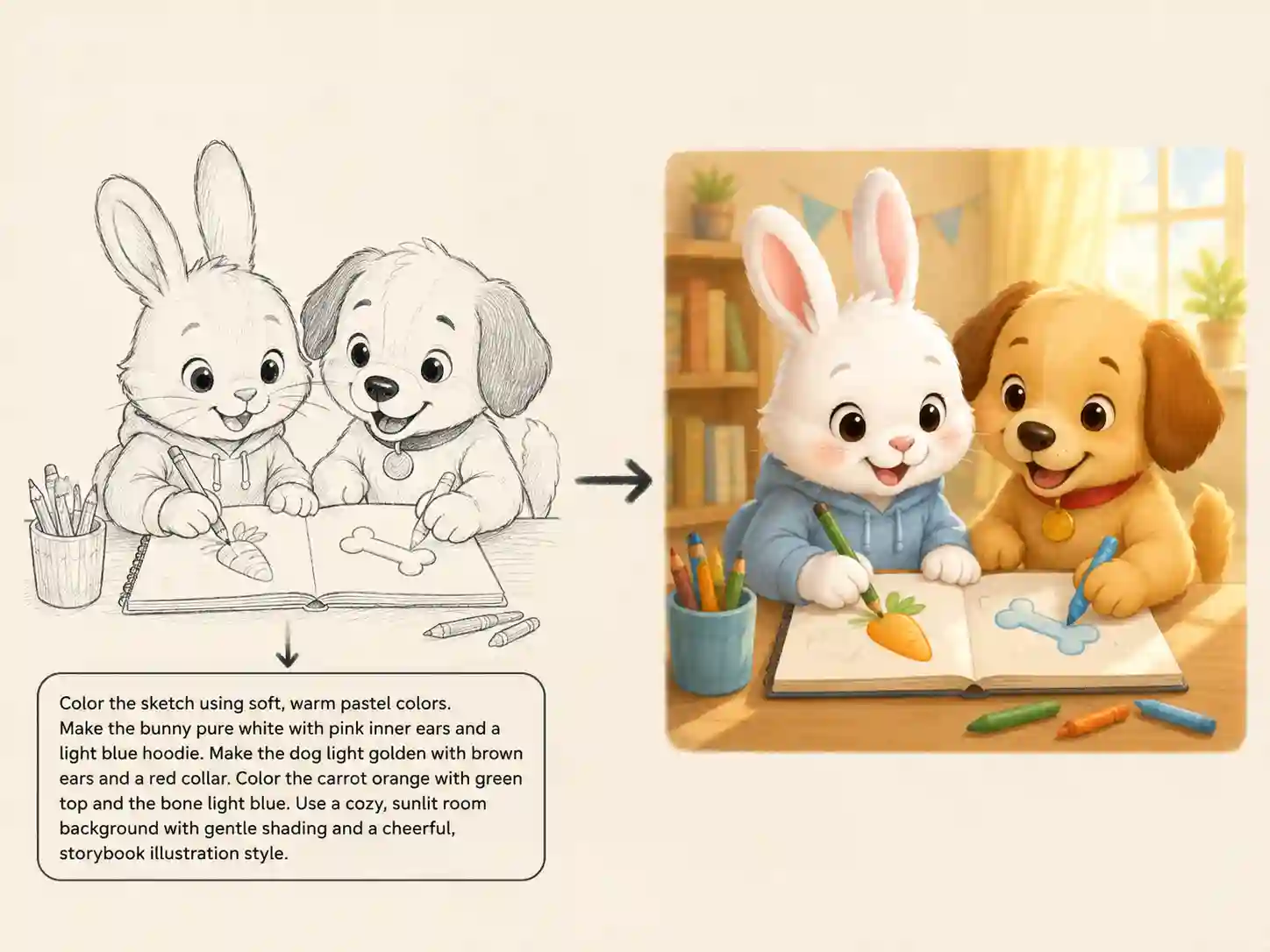
Great ideas often start as rough sketches, and our ai sketch to image tool understands them deeply. It recognizes line weight, composition, and spacing, preserving your original outlines while adding lighting, depth, and refined details. The result feels intentional and polished, giving your rough draft the clarity and structure it deserves.

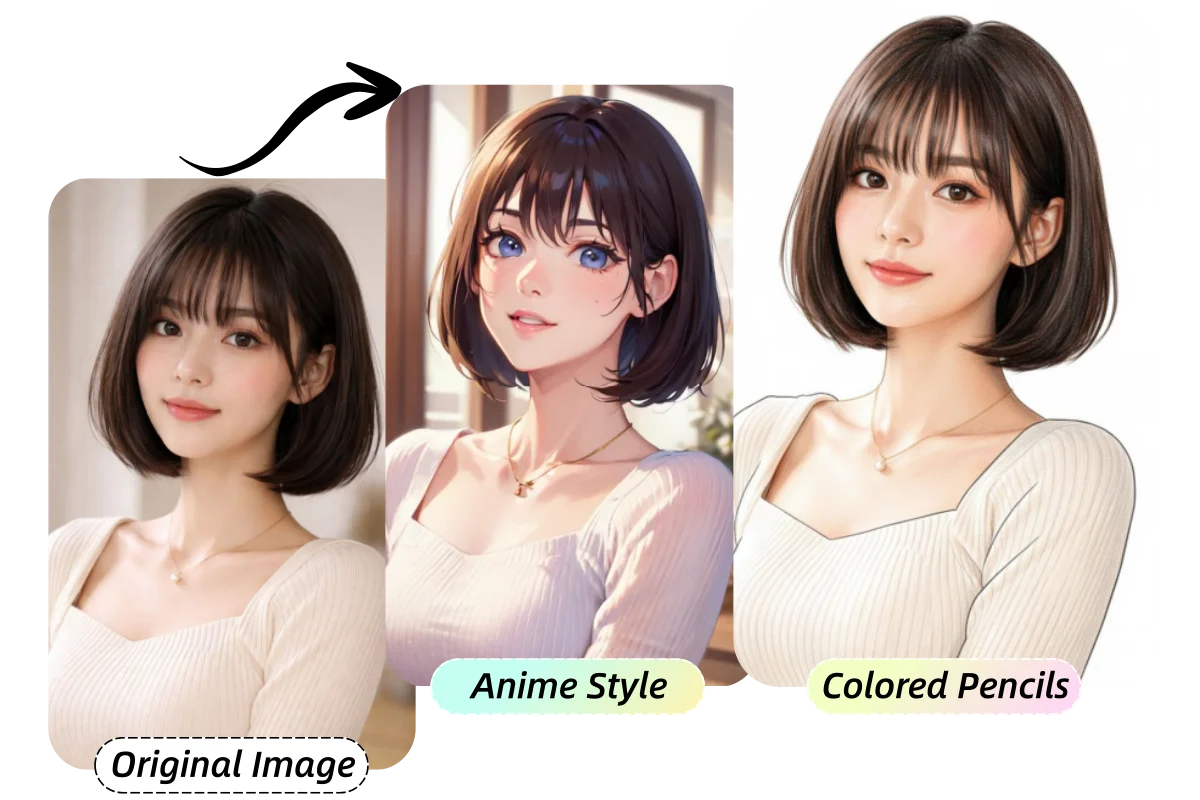
🔄 Works with Sketches, Illustrations, and Photos
Our AI adapts seamlessly to different input types, from line art to full illustrations or even real photos. Using sketch to color AI, you can transform almost any image into a stylized artwork, maintaining structure, color harmony, and creative expression. This flexibility makes it a powerful tool for varied creative projects.
✏️ Advanced Prompt Customization for Creative Freedom
Add custom instructions or refine existing style prompts to control atmosphere, background, lighting, and materials. With our sketch to image ai free system, you can guide the AI to produce exactly the look you envision, unlocking deeper creative possibilities while maintaining simplicity and speed. Perfect for both casual creators and professional artists.
How It Works
How to Transform Your Sketches into Images?
1.Upload Your Sketch
Upload your line art or rough draft. Even simple sketches can be transformed in seconds.
2.Choose Your Art Style
Select from 14 distinctive styles to define the final look of your image.
3.Download or Share Instantly
Download your high-quality, watermark-free image, or share directly to X, Ins, or FB.
Compare
Why ColorifyAI is the Ultimate Coloring Tool
Transform sketches into vibrant artwork in seconds. Free, watermark-free, with 3-click workflow and easy online sharing for creators.
ColorifyAI
Fast, effortless, and unlimited sketch to color tool for commercial-ready creative works.
-
Instant 3-Click Workflow
-
Commercial-Ready Quality
-
Rich Customization
-
Direct Sharing
Other AI Tools
Conventional AI coloring tools constrained by complex setups and longer wait times.
-
Complex Setup
-
Watermarked Output
-
Limited Styles
-
Manual Sharing
Traditional Software
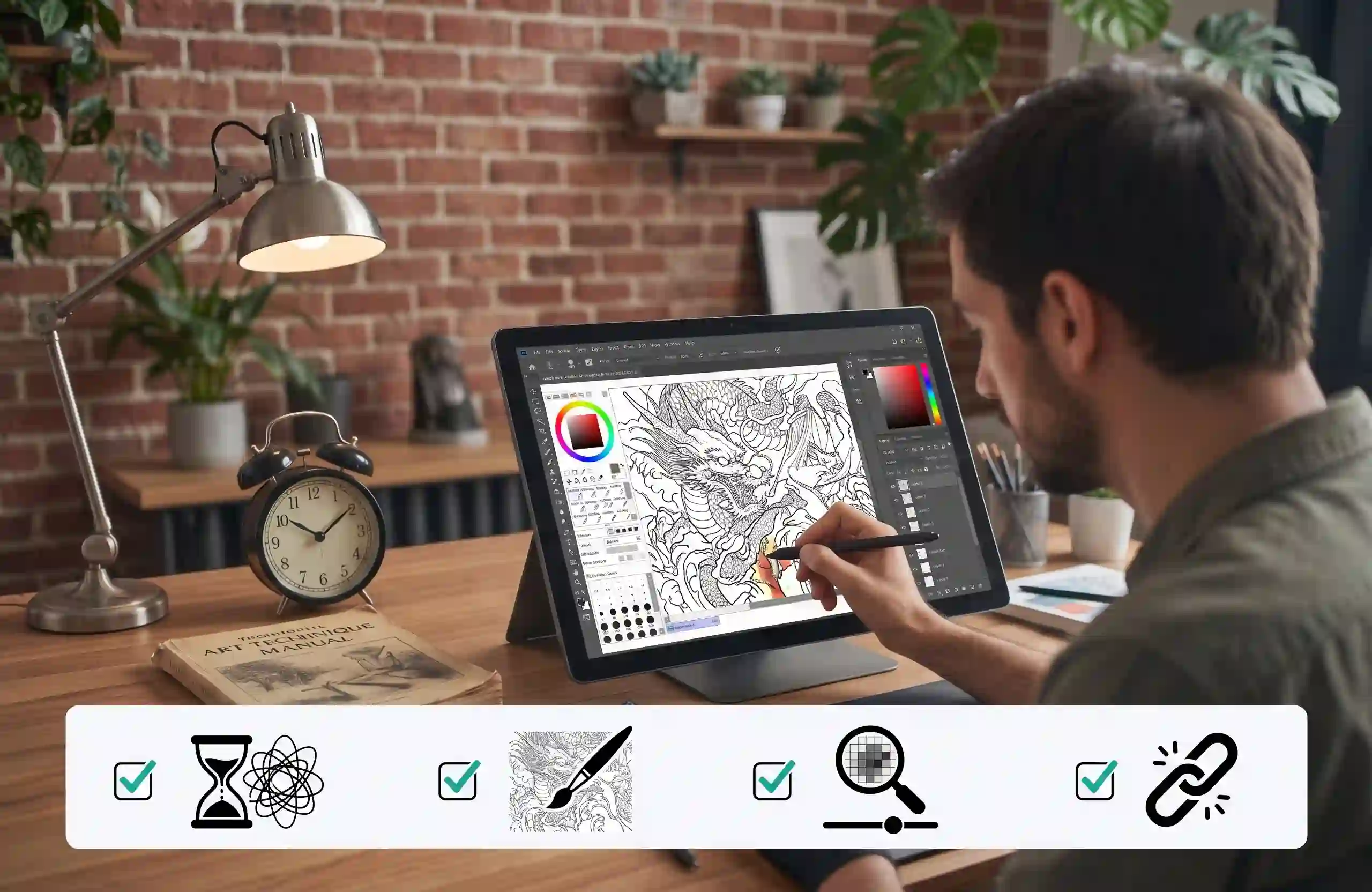
Standard design software requiring manual effort, technical mastery, and time.
-
Time-Consuming
-
Skill-Dependent
-
Manual Adjustments
-
Isolated Workflow
Turn Your Sketch into a Finished Image Now!
Turn simple sketches into detailed images with AI across 14 creative styles. No Watermark!
2M+ Happy Users
What People Say About Free AI Sketch to Image Converter?
Since the release of free AI sketch to image converter, it has received high praise from many users.
I used to spend a lot of time turning simple sketches into finished examples for my students. Now I can upload a rough drawing and see it transformed into a colorful image in seconds. It makes experimenting with new ideas much more fun.
FAQ
FAQs of Sketch to Image AI Free
Have questions? We’re here to help. Find answers to common questions below, or contact us by email if you need further assistance.
What is sketch to image AI?
It is a sketch to image AI generator based on an AI image generation model. As long as you upload a sketch, it can generate vivid images without requiring any experience or skills.
Is your sketch to image AI free?
Yes. You can start using our sketch to image generator with free credits, so you can try the tool without paying. If you need more generations, you can upgrade to get additional credits.
How long does it take to convert a drawing to an image?
Normally it takes up to 2 seconds. Of course, if your network condition is not good or there are many users, it may take 6 to 10 seconds.
Is my privacy and data security guaranteed?
Yes. We take your privacy seriously and use security measures to protect your uploaded images and personal information. Your uploaded content is kept private and is not publicly accessible. Guest uploads are automatically deleted within 24 hours, while logged-in users can delete individual generations from their account history.
Do I have full copyright to the generated images?
Of course, these are your ideas and creativity. Our sketch to color AI tool simply enhances and colors your concept, allowing it to quickly transform into a vivid image. Therefore, the copyright completely belongs to you.
Can I add a prompt to explain what I want my sketch to look like?
Yes. You can use the Custom Prompt section to add or modify instructions for your image. Describe the style, colors, details, mood, or other changes you want, and the AI will use your instructions along with your sketch to create a more customized result.
Can I keep the same composition when turning a sketch into an image?
Yes. The sketch helps guide the composition, including the placement, shapes, and overall structure of the main elements. For the most consistent results, use a clear sketch with the important elements positioned where you want them and avoid unnecessary changes in the prompt.
What if my sketch is messy or I’m not good at drawing?
That’s okay. You don’t need professional drawing skills to use our sketch to image tool. Even a rough outline or simple drawing can provide useful visual guidance. For better results, make sure the main subject and key shapes are easy to recognize, then let AI add the colors, details, and finishing touches.