
Convert Photo to Line Art for Free
Upload your photo, pick a style, and instantly turn it into a clean, high-quality line art drawing — perfect for coloring or creative use. Our tool is 100% free, watermark-free, and ready to give you detailed results in seconds.
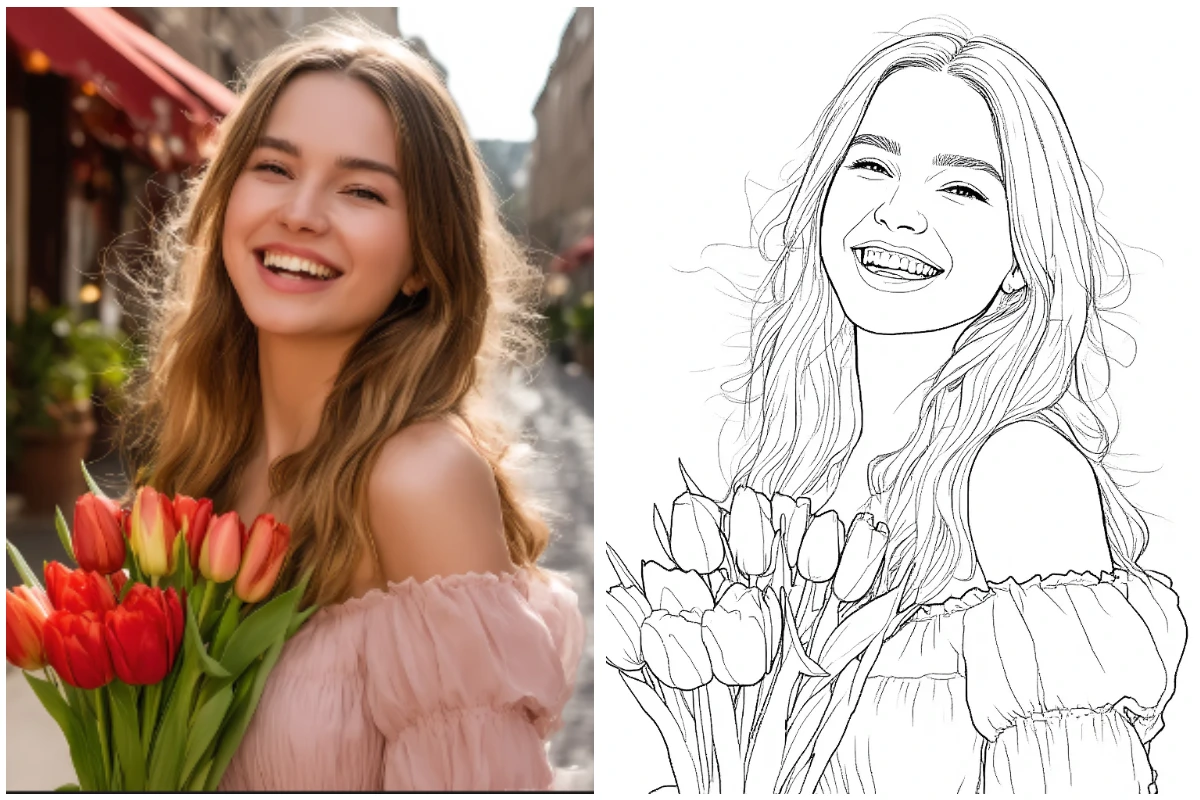
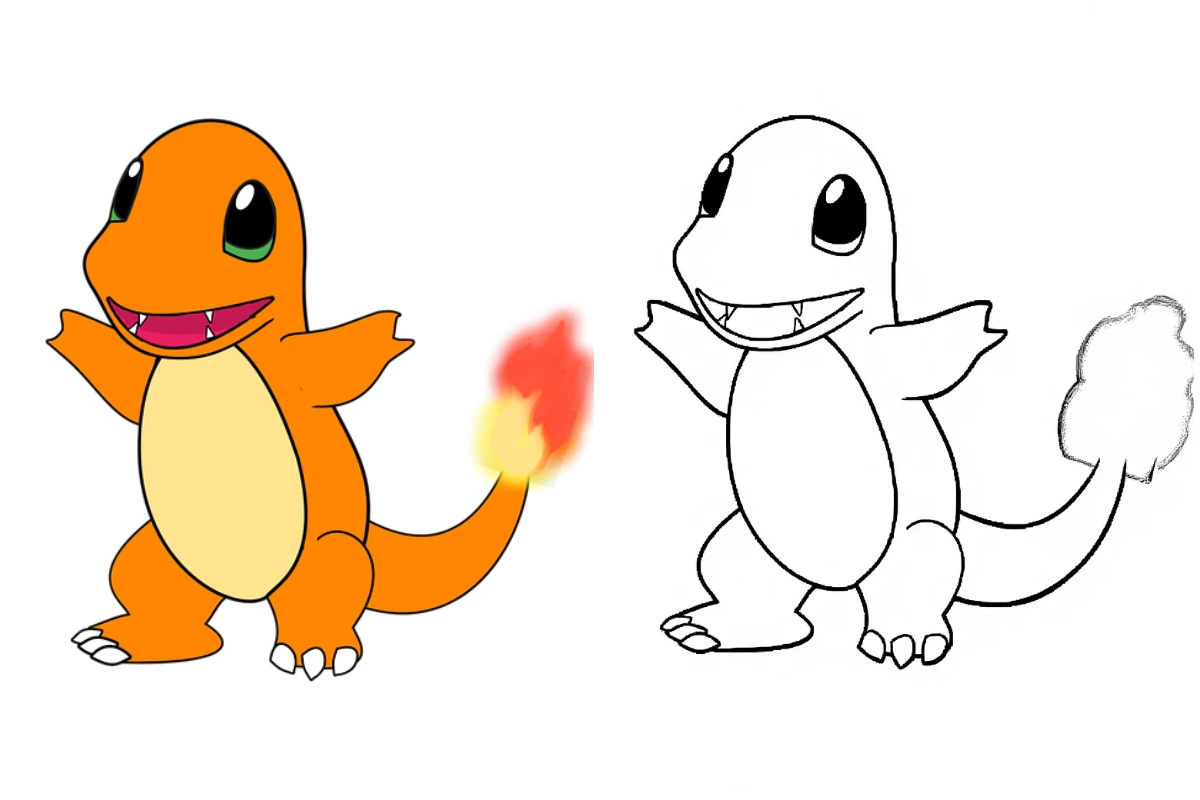
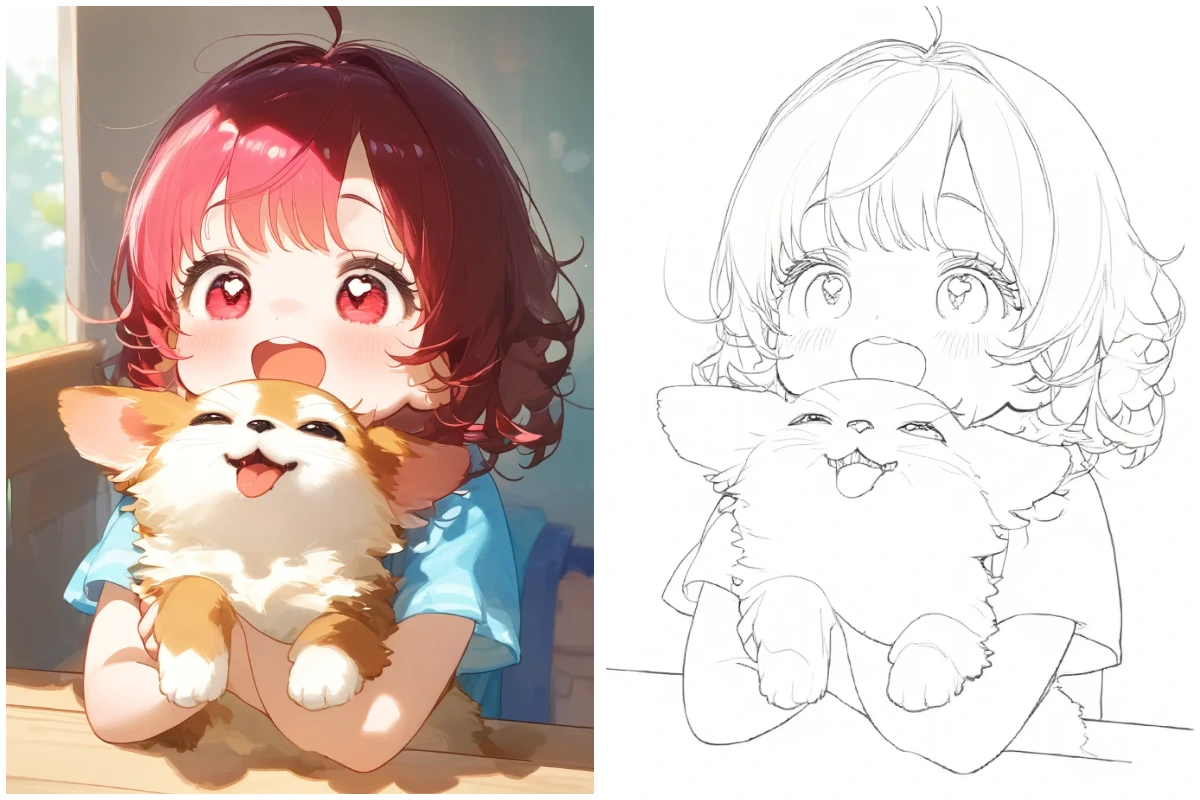
Demo
Turn Photo into Line Drawing Online
Upload a photo and instantly turn it into a clean line drawing — quick, easy, and fun!
Advanced Settings
Three Line Art Styles to Choose From
Our photo to line art converter allows you to turn any photo into three different line art styles, so you can choose the one that best fits your needs.
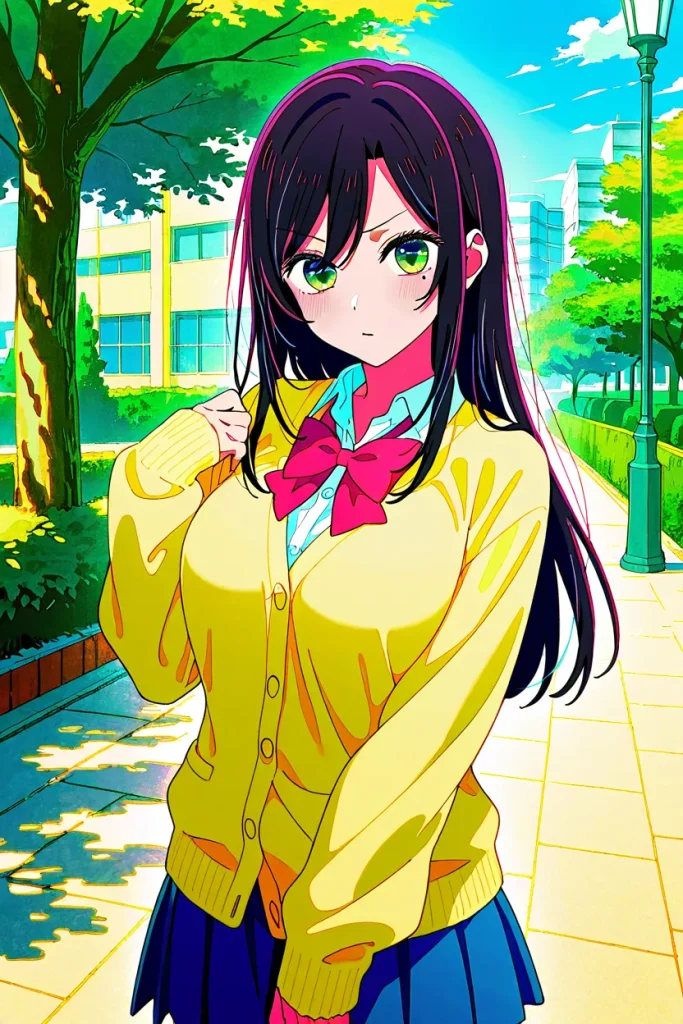
Original Image
This is the original image that need to be converted.
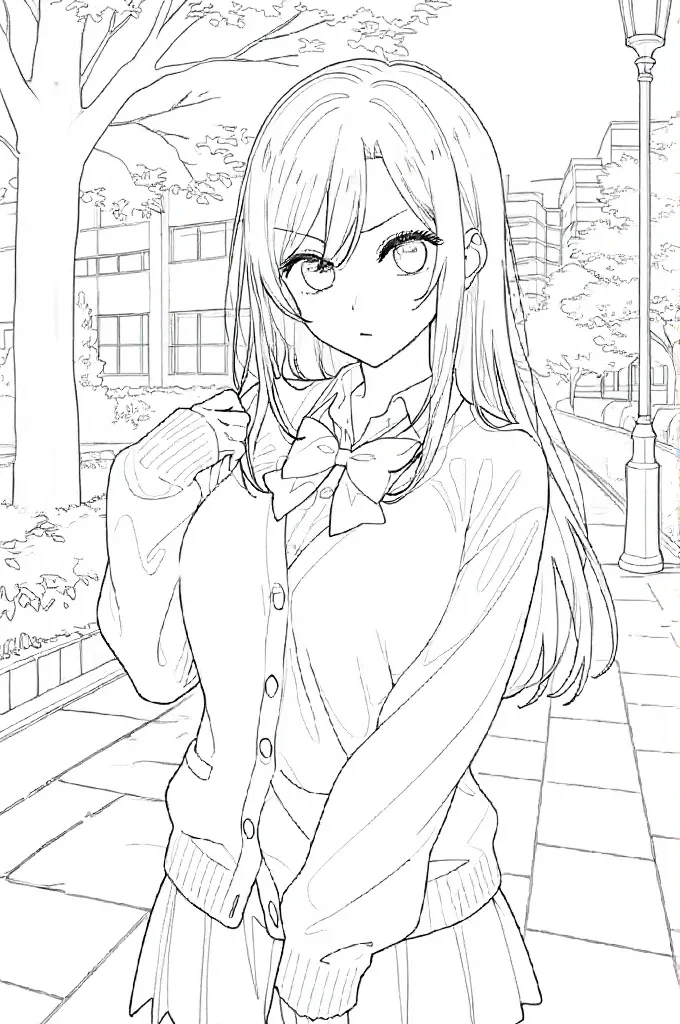
Full Line Art
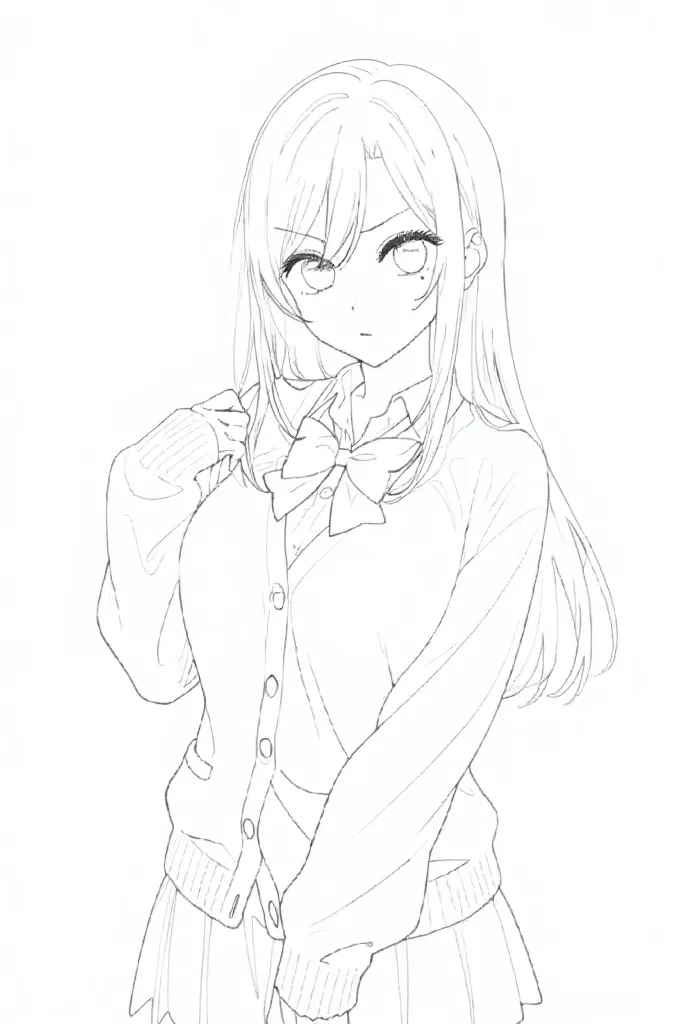
No BG Line Art
This type of line art removes all background lines, making the subject’s outlines stand out more prominently.
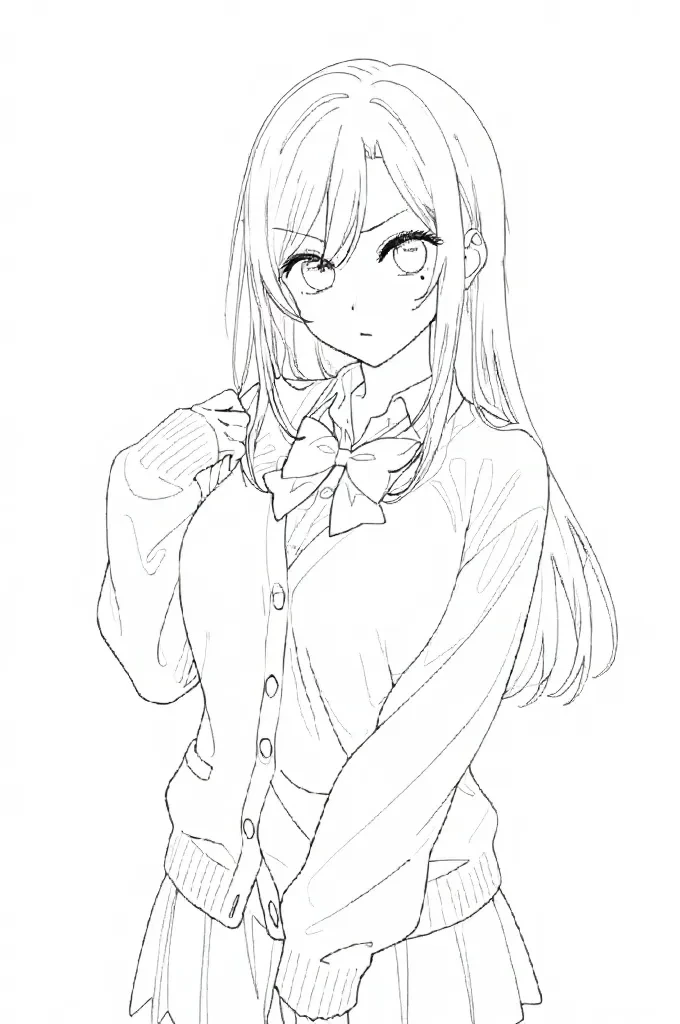
Highlight Subject
This type of sketch retains the background while emphasizing the main subject with bolder lines.
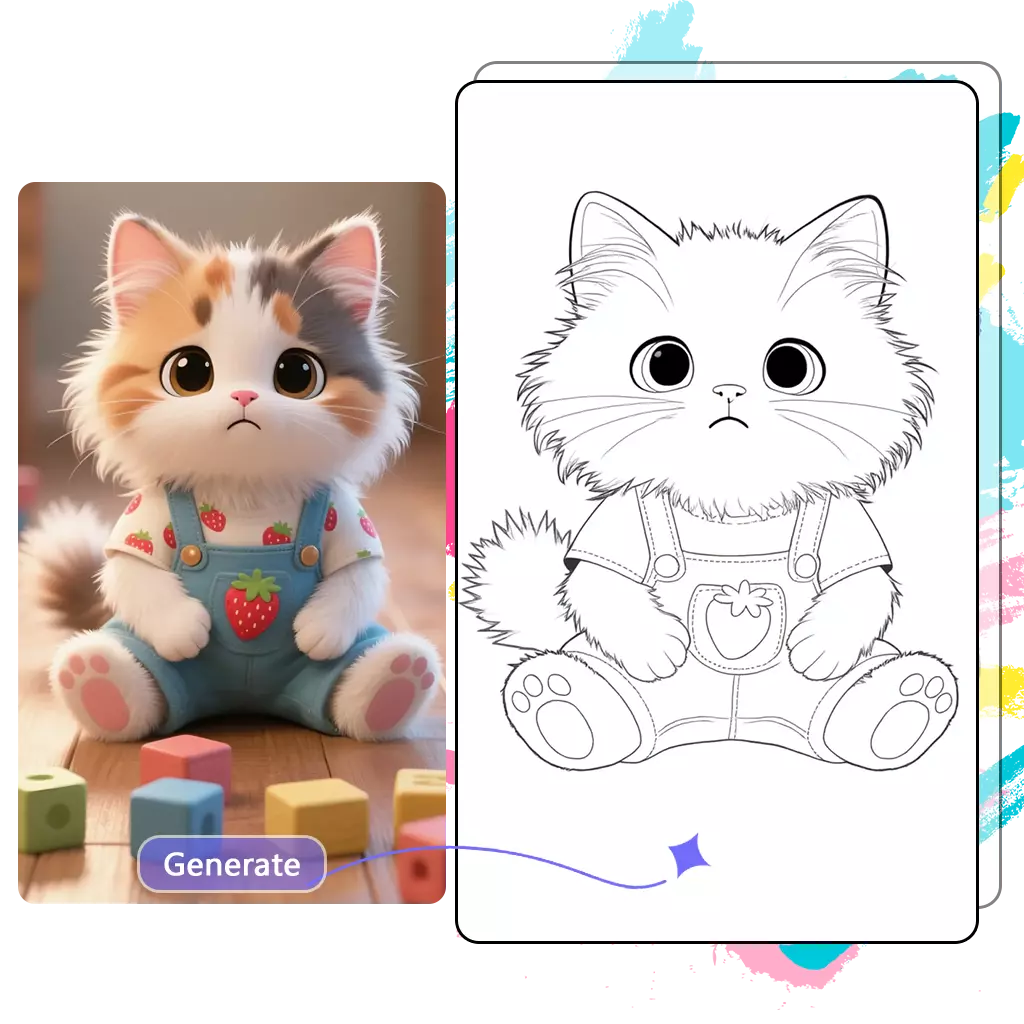
Tutorial
How to Turn photo into Line Drawing for Free?
-
1. Upload your photo Upload your photo in supported formats such as JPG, PNG, or WEBP to start converting your photo into line drawing.
-
2. Choose Line Art Style Select your preferred line art style to control how your photo will be transformed into a line drawing.
-
3. Generate and Download Click generate and our AI will convert your photo to line drawing in seconds. Download the final line art instantly.

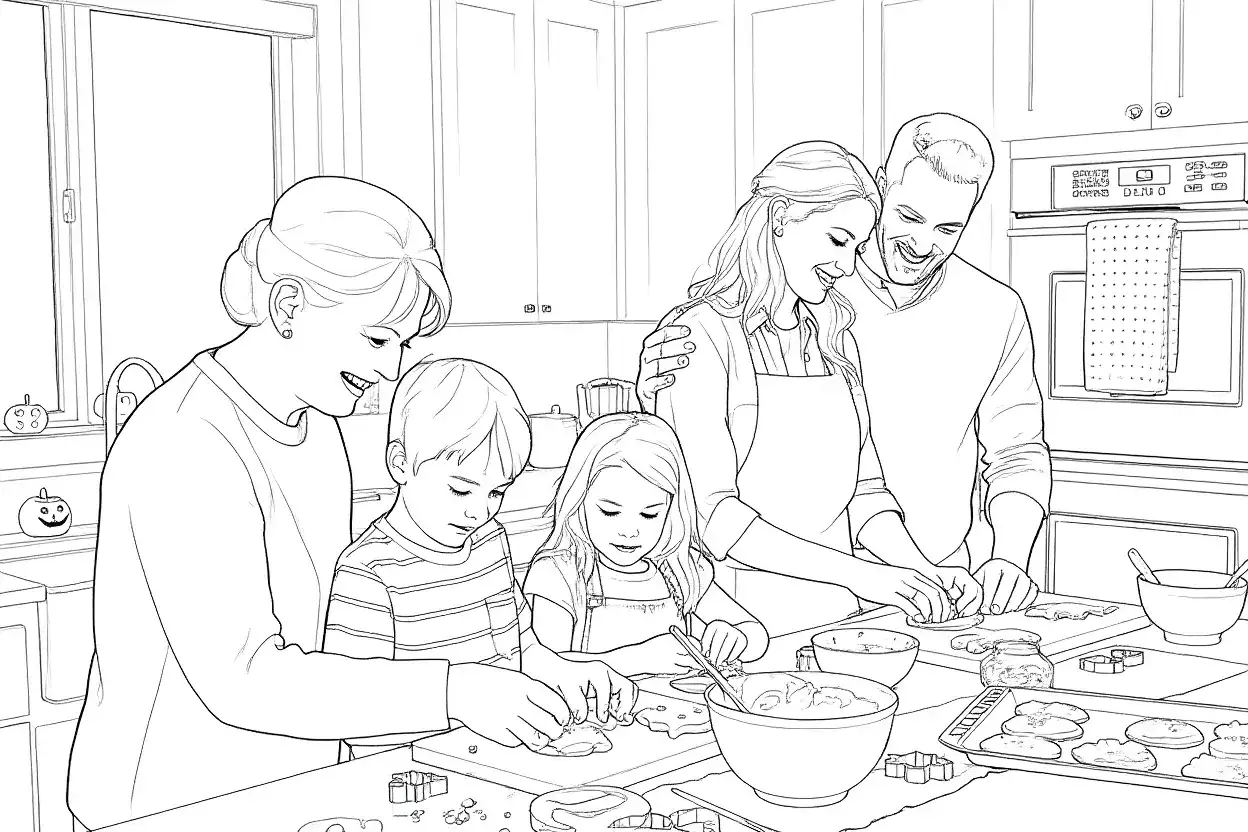
Turn Family Photos into Line Art Drawings
Convert meaningful family photos into clean line art drawings with our AI photo to line art converter. Simply upload portraits, group photos, or everyday family moments, and the tool will transform them into smooth line drawings while preserving important shapes and details.
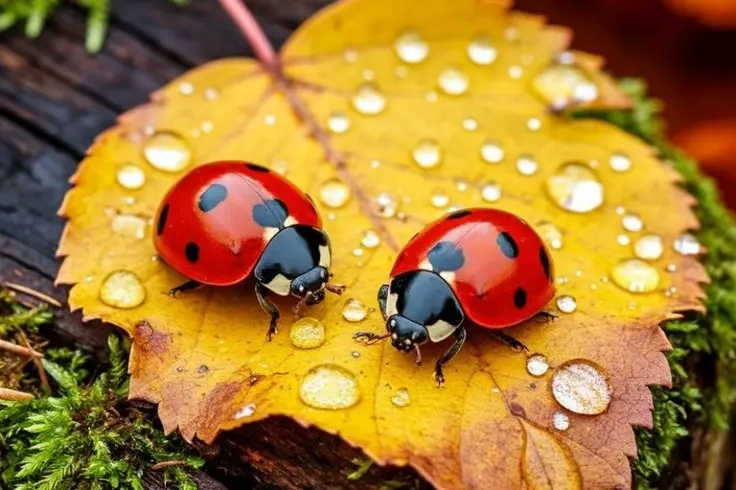
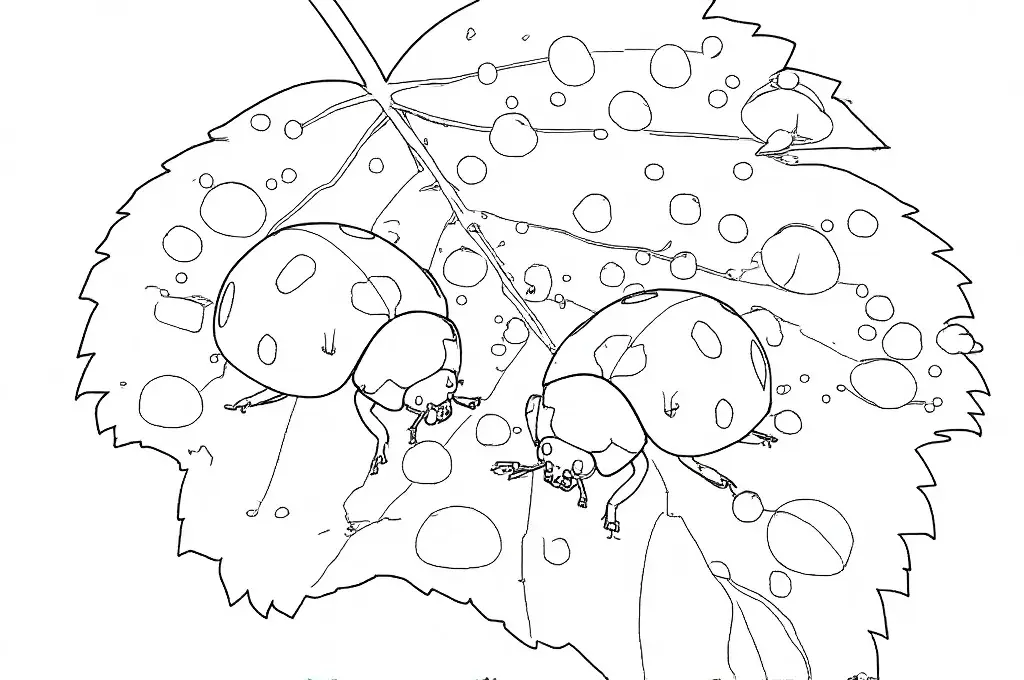
Convert Photos into Educational Line Drawings
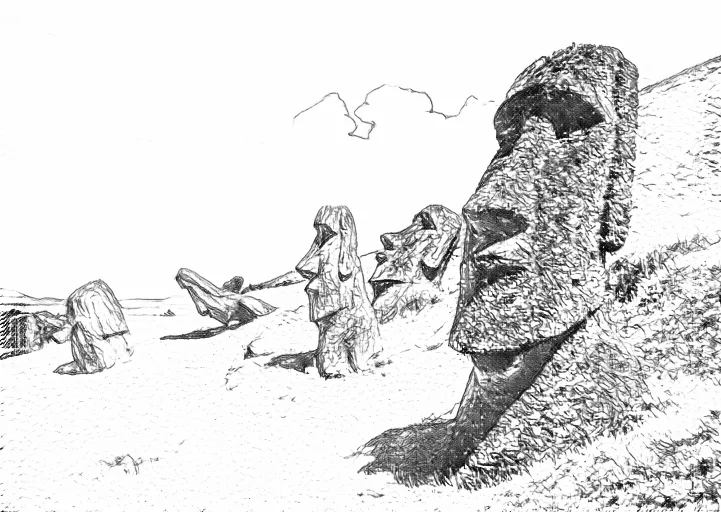
Teachers can use the photo to line drawing converter to transform photos of historical landmarks, animals, plants, or scientific objects into simple line art illustrations. These clear outlines help students focus on shapes and structures, making visual learning more engaging and easier to understand.
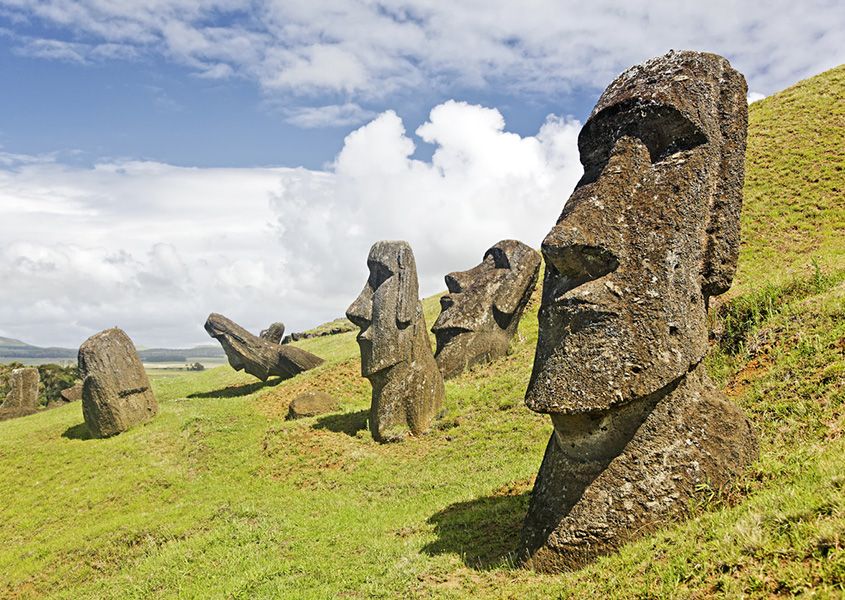
Transform Landscape Photos into Artistic Line Art
Convert landscape photos—such as mountains, forests, rivers, and city skylines—into elegant line art drawings. Our AI photo to line art converter preserves the structure of the scenery while simplifying it into clean outlines, creating a minimalist and artistic style.
Feature
Creative Ways to Turn Photos into Line Art
Instant Results
Turn Your Photo into Line Art in Seconds
Upload any photo and instantly convert it into a clean, high-quality line drawing with our AI photo to line art converter.
Advantage
What Makes Our AI Line Art Converter Stand Out?
Compared with other tools, our AI line art converter offers six key advantages that make it stand out.
| Feature | Our AI Line Art Converter | Other Tools |
|---|---|---|
| Free to Use | ✅ 100% free, no subscription required | ⚠️ Often requires paid plans or hidden costs |
| Line Art Styles | ✅ Offers three unique, selectable line art styles | ❌ Limited style options or fixed output |
| Detail Preservation | ✅ High-quality output that retains photo details | ⚠️ Often loses detail or produces blurry lines |
| AI Enhancement | ✅ Automatically smooths lines and removes noise | ❌ Requires manual cleanup or additional software |
| Speed | ✅ Generates line art in seconds | ⚠️ Slower due to manual processes or heavy software |
| Educational Use | ✅ Perfect for creating custom coloring pages for classrooms | ⚠️ Not optimized for educational scenarios |
⭐⭐⭐⭐⭐
Tried this photo to line art tool with my students today… honestly pretty impressed 😄 Uploaded a few photos of plants and animals and it turned them into really clean line drawings. Super easy to use, and the kids actually enjoyed looking at the outlines.
⭐⭐⭐⭐⭐
Was randomly searching for a photo to line drawing converter and found this. Gave it a shot with a couple images… and yeah, the lines came out surprisingly clean 👍 Definitely faster than tracing stuff myself lol.
⭐⭐⭐⭐⭐
Just tried turning some old family photos into line art… kinda love the look ✨ It gives photos that minimal sketch vibe, and it only takes a few seconds. Been playing with different pics all evening haha.
Help Center
FAQs About Photo to Line Art Converter
Still have questions? Check out these quick answers to your questions.
What is AI photo to line art converter?
An AI photo to line art converter is a tool that uses artificial intelligence to transform regular photos into clean, black-and-white line drawings. Instead of manually tracing images in design software, the AI automatically detects edges, shapes, and fine details to generate high-quality outlines in seconds. These line art conversions can be used for creative projects like digital artwork, custom illustrations, or printable coloring pages, making it a fast and accessible way to repurpose photos into new forms of visual art.
Can I download the line art image with no watermark?
Yes, you can download the line art image without any watermark.
How long does it take to convert my photo into line art?
It usually takes about 30 seconds to convert your photo into line art. Since our tool is free, there may be a short waiting time in the queue.
Is your AI image to line drawing tool free?
Yes, our AI image to line drawing tool is completely free.
Is your uploaded photo safe?
Your uploaded photos are completely safe — we do not store any images you upload.
Can I remove the photo background while converting?
Yes, you can remove the photo background while converting. Simply select the “No BG” style option, and the tool will generate a clean line art drawing without any background.
If I ran out of the daily quota, will it reset next day?
Yes, your daily quota will reset the next day at 00:00:00 UTC-0. Please note that the reset is based on the UTC-0 time zone, not your local time zone.