
Free AI Colorizer Online
Bring your images to life with our free AI image colorizer. Instantly colorize photos, sketches, manga, and coloring pages into vibrant, full-color masterpieces — powered by intelligent AI and free to start.
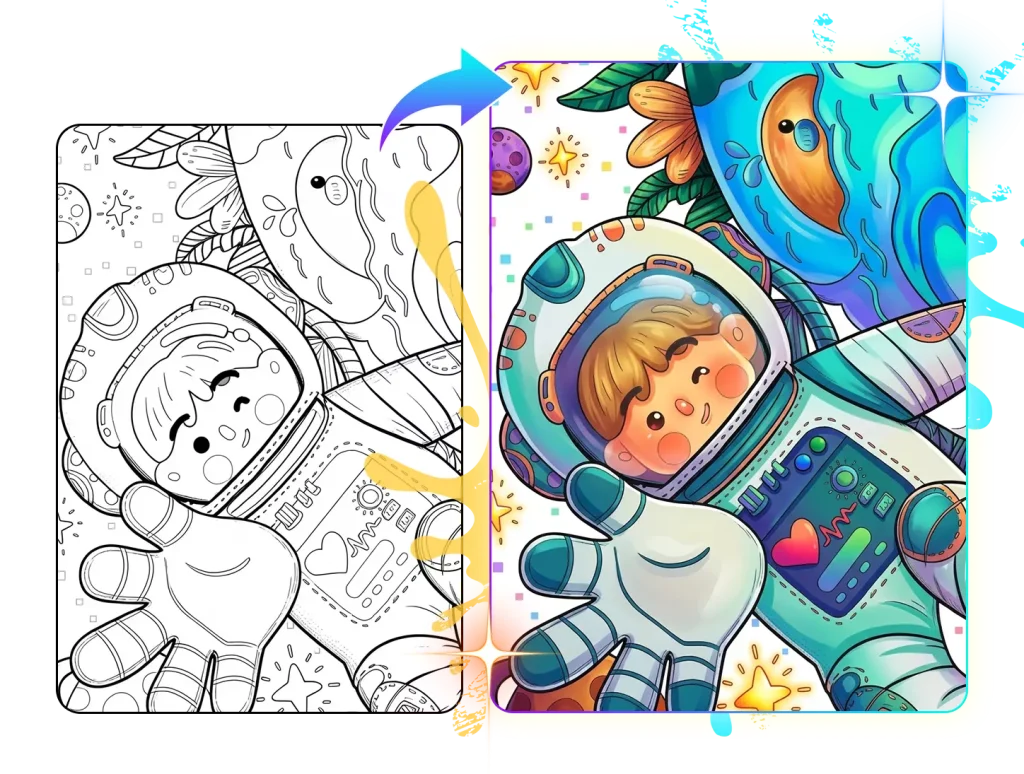
Colorize Your Images Online with Our Image Colorizer
Upload a black-and-white photo, sketch, or manga page and get vivid colors in seconds — free to use.
Use Cases
One AI Colorizer for Every Image
From vintage photos to blank manga pages, our AI image colorizer adapts to any image and delivers natural, vivid colors in seconds.


AI Coloring Page Colorizer
Fill black-and-white coloring pages with vibrant colors in seconds — perfect for previewing finished art.
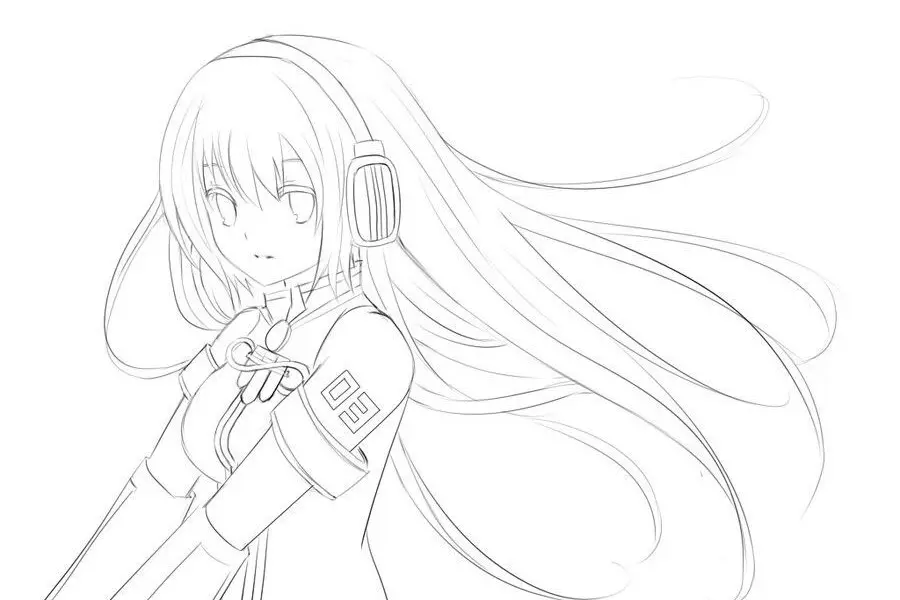
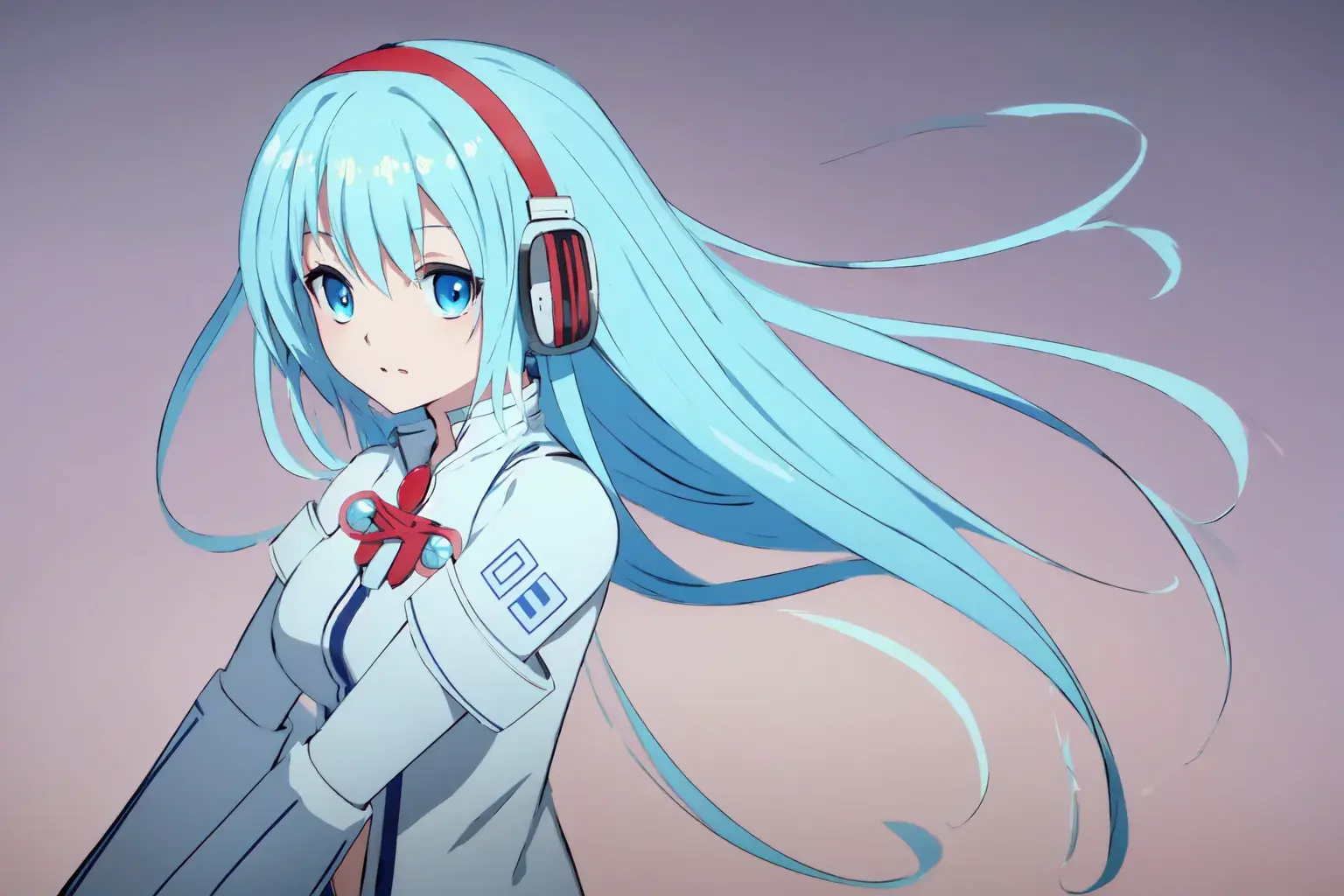
AI Sketch Colorizer
Transform your pencil or digital sketches into full-color illustrations effortlessly. The AI automatically detects lines, shading, and depth to apply natural, vibrant tones.


AI Photo Colorizer
Revive your old black-and-white photos with lifelike, realistic colors. Perfect for restoring memories and giving classic images a fresh new look.
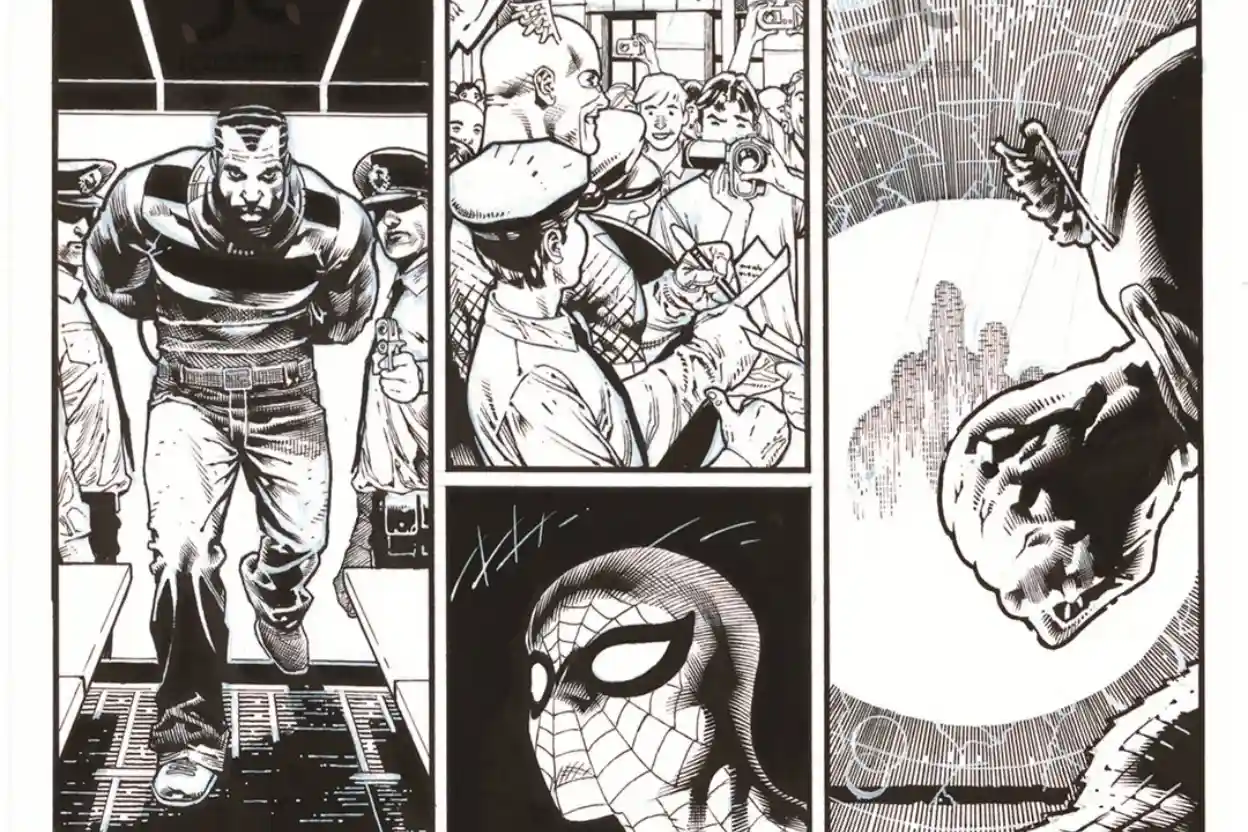
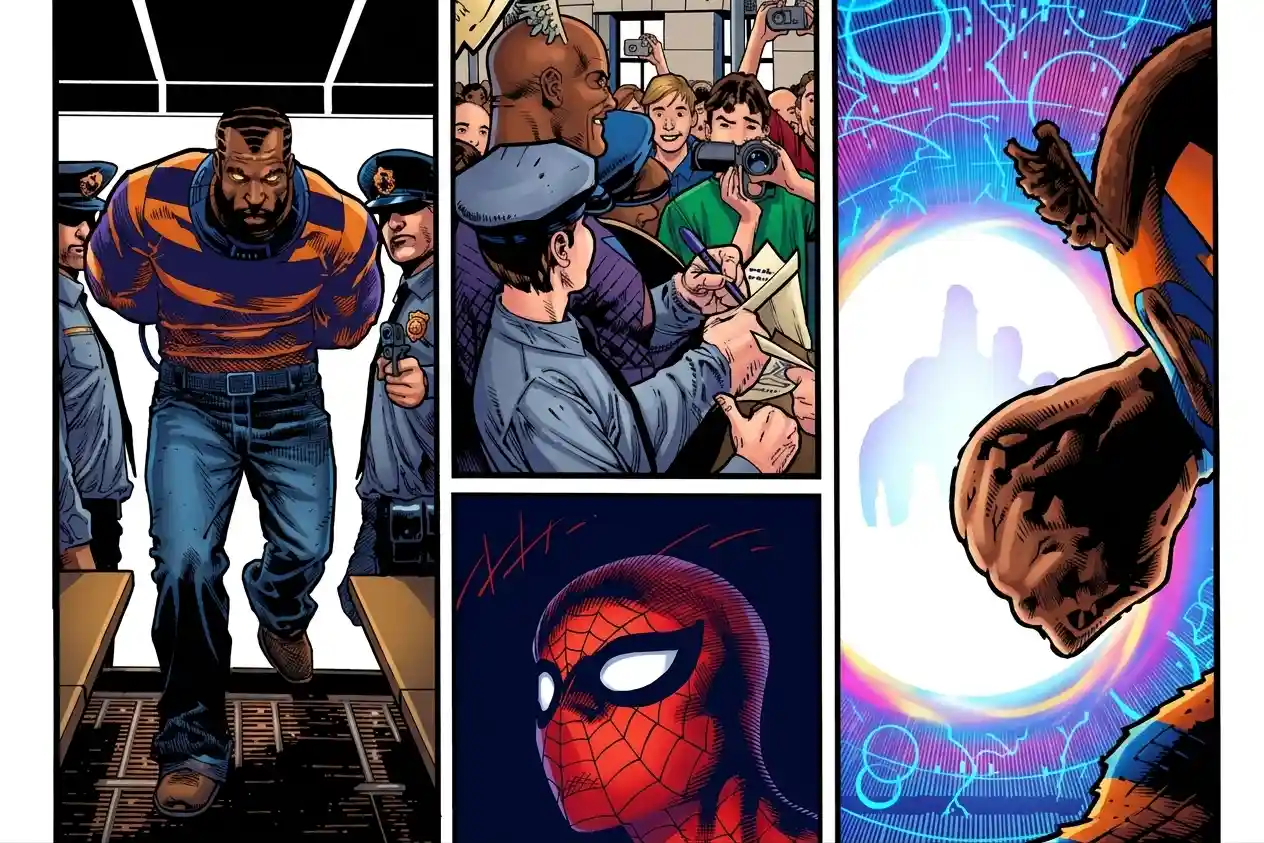
AI Manga Colorizer
Add vivid colors to classic manga pages while preserving the original line art. The AI recognizes characters, backgrounds, and shading to match each scene's mood.
Features
Why Choose Our Free AI Image Colorizer
Colorization is just the start. Our AI colorizer combines 14 artistic styles, crisp 4K output, and intelligent detail detection, so every image — from family photos to manga pages — comes out looking natural and polished.
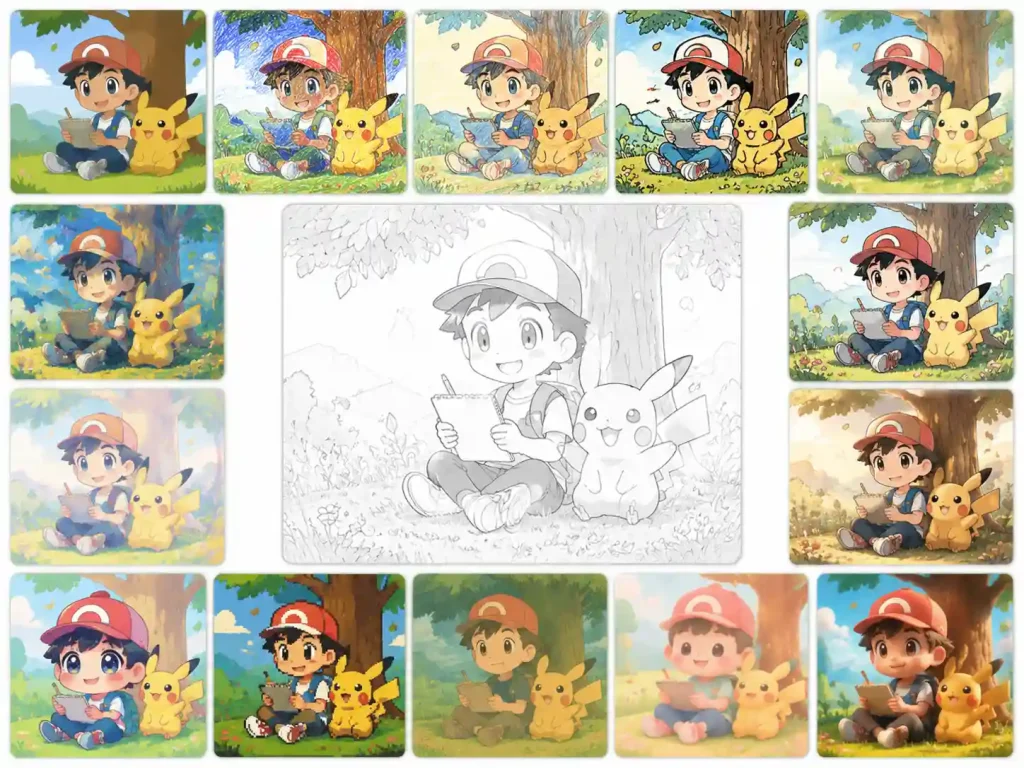
14 Art Styles for Every Creative Direction
Choose from 14 color styles to explore different visual directions, from natural and realistic tones to vintage, pastel, vivid, and artistic looks. The image colorizer adapts the selected style to the image while considering objects, lighting, shading, and the original composition for a more cohesive result.
Crystal-Clear Output in Resolutions up to 4K
Generate detailed, high-resolution results with output support up to 4K. The colorization process preserves important edges, textures, facial details, and other fine elements, so the image colorizer can produce clear results even when the original image contains complex details or needs to be viewed at a larger size.
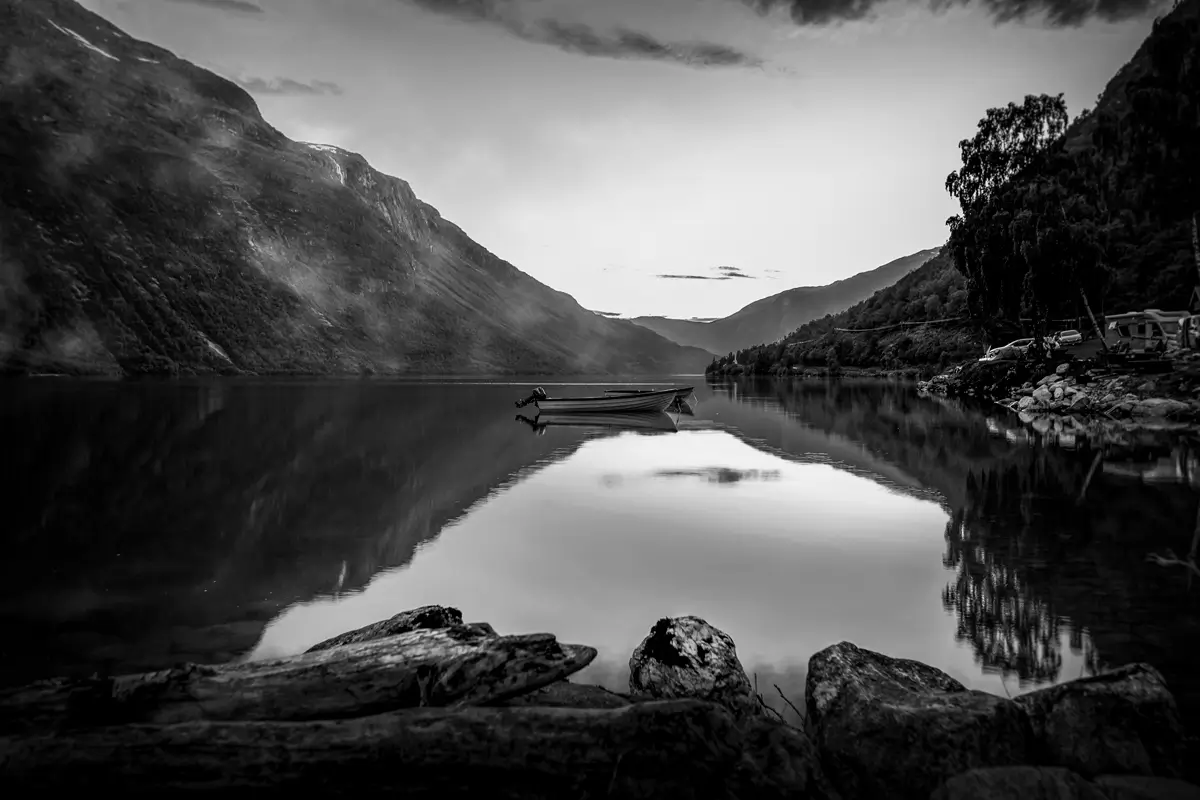
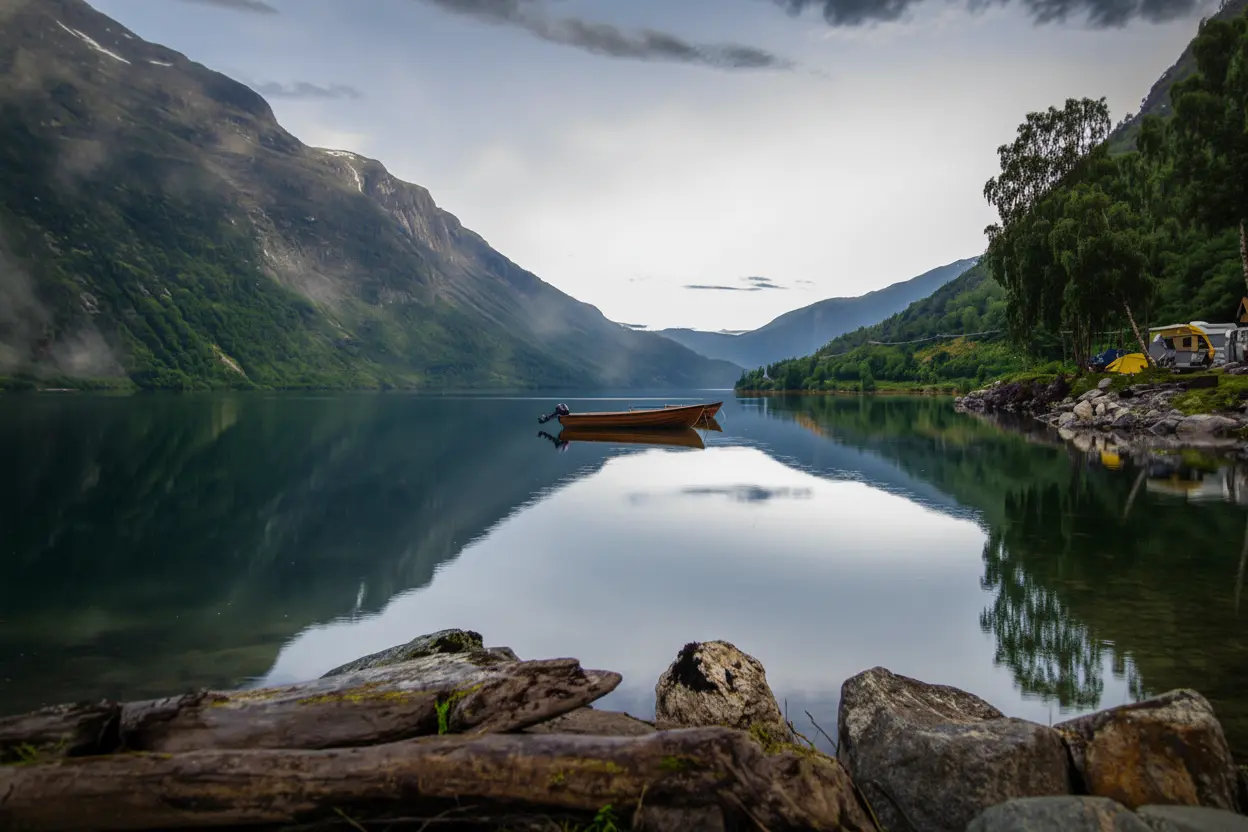
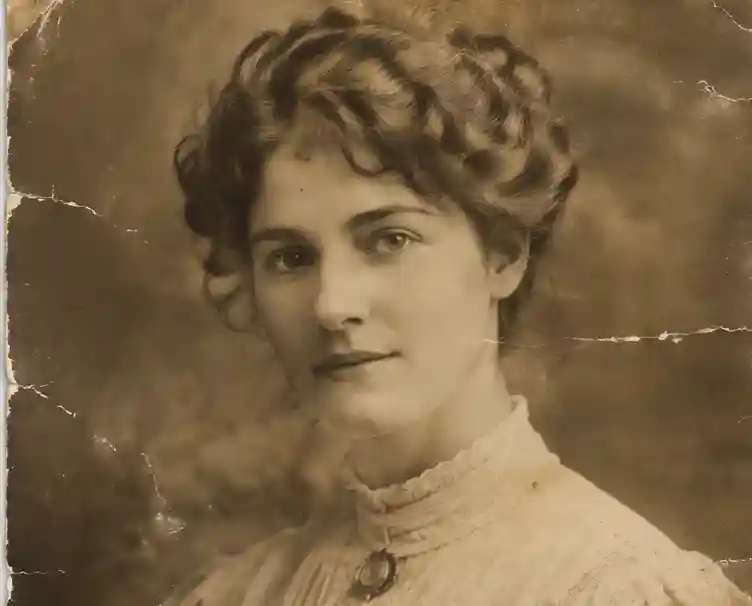
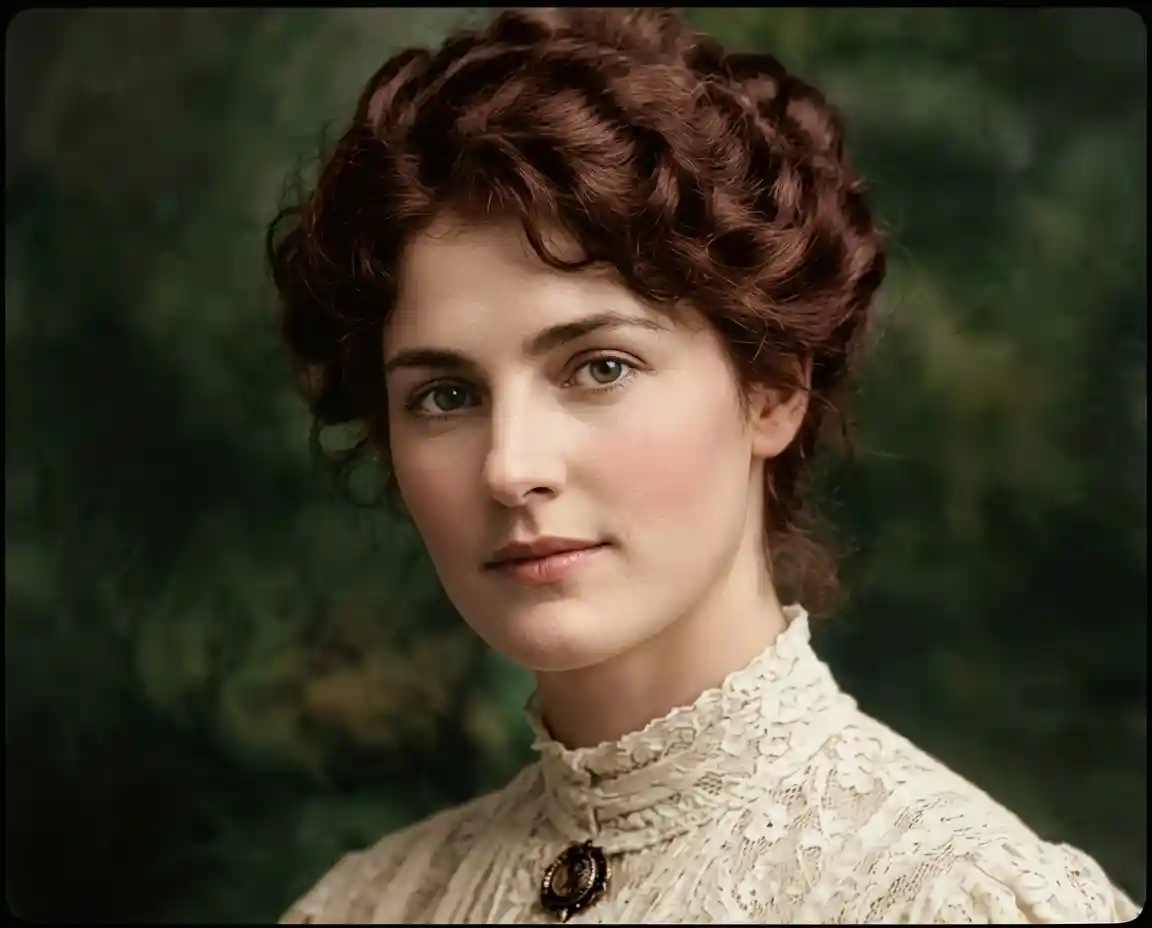
Natural Colorization for Photos and Old Images
Bring color back to black-and-white and faded photographs while keeping the original details and visual character intact. The photo colorizer analyzes subjects, textures, lighting, and surrounding elements to create natural-looking tones, making it suitable for colorize old photos, vintage pictures, family photographs, and other monochrome images.
Tutorial
How to Use the Free AI Colorizer?
With just three simple steps, you can add vibrant colors to coloring pages, black-and-white photos, hand-drawn sketches, and other types of images.
-
1. Upload your photo We support automatic colorization for many types of photos and multiple image file formats.
-
2. Choose an Style Choose a color style you like — different palette options will give your colorized image unique tones and textures.
-
3. Click 'generate' and download Wait a few seconds then you will get the colored AI art.
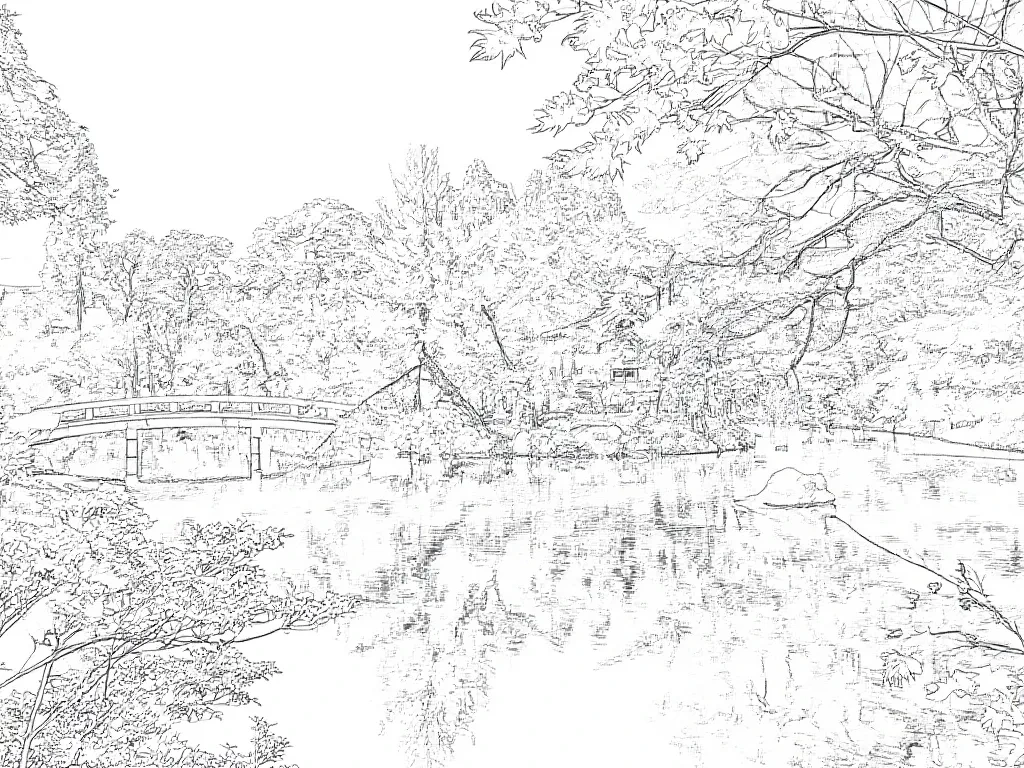
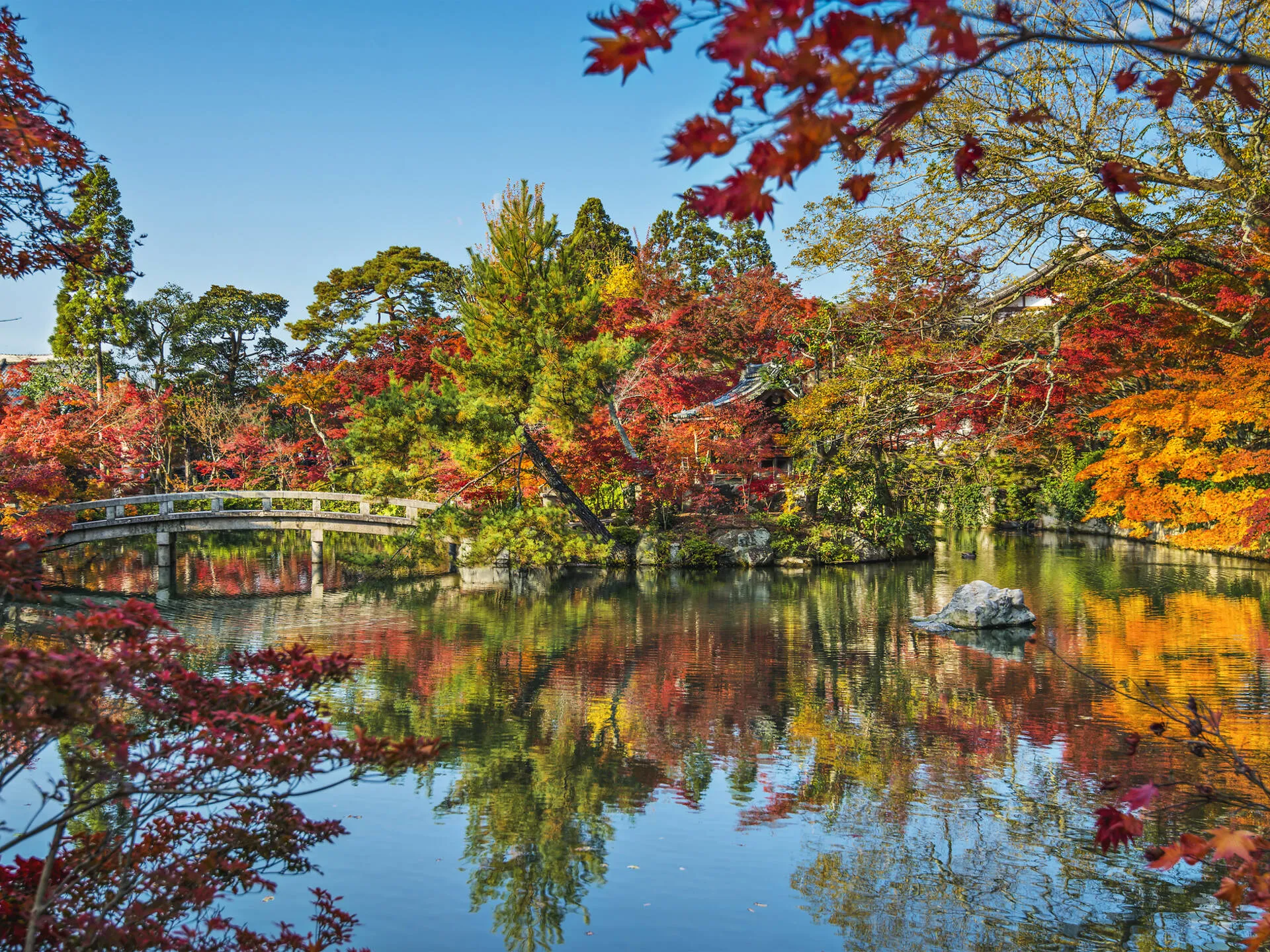
Ready to colorize your photos in full color?
Join thousands of creators who use our AI colorizer every day to restore old photos, finish sketches, and bring manga to life — sign in free and start creating.
Help Center
FAQs About AI Colorizer
Still have questions? Check out these quick answers to your questions.
What is an AI Colorizer?
An AI Colorizer is an intelligent tool that automatically adds realistic and vibrant colors to black-and-white images, sketches, or manga using artificial intelligence. It analyzes the structure, shading, and context of your image to generate natural color tones, helping you restore old photos, enhance line art, or visualize creative concepts in full color with just one click.
What can I do with the AI colorizer?
You can do a lot with the AI Colorizer — it’s more than just adding color. Here are several ways you can use it:
Restore old black-and-white photos – Bring vintage portraits, family albums, or historical images back to life with realistic and warm tones.
Enhance sketches and line art – Instantly colorize your hand-drawn or digital sketches to visualize finished artwork without manual coloring.
Add color to manga and comics – Transform classic black-and-white manga panels into full-color pages while preserving the original style and linework.
Preview coloring pages – Use it as a quick reference to see how a coloring page might look when finished, great for kids, educators, or designers.
Create artistic effects – Experiment with different styles such as vintage, soft pastel, vivid, or anime-inspired looks.
Speed up creative workflows – Artists and content creators can test color compositions, mood variations, and lighting ideas in seconds.
Design printable materials – Teachers and hobbyists can quickly generate color versions of illustrations for classroom or DIY projects.
In short, the Image Colorizer helps you save time, enhance creativity, and turn any black-and-white image into a vivid masterpiece effortlessly.
How long does it takes to colorize one photo?
It usually takes about 30 seconds to add color for one image. Since our tool is free, there may be a short waiting time in the queue.
Is my uploaded photo privacy?
Your uploaded photos are completely safe — we do not store any images you upload.
Is your AI colorizer free to use?
Yes, our Image Colorizer is currently free to use. You can upload your images and enjoy fast, high-quality colorization without any cost. However, some advanced options—such as premium styles or enhanced detail settings—have limited free uses per day. The first two colorization models are completely free and available for everyone to try without restrictions.
What happens if I run out of free credits?
Once your free credits are used up, you can continue colorizing images by upgrading to one of our paid plans: Basic, Pro, or Plus. Each plan offers a different number of credits along with extra features, so you can pick the one that matches how often you plan to use the tool. Simply log in to your account, head to the upgrade page, and choose a plan to keep creating without interruption.