
Top 6 Name Coloring Page Generators: A Comprehensive Review
Creating personalized coloring pages is a simple way to turn a name into something more creative and engaging. Instead of using a generic coloring sheet, name coloring pages can combine a person’s name with flowers, animals, fantasy scenes, cartoon-inspired elements, or other themes.
But not every name coloring page generator offers the same level of customization, image quality, or ease of use. Some focus on ready-made templates, while others give you more control through prompts. File formats, watermarks, free usage, and printing quality can also make a big difference.
To make the choice easier, we compared six popular tools: Colorify AI, MagicTellers, AI Coloring, MyColoring AI, ColorBliss, and NightCafe. To ensure fair comparisons, we tested all six name coloring page generators in August 2026 using the same name “Emma” in free version, evaluating customization, output quality, watermark policy, and free-tier access.
Quick Comparison of the 6 Name Coloring Page Generators
| Tool | Best For | Customization | Formats | Watermark | Free Access |
|---|---|---|---|---|---|
| Colorify AI | Overall customization | ⭐⭐⭐⭐⭐ | PNG | No | Free credits |
| MagicTellers | Background customization | ⭐⭐⭐⭐ | PNG PDF | Yes | Limited |
| iColoring AI | Free & simple generation | ⭐⭐⭐ | PNG PDF | No | Yes |
| MyColoring AI | Multiple generations | ⭐⭐⭐⭐ | PNG | No | Limited |
| ColorBliss | SVG export | ⭐⭐⭐ | PNG PDF SVG | Yes | Limited |
| NightCafe | Prompt-based generation | ⭐⭐⭐⭐ | PNG | Yes* | Free credits |
Watermark and free-access conditions may vary depending on the account or generation settings.
The table gives a quick overview, but these ratings do not tell the whole story. The actual differences become clearer when we look at each tool’s templates, customization workflow, output quality, and limitations in more detail.
What Makes a Good Name Coloring Page Generator?
1. Name and Font Integration
The name is the most important part of a personalized coloring page. A good generator should make the text feel naturally connected to the illustration rather than looking like an extra label added afterward.
Font style, placement, size, and the relationship between the text and background all affect the final result.
2. Background and Template Variety
Different users want different themes. One person may want a floral name coloring page, while another may prefer dinosaurs, animals, fantasy scenes, or simple geometric patterns.
More templates and background options give users more ways to personalize their designs.
3. Customization Options
4. Print Quality
5. File Formats and Watermarks
The 6 Best Name Coloring Page Generators Compared
1. Colorify AI — Best Overall for Easy Customization
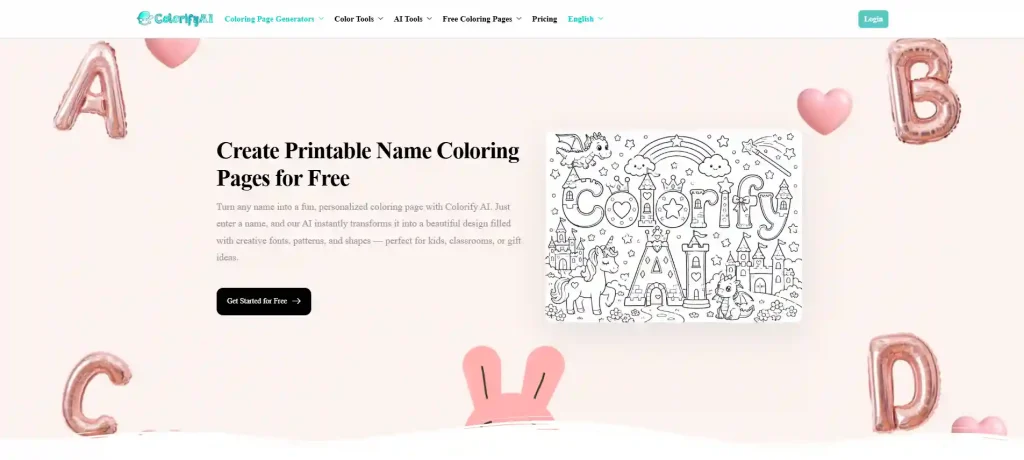
Colorify AI name coloring page generator is a strong choice for users who want to create personalized name coloring pages without dealing with a complicated workflow.
One of its biggest advantages is the combination of clear operation and a relatively broad selection of styles and templates. Instead of starting with a completely blank canvas, users can choose a suitable direction and then customize the result.
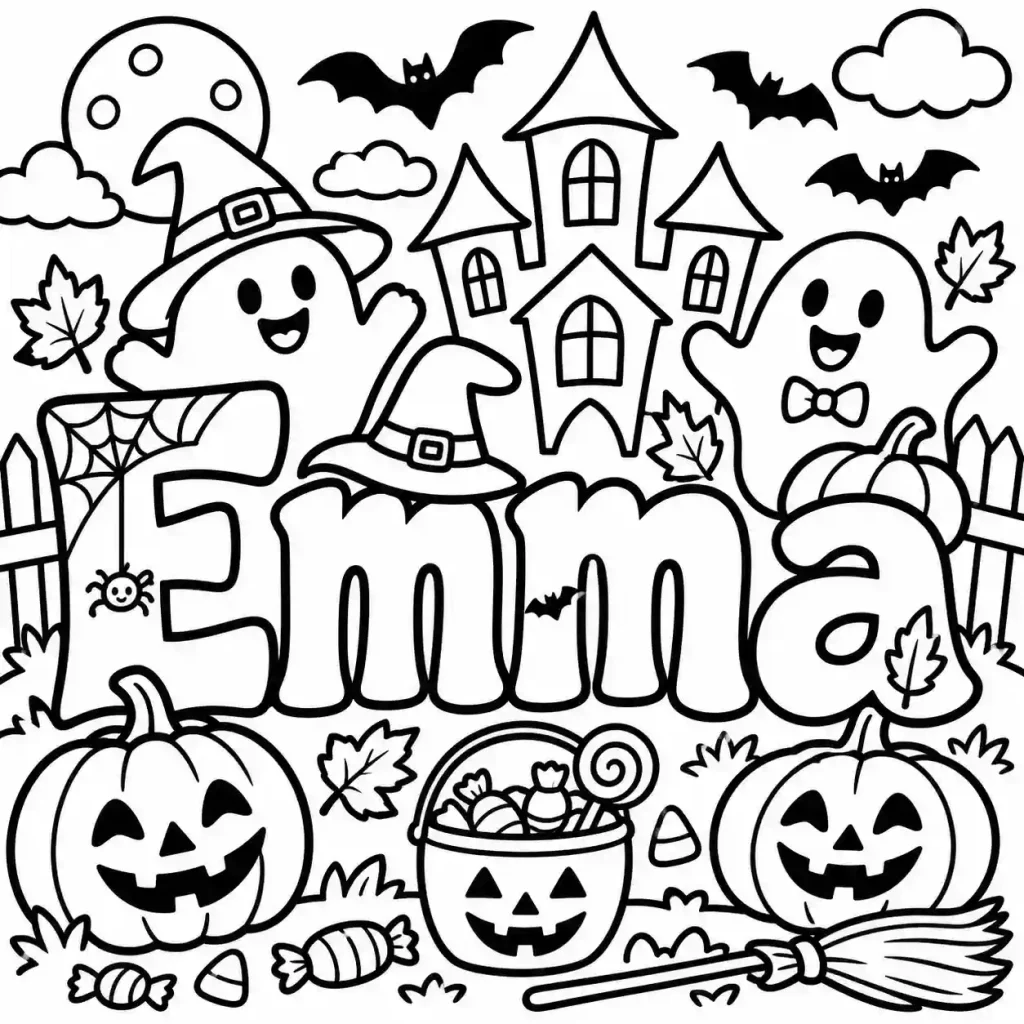
The name also integrates naturally into the surrounding background. This is particularly useful for personalized designs because the text does not simply look like it was placed on top of an unrelated coloring page.
Another useful feature is prompt-based background customization. If the available templates do not quite match what you have in mind, you can describe the background you want and generate a more specific design.
The generated images also do not include a watermark, which is convenient when the goal is to print or share the finished name coloring page.
✅️Pros
● Clear and beginner-friendly workflow
● Variety of styles and templates
● Name and font can work naturally with the background
● Prompt-based background customization
● No watermark
❌️Cons
● No preview before generation
● Free generation availability is limited
Best for: Users who want an easy-to-use name coloring page generator with flexible design options.
2. MagicTellers — Best for Background Selection
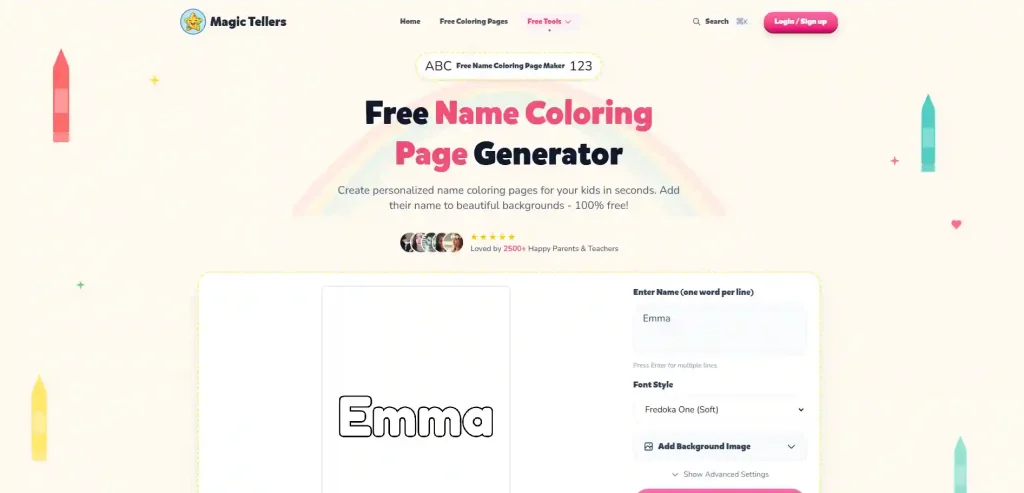
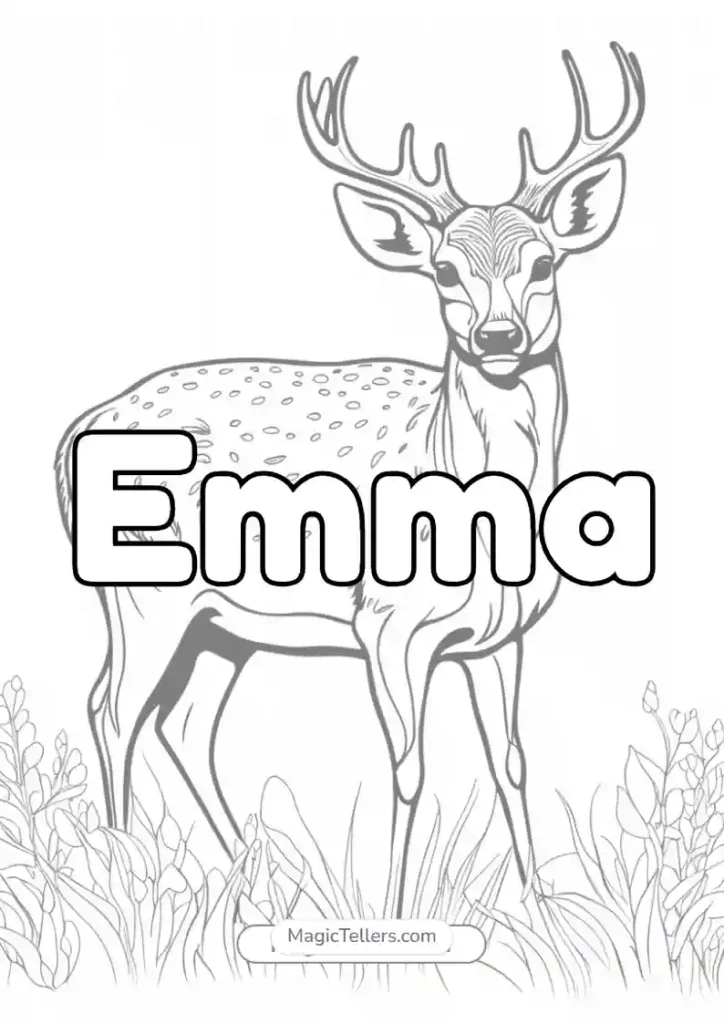
MagicTellers takes a more background-focused approach to personalized coloring pages.
One of its strongest features is the large selection of background styles. Users can search for backgrounds instead of having to browse through everything manually. Background line depth and size can also be adjusted, giving users more control over how detailed the final coloring page looks.
It supports both PNG and PDF output, which is useful when the final goal is printing.
However, the workflow becomes more complicated after the initial free use. New users may find the navigation less intuitive, particularly after logging in. Horizontal backgrounds can also feel less well adapted to the overall layout.
Another drawback is the watermark on generated results.
✅️Pros
● Many background styles
● Backgrounds can be searched
● Adjustable line depth and size
● PNG and PDF output
❌️Cons
● Horizontal backgrounds are not always well adapted
● Workflow becomes more complicated after logging in
● Less beginner-friendly
● Watermark included
Best for: Users who care most about selecting and adjusting the background of their name coloring pages.
3. IColoring — Best for Completely Free Use
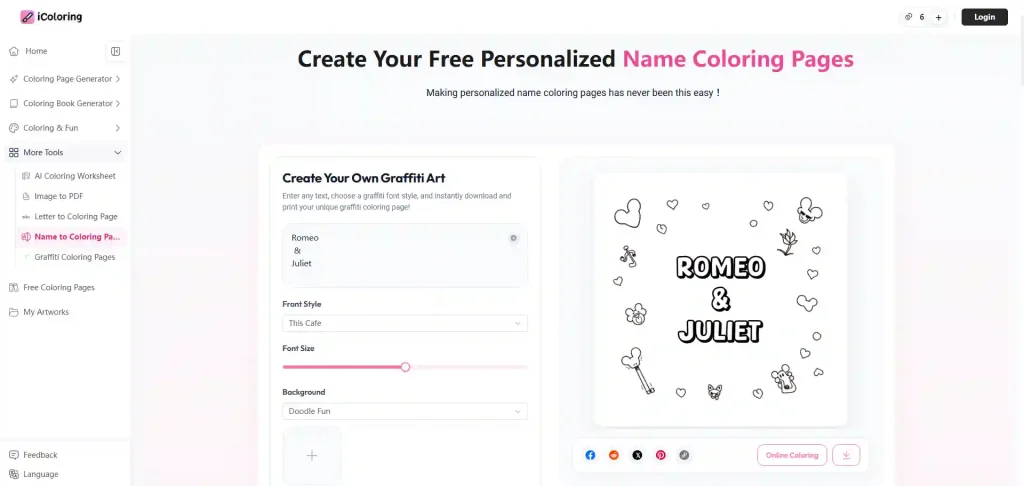
IColoring is worth considering if free access is your top priority.
The tool allows the background and text to be adjusted separately, which provides a useful degree of control. Users can also upload their own background rather than relying entirely on the built-in options.
It supports two output formats and does not add a watermark, making it attractive for users who simply want to create free name coloring pages without dealing with many restrictions.
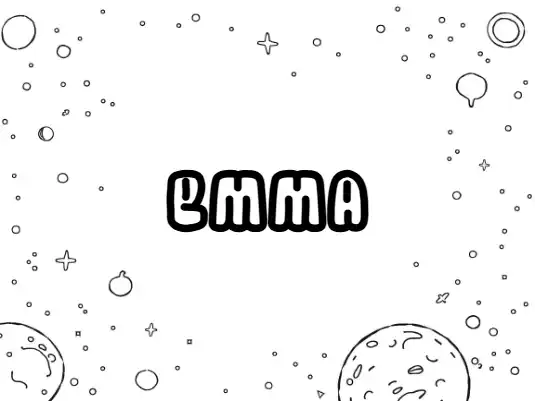
The trade-off is visual quality. Compared with some of the other tools in this comparison, the templates are relatively basic and the output is not particularly high-resolution.
✅️Pros
● Free to use
● No watermark
● Background and text can be adjusted separately
● Custom backgrounds can be uploaded
● Supports two formats
❌️Cons
● Image quality is not the strongest
● Template selection is relatively basic
Best for: Users looking for a simple and free way to create name coloring pages.
4. MyColoring AI — Best for Multiple Designs
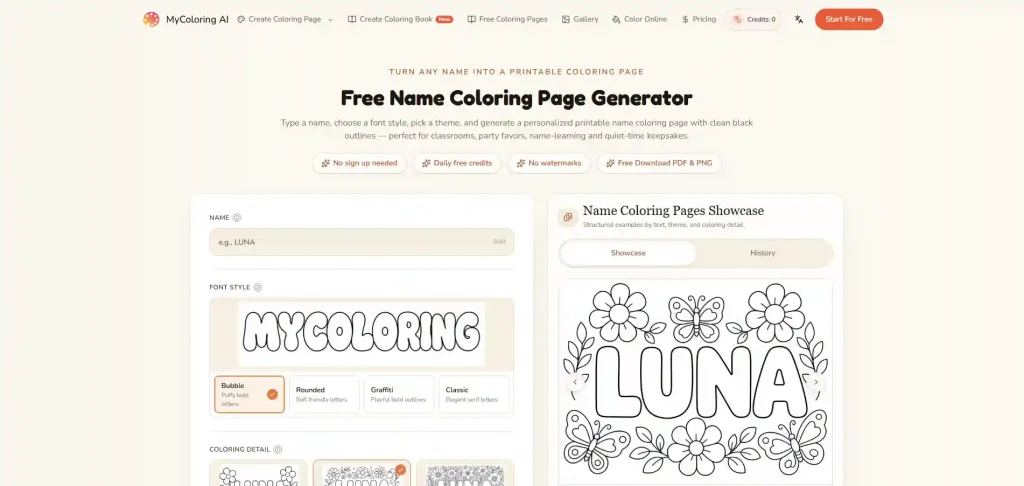
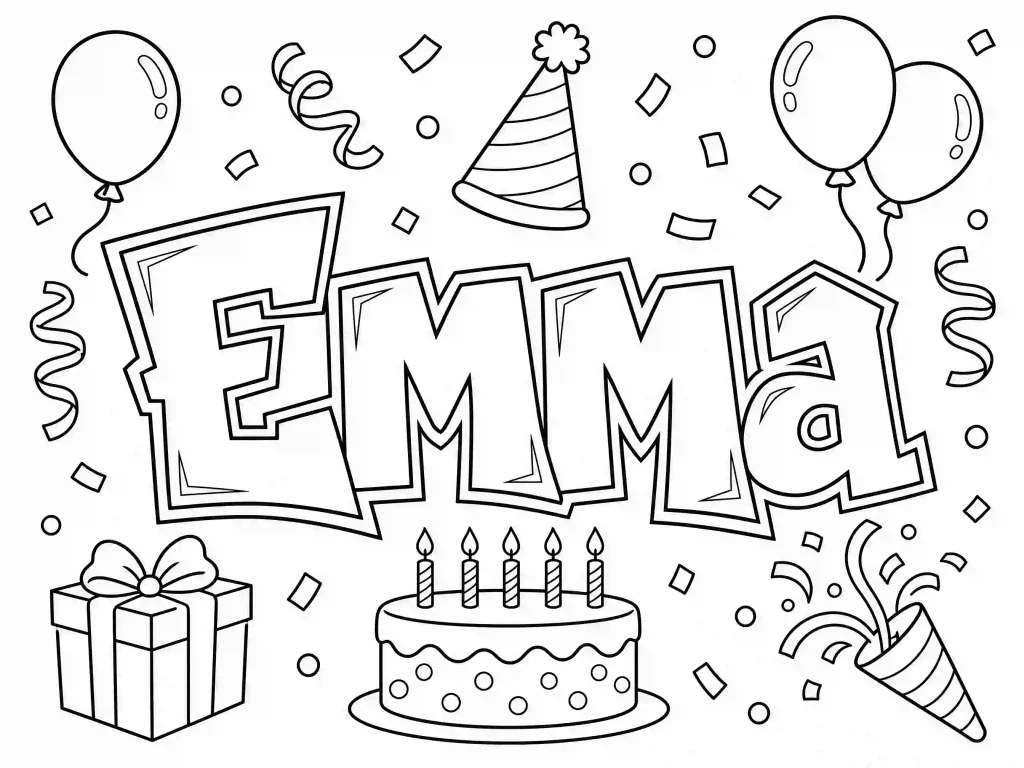
MyColoring AI focuses more on generation flexibility than on having a huge template library.
One useful feature is its Coloring Detail control, which allows users to adjust the amount of detail in the coloring design. It can also generate multiple images at once, which is helpful when you want to compare several versions of a personalized name coloring page.
The main limitation is its relatively small selection of themes. The templates are also more limited in terms of image-based options.
Generation can be slower than some alternatives, while free usage is limited. Users who want 4K output also need to upgrade.
✅️Pros
● Coloring detail can be customized
● Multiple images can be generated at once
● Useful for comparing different designs
❌️Cons
● Fewer themes
● Limited image-based templates
● Generation can be slow
● Limited free usage
● 4K output requires an upgrade
Best for: Users who want to generate several variations and fine-tune coloring detail.
5. ColorBliss — Best for SVG Export
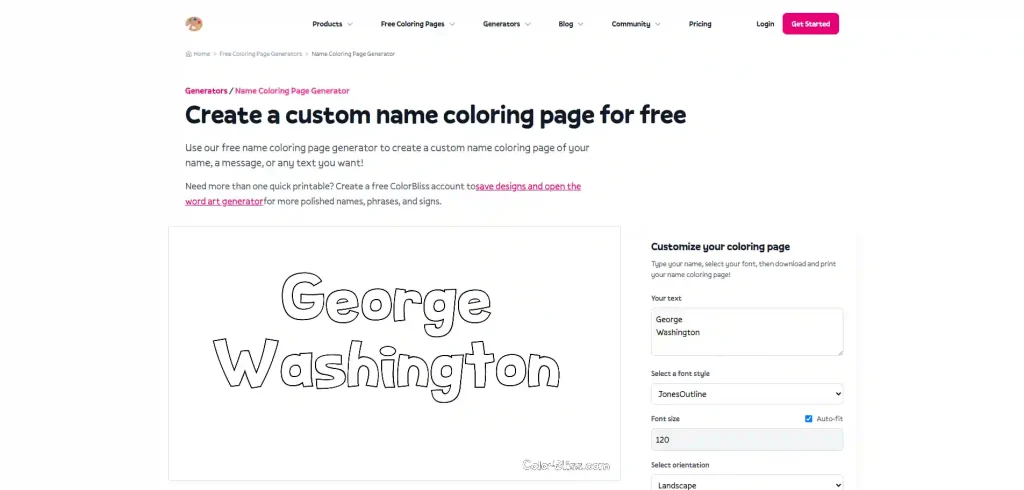
ColorBliss takes a different approach from the more template-oriented tools in this list.
One of its notable advantages is SVG export. This can be useful when you need a scalable file rather than a standard raster image.
The platform also allows prompt-based customization without relying entirely on predefined templates. Its AI-assisted prompt refinement can help users turn a basic idea into a more detailed generation instruction.
However, the basic version has some limitations. Background customization is restricted, and generated results can include a watermark. Image quality is also not as strong as some other options.

✅️Pros
● Supports SVG export
● Prompt-based customization
● AI-assisted prompt refinement
● Can be customized without relying entirely on templates
❌️Cons
● Watermark
● Image quality can be limited
● Background customization is restricted in the basic version
Best for: Users who specifically need SVG files or prefer prompt-based customization.
6. NightCafe — Best for Prompt-Based Generation
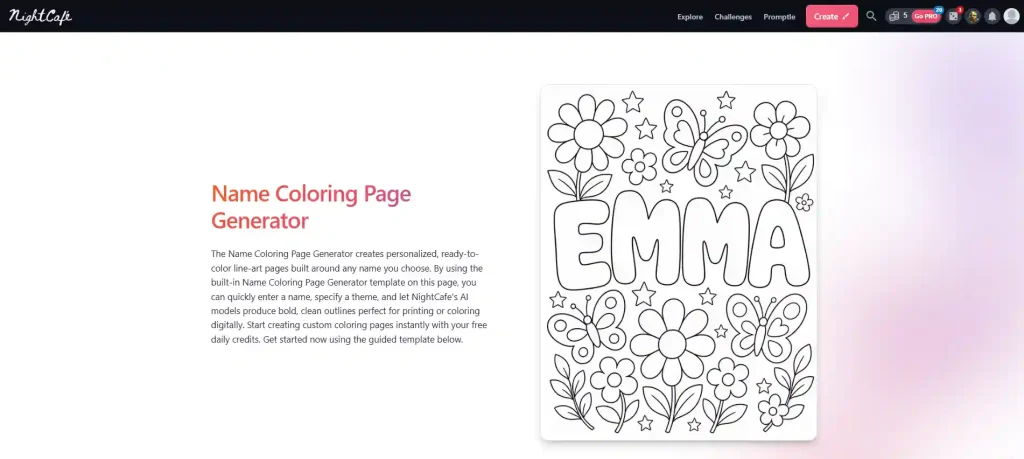
NightCafe is a broader AI image generation platform rather than a tool designed specifically around name coloring pages.
Its biggest advantage is prompt flexibility. Users can describe the desired coloring page and generate an image from scratch. It also provides access to different AI models, giving more experienced users additional control over the generation process.
This makes NightCafe useful when you have a very specific visual concept that does not fit into a standard template.
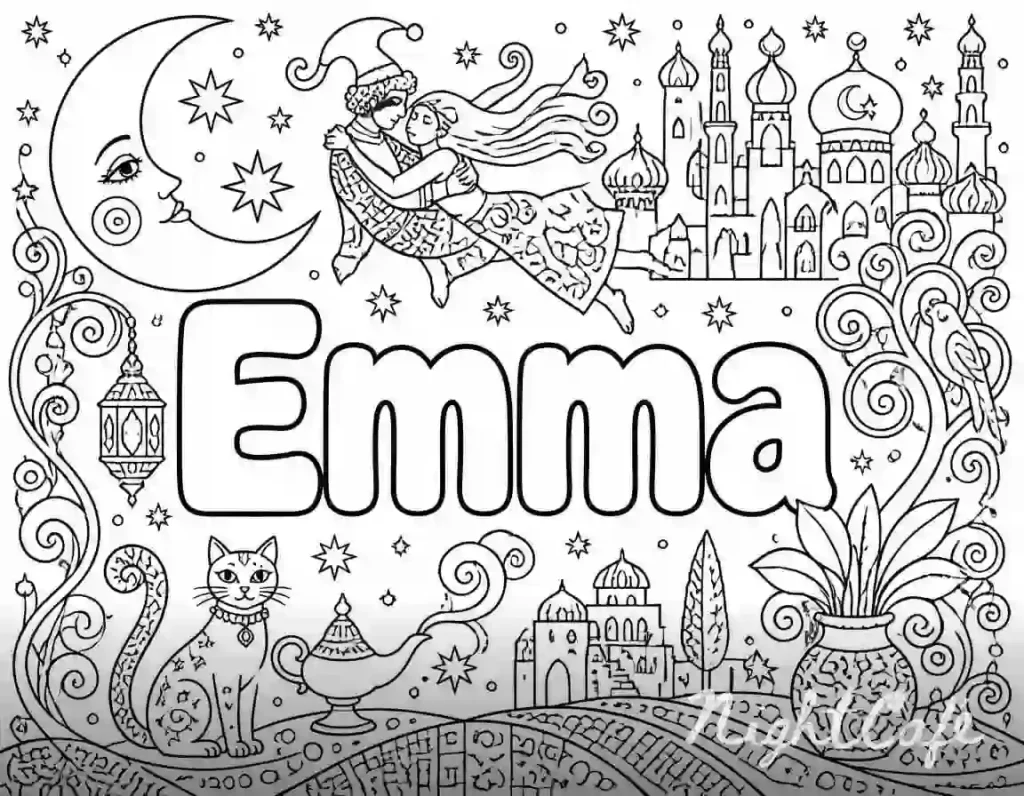
However, that flexibility can also make it less straightforward for beginners. The templates are not as clearly focused on name coloring pages, and the example images do not always match the eventual generation results. After logging in, some template or prompt-related guidance can also become less obvious.
Watermarks may also be present depending on the generation and account settings.
✅️Pros
● Prompt-based generation
● One-click generation workflow
● Multiple AI models
● Flexible for custom concepts
● Free credits available
❌️Cons
● Name coloring page templates are not clearly presented
● Example images may not always match generated results
● Some guidance becomes less obvious after logging in
● Watermarks may apply
Best for: Users who already have a specific prompt or want to experiment with different AI models.