Convert Photo to Sketch Online for Free
100% free Photo to Sketch Tool, just simply upload your photo and instantly transform it into a stunning pencil sketch using our powerful AI filters. Fast, easy, and absolutely safe.
-
100% Free
-
No Signup
-
10 Art Styles
Demo
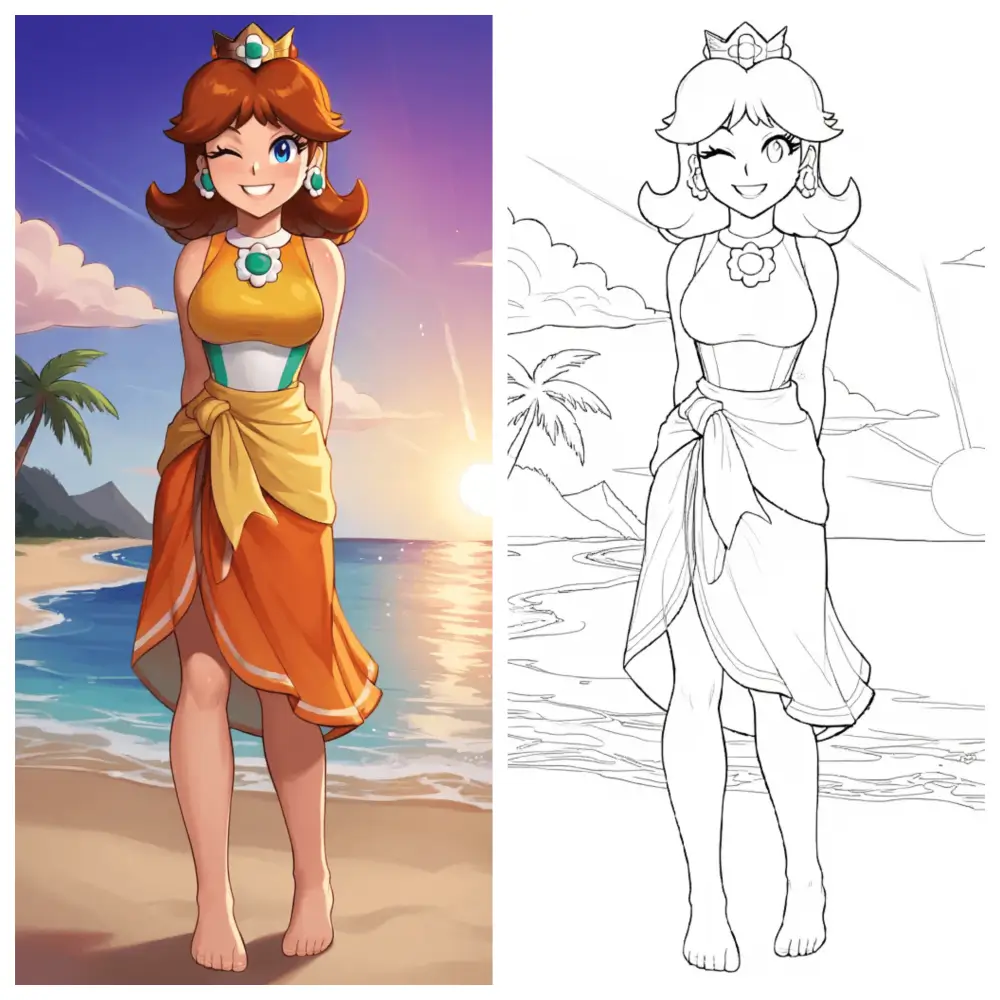
Turn Your Photo to Sketch Online
Simply upload one of your photos to our Photo to Sketch converter, and in just seconds you’ll have a stunning piece of art.
Art Style Sample
10 Sketch Styles to Choose From
Our photo to sketch converter allows you to turn any photo into 10 different sketch styles. Check these different sketch art styles and choose the one you need.
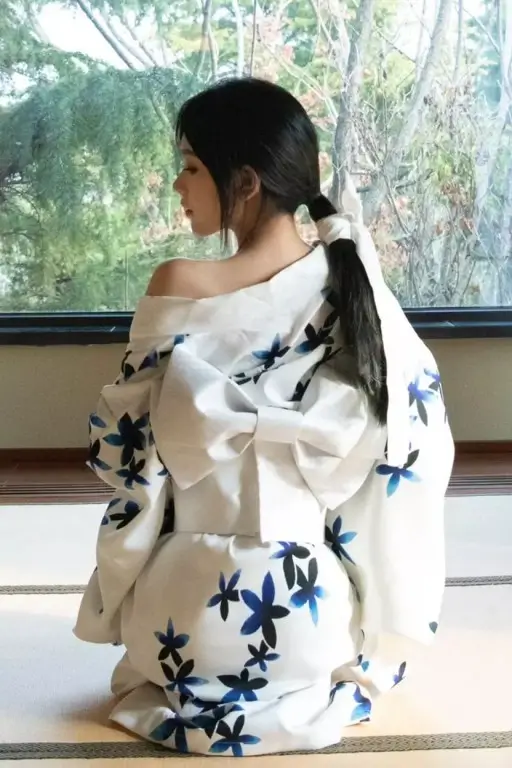
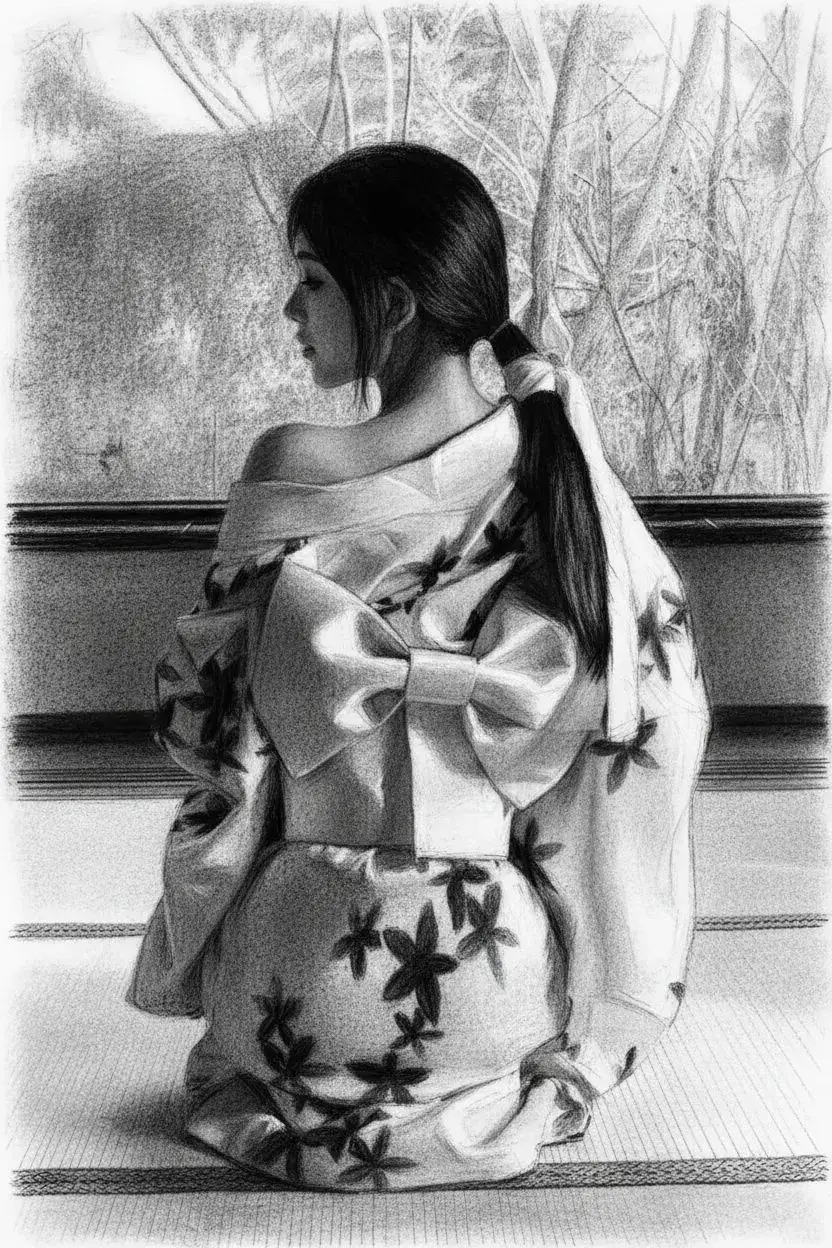
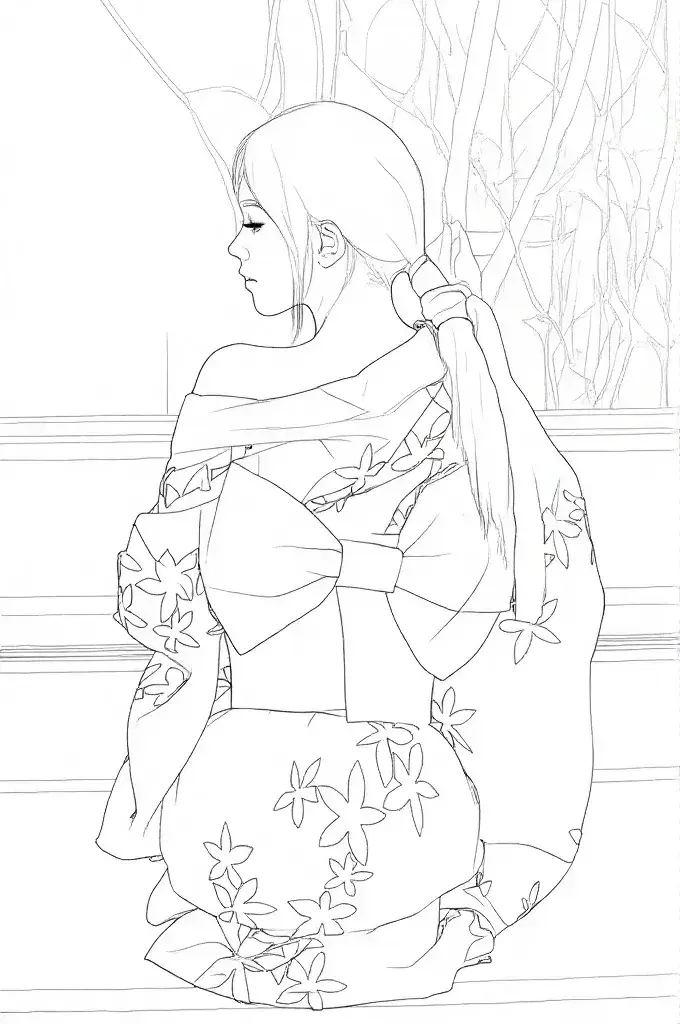
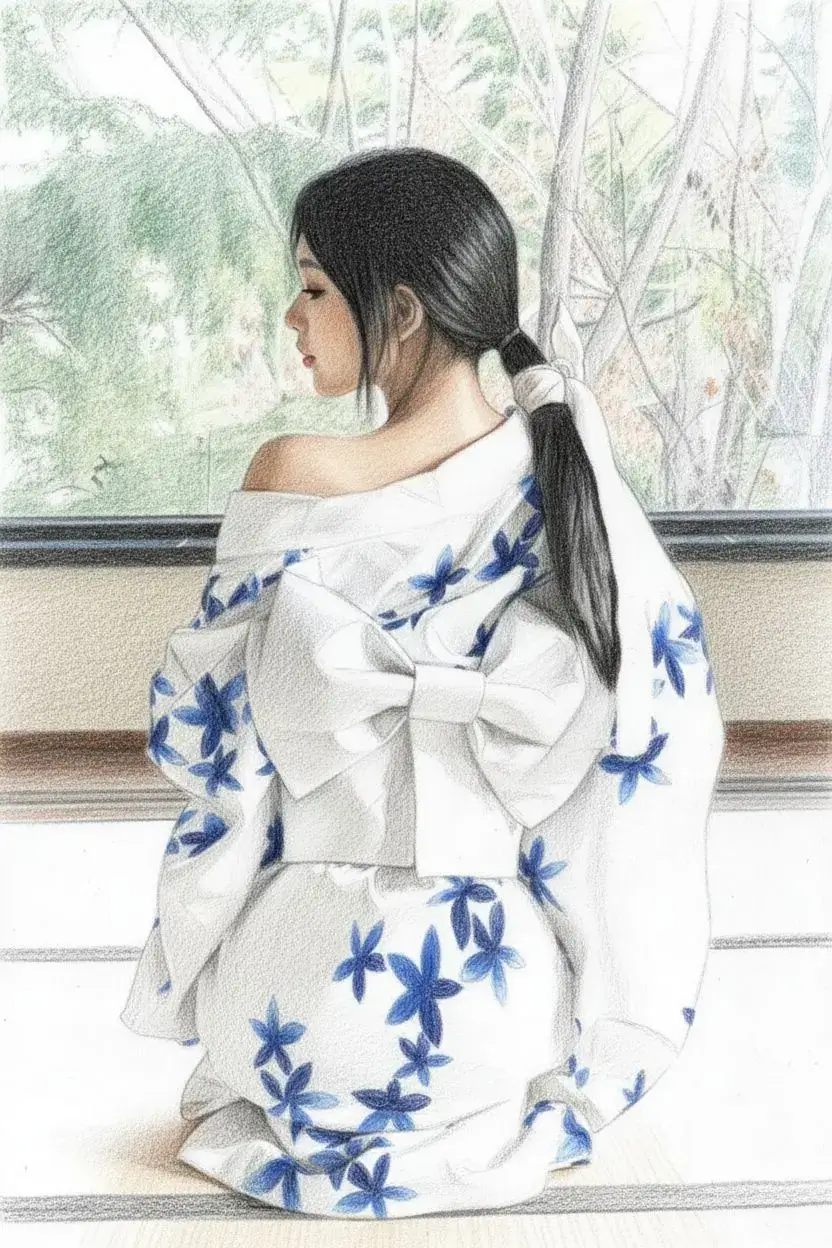
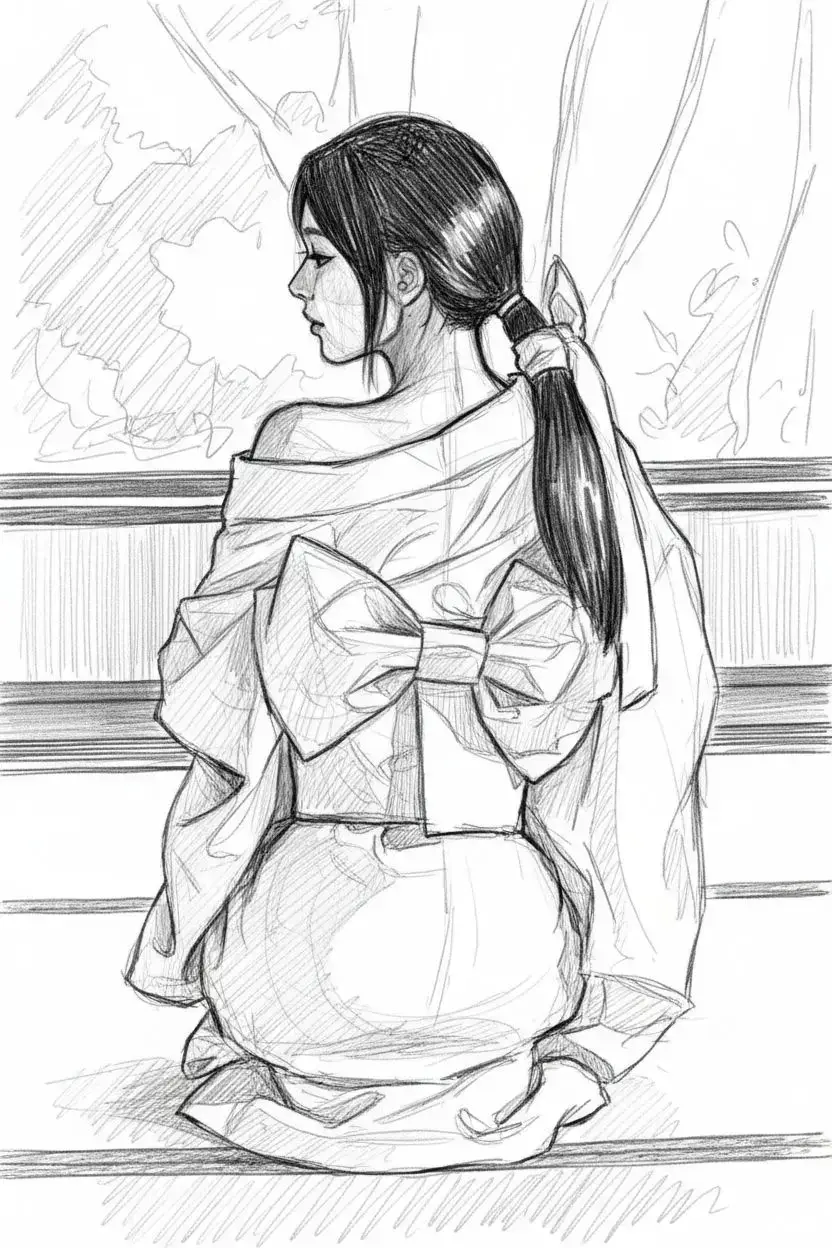
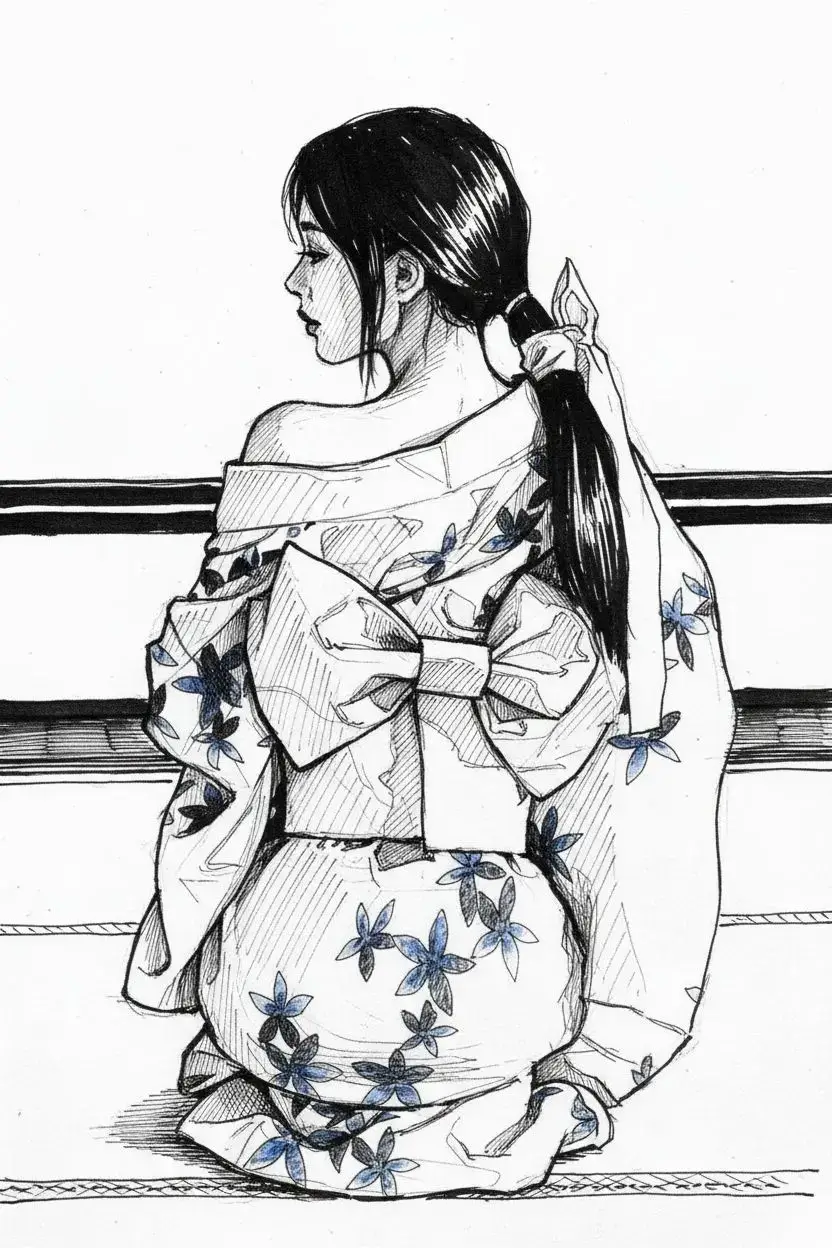
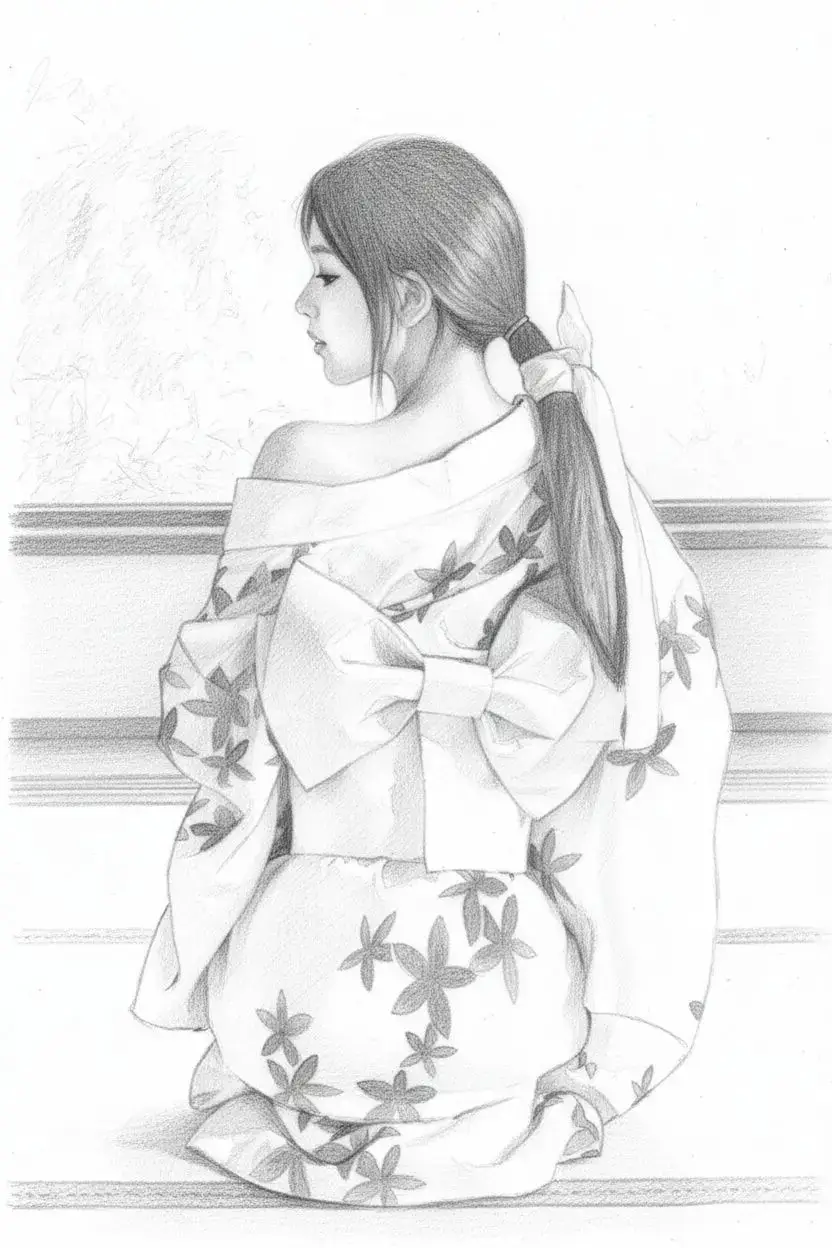
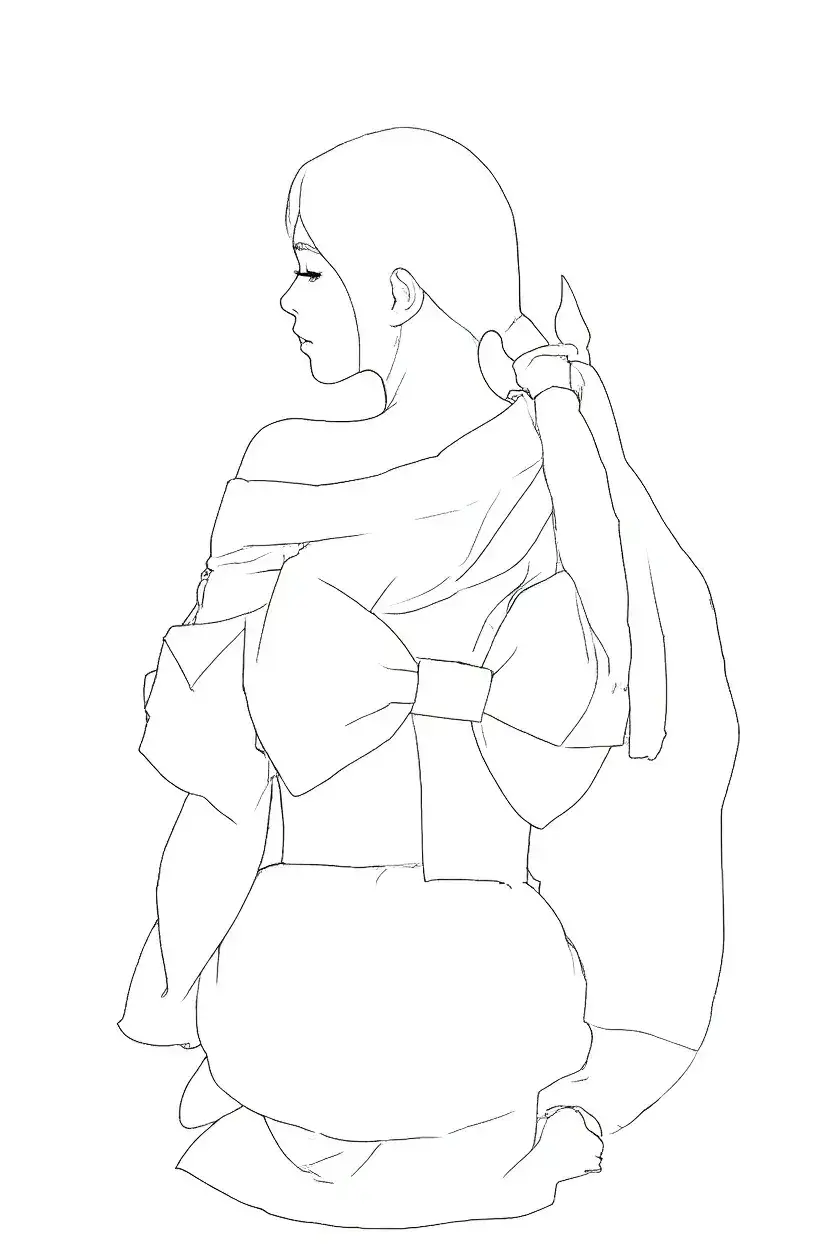
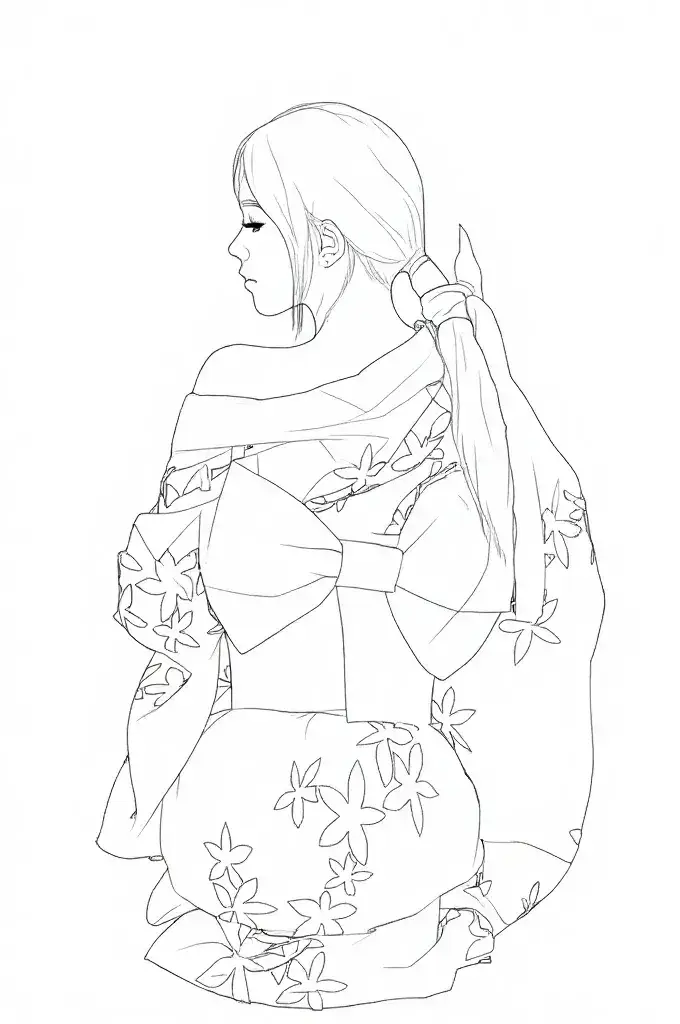
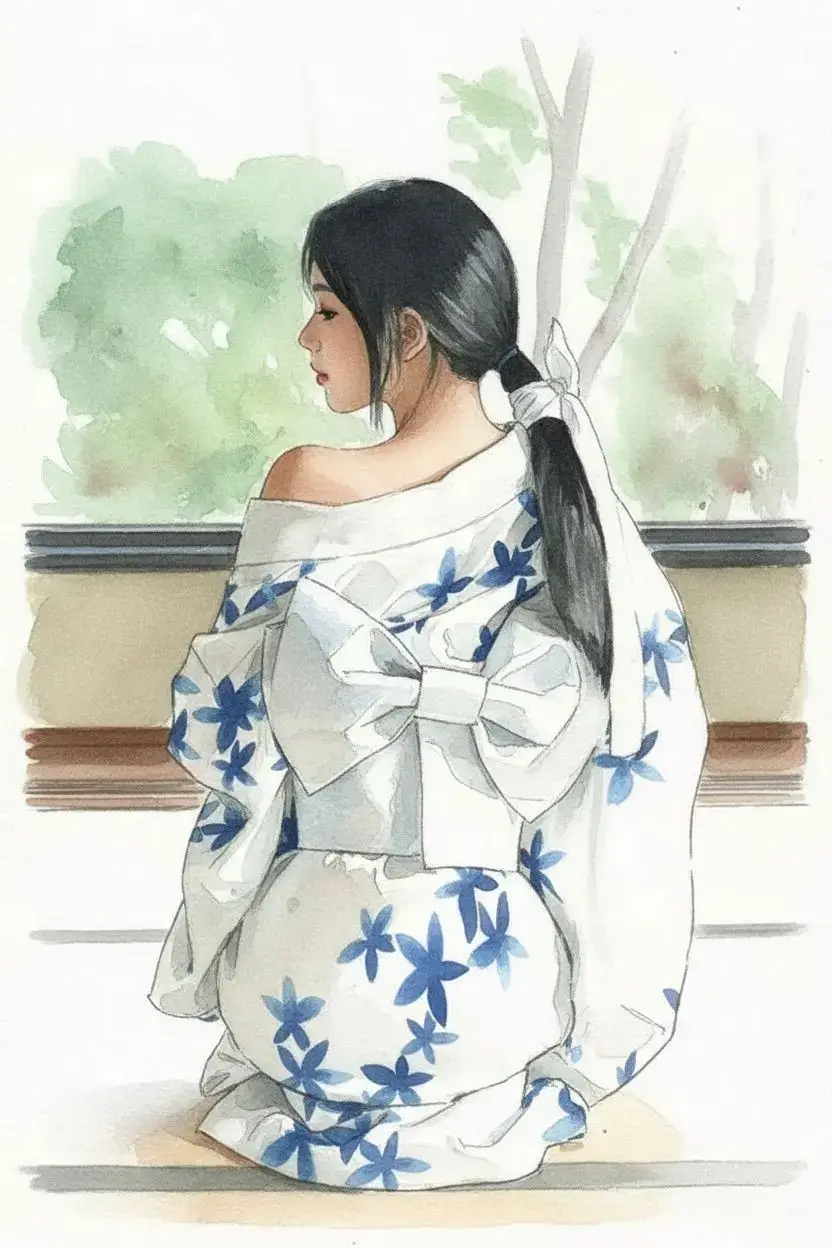
Instant Pencil Sketch Effect
✏️Turn any photo into a natural, hand-drawn pencil sketch.
Detail-Focused AI Rendering
🔍Keep key features sharp while simplifying the background.
Flexible Sketch Style Control
🎨Switch from soft outlines to bold ink instantly.
How It Works
Learn to Use Image to Sketch AI Step by Step
Our free AI sketch filter is super easy to use and only takes three steps to get perfect results.
01
Upload your photo to AI sketch filters
Select a high-quality photo and upload it to our free AI photo to sketch converter
02
Click "Generate" to generate sketch
Select the sketch filter that suits your requirements and click “Generate” to start photo to sketch AI working.
03
Download sketch art and share it
Wait a few seconds and you can get amazing sketch artwork, download it and share it with your friends.
Feature
Powerful Photo to Sketch Features Built for Creators
Convert any image to sketch in seconds with precision, flexibility, and seamless creative workflow support.
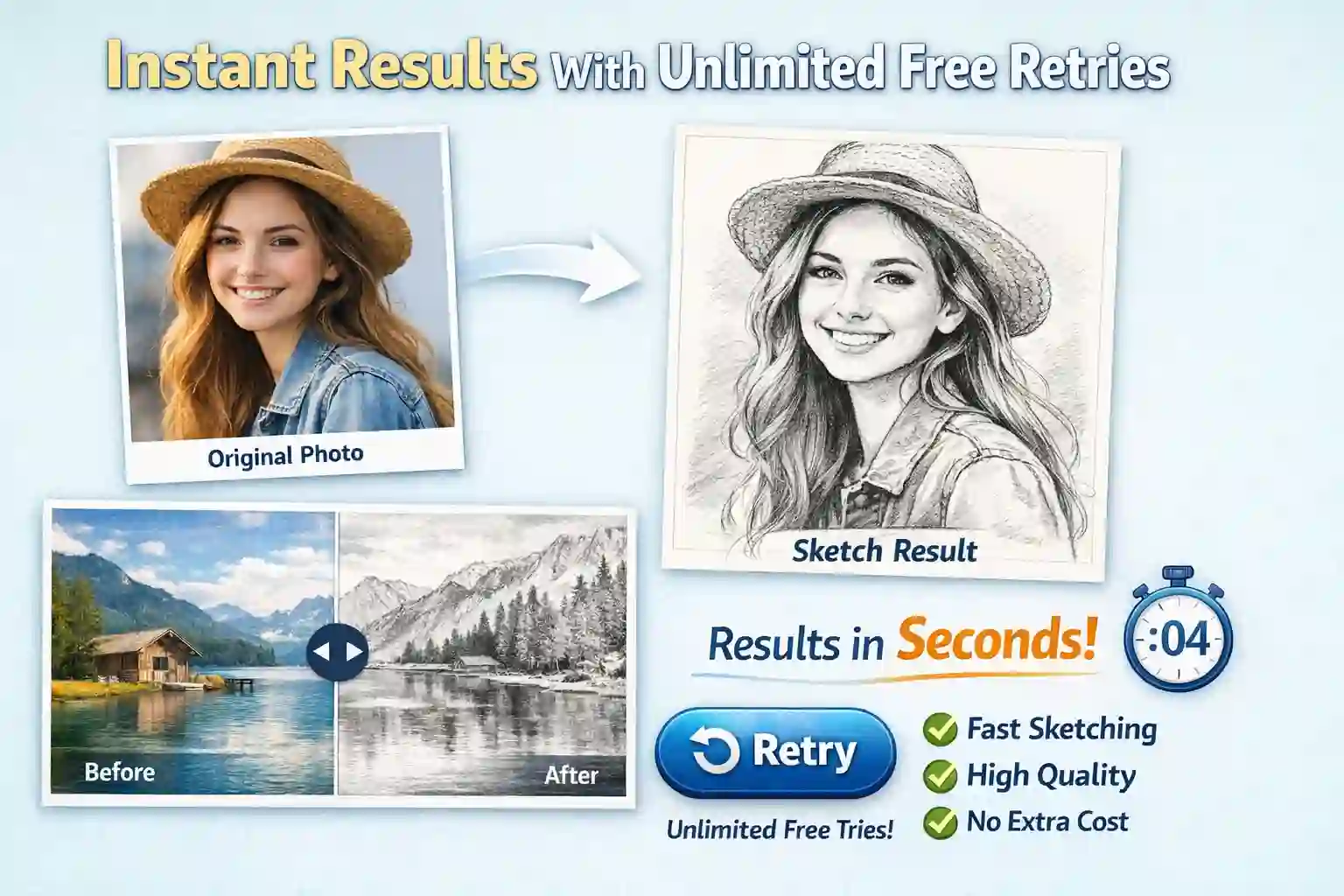
⚡ Instant Results With Free Retry Option
Our advanced photo to sketch converter generates clean, high-quality sketch results within seconds. Whether you're transforming a selfie, portrait, or landscape, the image to sketch process is fast and effortless. Not satisfied with the first output? You can retry for free, giving you the flexibility to experiment until the sketch matches your vision perfectly.
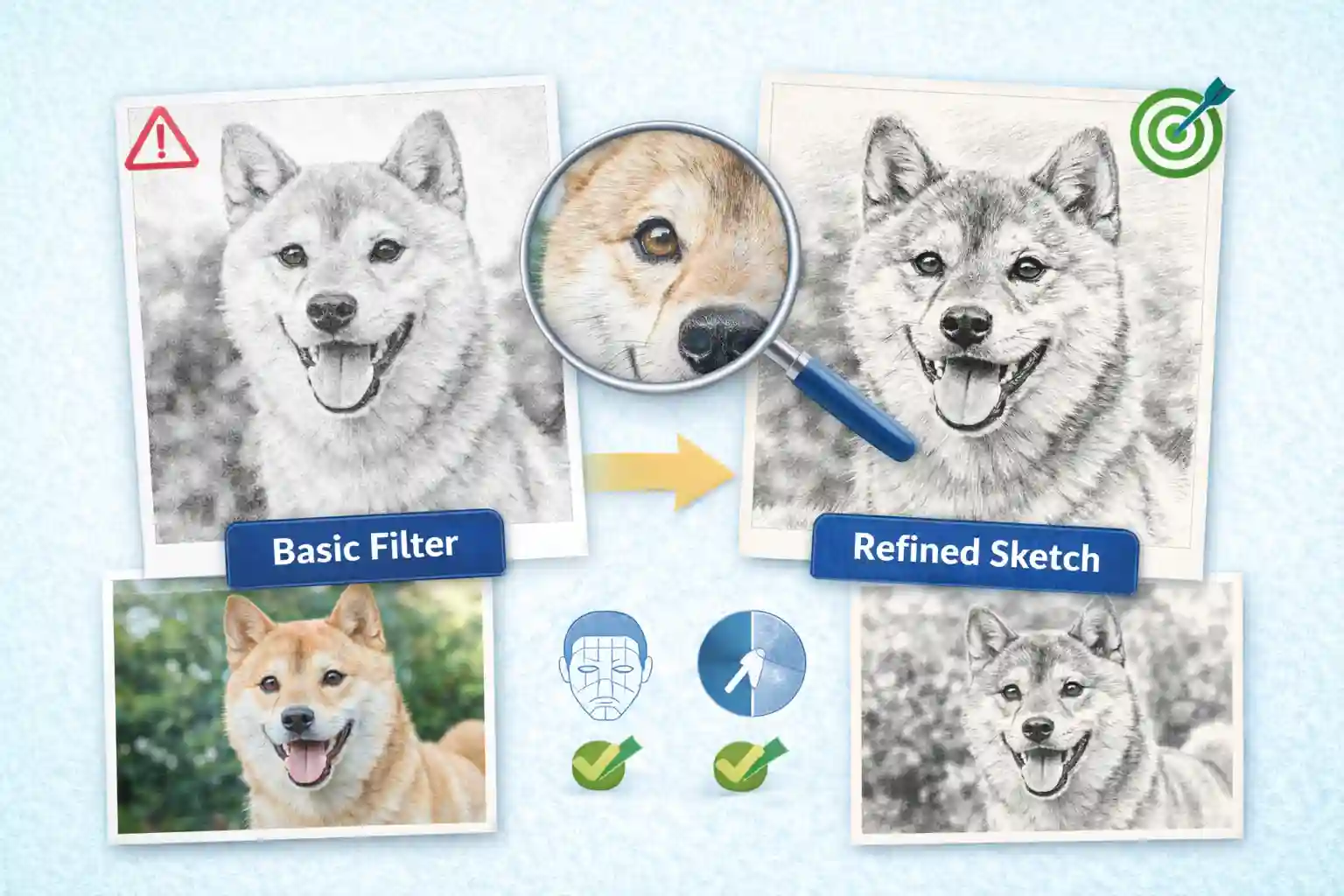
🎯 Accurate Detail-Preserving Sketch Conversion
Unlike basic image to drawing converters, our system carefully analyzes facial features, contours, and light contrast to maintain the original structure of your uploaded image. The result feels like a refined hand-drawn picture to drawing transformation rather than a simple filter. Every key detail is preserved while artistic sketch emphasis is intelligently enhanced.
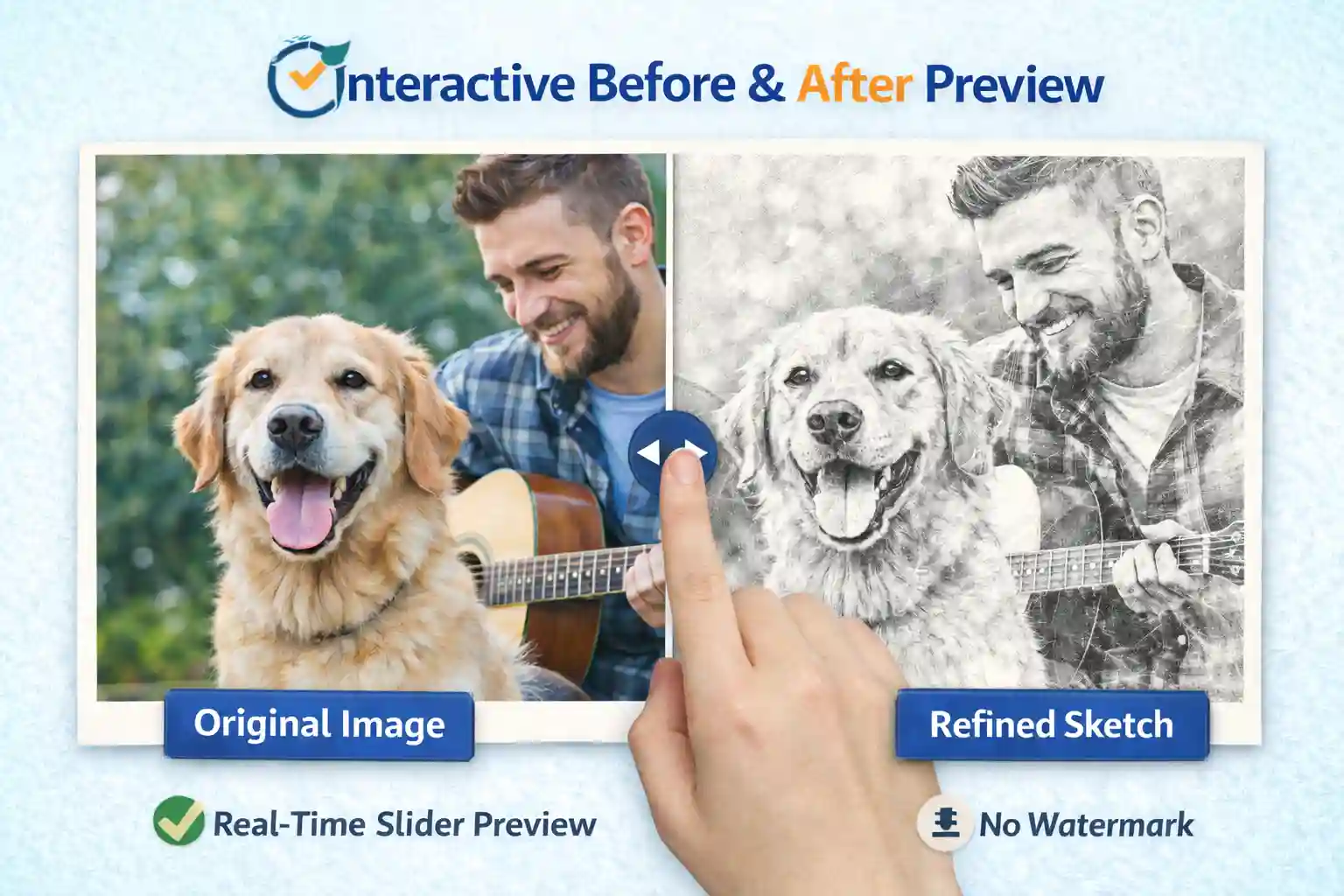
🔎 Interactive Before & After Preview
Compare your original image and sketch result instantly using our real-time slider preview. This interactive photo to drawing experience lets you clearly see the transformation before downloading. You stay in control of the final output, ensuring your image to drawing converter result meets expectations before saving the watermark-free version.
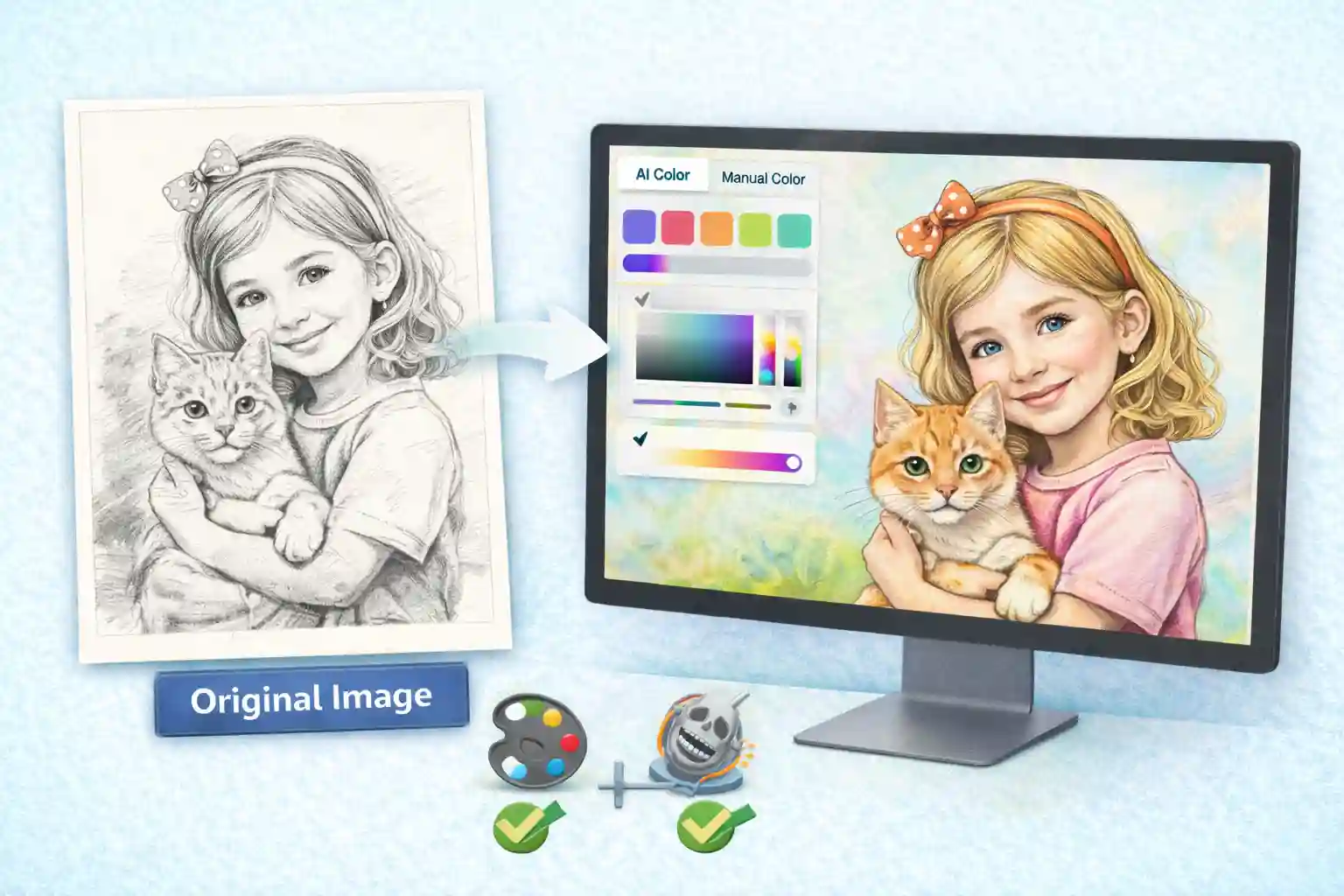
🎨 Seamless Transition to Online Coloring Studio
After generating your sketch, instantly continue your creative workflow by jumping to our online coloring tool. Transform your image to sketch result into a fully colored artwork using both manual coloring and one-click AI coloring modes. This integrated flow allows you to evolve from photo to sketch to vibrant illustration without switching platforms.
Why Choose Our Photo to Sketch Tool?
Transform photos into refined sketch art faster, cleaner, and with more creative flexibility than traditional or generic AI tools.
| Feature | ColorifyAI | Other AI Tools | Traditional Software |
|---|---|---|---|
| ⚡ Processing Speed | Results in seconds | Often slower | Manual drawing required |
| 🔁 Unlimited Retries | Unlimited & free | Credit-based limits | Not applicable |
| 🎯 Detail Preservation | Accurate contours & facial detail | Basic filter output | Depends on skill |
| 🔎 Before/After Preview | Real-time slider preview | Rarely available | No automatic preview |
| 💧 Watermark-Free Download | Yes | Often watermarked | Not applicable |
| 🎨 Built-in Coloring Tool | One-click jump to coloring | Separate tools needed | Manual coloring |
Reviews
See What Creators Think About Our Sketch Tool
Super Convenient
“The image to sketch conversion is quick and accurate. It keeps the structure of the original photo while simplifying background distractions. The slider preview makes comparing results effortless before downloading.”

Daniel Thompson
Graphic Design Student
Really Impressed
“I’ve tried many photo to sketch tools, but this one preserves facial details surprisingly well. The lines feel clean and natural, not overly filtered. I also love that I can retry freely until the result matches my style.”

Emily Carter
Freelance Illustrator
Love It
“I use this photo to drawing converter for profile pictures and creative content. The results look polished enough to print, and jumping directly into the coloring tool makes the whole process smooth and efficient.”

Sophia Martinez
Content Creator
Help Center
FAQs About Photo to Sketch Converter
Still have questions? Check out these quick answers to your questions.
What is AI photo to sketch converter?
It is an online AI tool that converts images into sketch styles. You don’t need to have any painting skills, just upload a photo.
What Do the 10 Different Sketch Styles Mean and When Should I Use Them?
Each sketch style offers a unique visual effect and is suitable for different creative needs. Here’s a quick guide to help you choose the right one:
- Simplified Art
Reduces complex details into clean shapes and soft shading. Best for modern avatars, social media graphics, and minimalist designs. - No BG (No Background)
Removes the original background and keeps only the main subject. Ideal for stickers, branding materials, and custom layouts. - Pencil Sketch
Simulates traditional graphite drawing with natural strokes and soft shading. Perfect for classic portraits and artistic prints. - Clean Line Art
Focuses on sharp outlines with minimal shading. Great for coloring pages, tattoos, and professional illustrations. - Charcoal Sketch
Features bold strokes and strong contrast for a dramatic effect. Suitable for expressive portraits and artistic projects. - Ink Sketch
Mimics pen-and-ink drawing with defined lines and cross-hatching. Works well for comics, editorial art, and creative branding. - Minimal Sketch
Keeps only essential lines and removes fine detail. Ideal for icons, modern layouts, and subtle artistic effects. - Colored Pencil
Combines sketch outlines with soft layered colors. Popular for children’s art, gifts, and stylized portraits. - Watercolor Sketch
Blends sketch lines with soft watercolor washes. Great for wedding portraits, travel art, and decorative prints. - Figure Sketch
Emphasizes posture and body proportions over facial detail. Useful for fashion design, character concepts, and full-body compositions.
How to turn my daily photos into sketch art?
It’s very simple, first you need to choose a high-quality photo, then upload it to our AI sketch filter, wait a few seconds, and our AI sketch effects will give you a stunning artwork.
Is your AI image to sketch tool free?
Yes, it is completely free and you don’t need to spend any money. At this stage, our goal is to create a product with the best user experience.
Are there any restrictions on the format of the photos I upload?
No restrictions, compatible with common photo formats.
Can I use them on my mobile phone?
You can use it on your computer or on your phone without any impact.
Is My Uploaded Photo Safe?
Can I Use the Generated Sketch Commercially?
Now Turn Your Photo into Sketch Through AI
No matter your experience level it’s easy to get started. With an easy to use interface you can be up and running in minutes.