10 Best Sketch to Image AI Rendering Tools
Turning a rough sketch into a finished image used to require drawing skills, coloring tools, and plenty of manual editing. With today’s AI image generators, you can upload a sketch, choose a style, and let AI turn the basic lines into a polished image in seconds.
But not every sketch to image AI tool handles this task equally well. Some tools produce attractive images but change the original composition too much. Others preserve the sketch accurately but offer fewer styles or customization options. For sketch to color workflows, keeping the original lines intact is often more important than simply generating a visually impressive image.
To make this comparison useful, we tested 10 popular tools using their free versions or available free credits whenever possible. We used the tools with sketch-to-image or image-to-image workflows and compared how well they preserved the original sketch, handled colors and details, controlled styles, and delivered usable results.
Here is how all 10 tools compare.
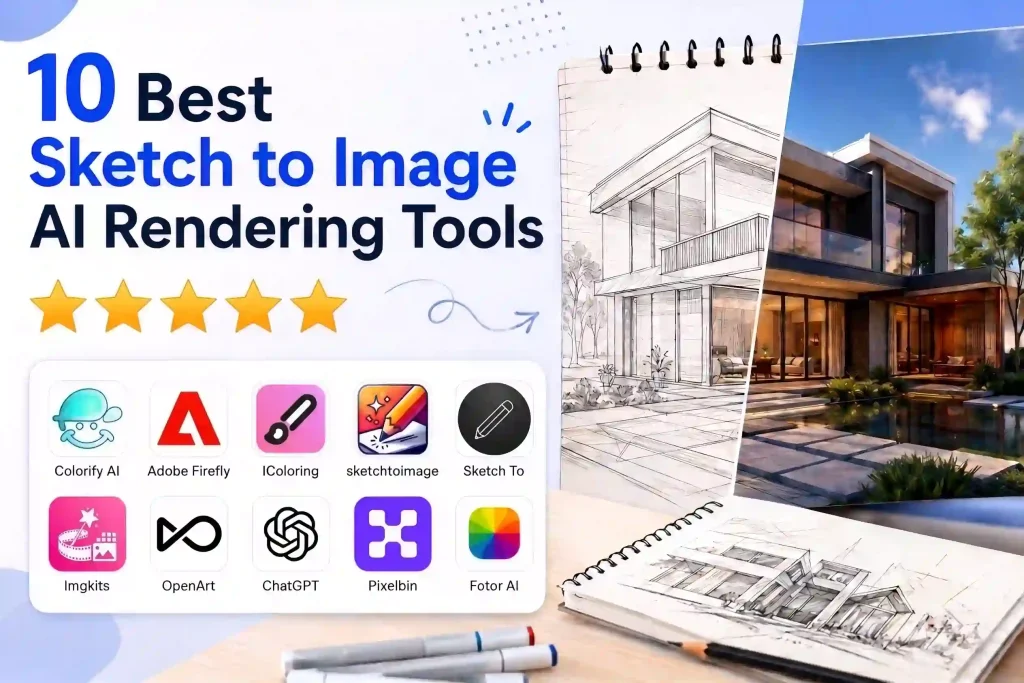
10 Sketch to Image AI Tools Compared at a Glance
Note: Free limits can change as AI tools update their plans. The free-generation counts above reflect our testing experience rather than a permanent guarantee.
| Tool | Rating | Best For | Advantages | Drawbacks | Free Option / Pricing |
|---|---|---|---|---|---|
| Colorify AI | Sketch to color | 14 styles, simple workflow, strong sketch fidelity | Limited free generations, HD requires upgrade | 1 free (guest) + 1 free (login) | |
| Adobe Firefly | Creative sketch-to-image | Multiple models, fast generation, good detail restoration | Requires prompts and manual setup | 5 free generations | |
| IColoring | Faithful sketch coloring | High fidelity, PNG/PDF support, simple workflow | Requires prompts, limited format options | 2 free generations | |
| SketchToImage | Draw-and-transform | Draw or upload, multiple styles | Limited free access | Paid | |
| Sketch To | Preset-style conversion | Multiple models, preset styles, before/after comparison | Limited free credits and styles | 2 free generations | |
| Imgkits | Quick experimentation | Draw/upload modes, templates | Can introduce unusual details | 1 free generation | |
| OpenArt | Creative customization | Creativity controls, color themes, many styles | More complicated workflow | Free credits | |
| ChatGPT | Conversational editing | Easy iteration, good color and tone control | Requires prompts, may reinterpret sketches | Free with usage limits | |
| Pixelbin | Simple conversion | Templates, comparison slider, adjustable results | Advanced features require upgrade | Limited free use | |
| Fotor | Style exploration | Many styles, fast generation | Inconsistent fidelity, possible artifacts | 2 free generations |
How We Tested These Sketch to Image AI Tools
Testing Criteria
A good sketch to image AI tool should do more than simply add attractive colors. We looked at a few things that matter most when turning a sketch into a finished image:
- Preserving the original sketch: The generated image should keep the original lines, shapes, composition, and important details instead of completely redesigning them.
- Natural coloring: Colors should fit the original drawing, stay within the right areas, and create a natural-looking result without covering important line details.
- Image quality: The final image should be clear and detailed, without obvious distortions, strange artifacts, or broken elements.
- Style options: Good tools should offer useful style choices or enough customization to create different looks from the same sketch.
- Ease of use: Uploading a sketch and generating a result should be straightforward, without requiring complicated settings or technical knowledge.
Rather than choosing a tool simply because it produces the most visually impressive image, we gave more attention to whether the final result still looked like the original sketch.
What to Consider When Choosing a Tool
What to Consider When Choosing a Tool
The best tool depends on what you want to do with your sketch. Before choosing one, consider:
- Do you want to preserve the original drawing? If so, prioritize sketch fidelity over creative image generation.
- Do you mainly want to add color? A dedicated sketch to image tool may be easier than a general AI image generator.
- Do you want more creative control? Look for tools with style selection, prompts, color controls, or multiple AI models.
- How much free access do you need? Check the number of free generations, whether login is required, and whether free results include watermarks or lower resolution.
- Do you need a simple workflow? If you just want to upload a sketch and get a finished image quickly, a dedicated tool with preset styles may be a better choice than a complex AI platform.
This is also why the tools in this list can have different strengths. A tool that is excellent for creative image generation may not be the best choice for preserving a simple line sketch or coloring page.
10 Best Sketch to Image AI Tools Reviewed
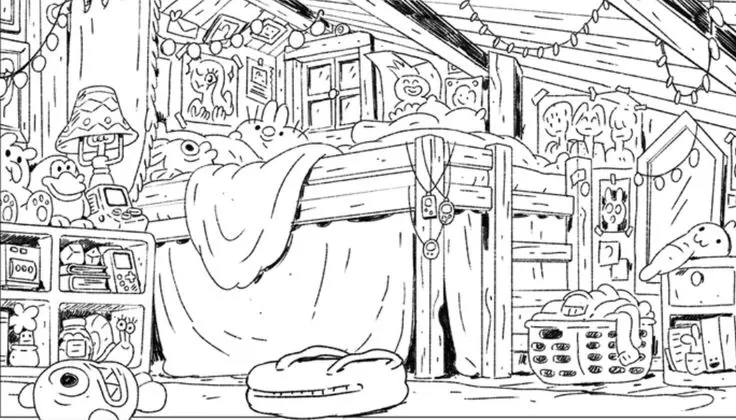
1. Colorify AI
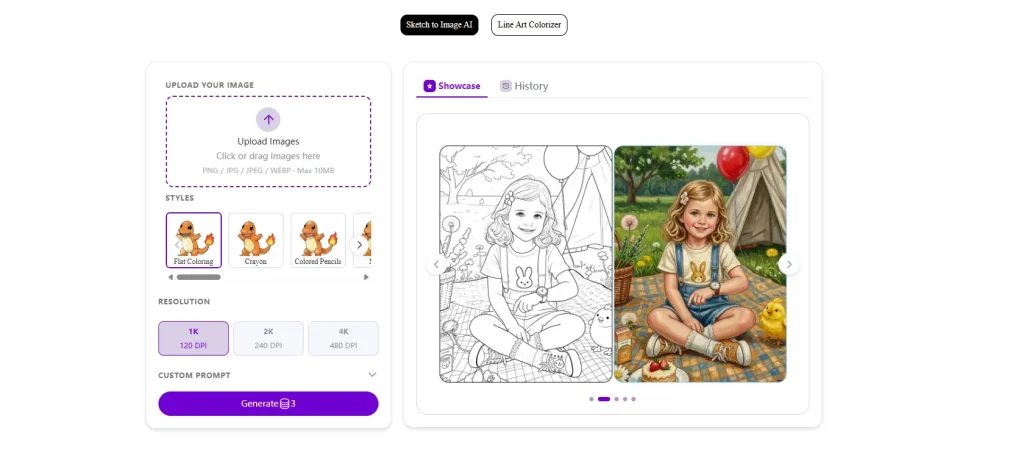
Colorify AI sketch to image AI tool is designed specifically for turning sketches and line art into colored images. During our test, it stood out for its simple workflow and ability to maintain the original structure of the sketch while applying different color styles.
✅️Pro:
- 14 style options
- Customizable results
- Simple and clearly organized interface
- Strong 1:1 reproduction of the original sketch
- Before-and-after comparison makes results easy to evaluate
- Particularly suitable for sketch-to-color tasks
❌️Con:
- Limited free daily generations
- HD image quality requires an upgraded account
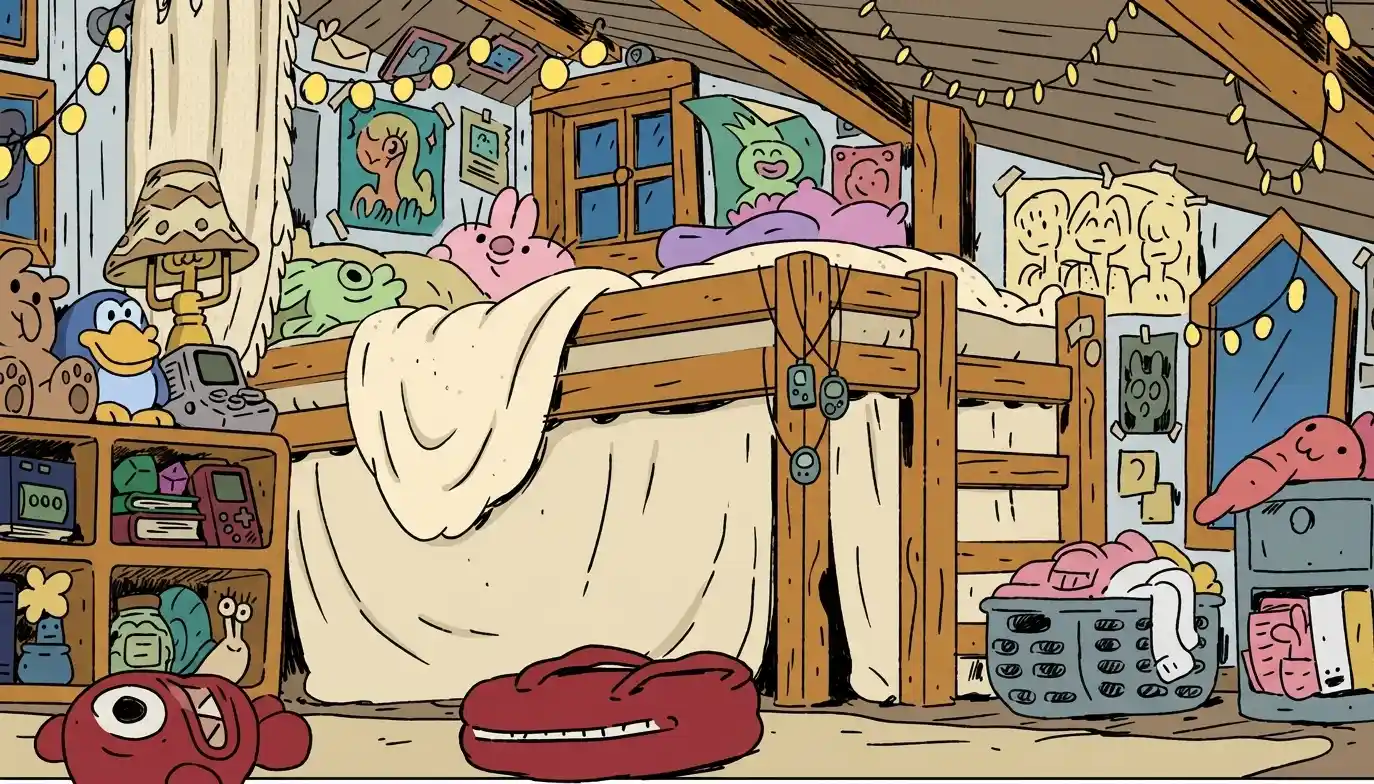
Best for: Users who want an easy sketch to color AI tool that keeps the original sketch intact.
Price: Credit-based system, with 1 free generation in our test.
2. Adobe Firefly
✅️Pro:
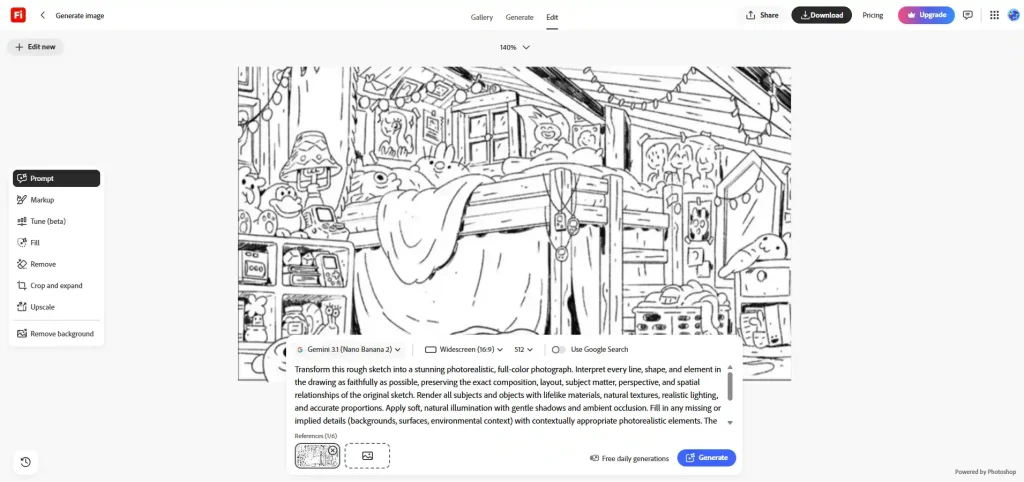
- Multiple model options, including Nano Banana 2
- Good control over image quality
- Fast generation speed
- Can automatically interpret and improve unclear areas of a sketch
- Provided prompts make it easier to get started
❌️Con:
- You need to manually write prompts when changing the style
- Batch uploading is supported, but images still need to be generated one at a time
- The AI may add or modify details instead of following the sketch exactly
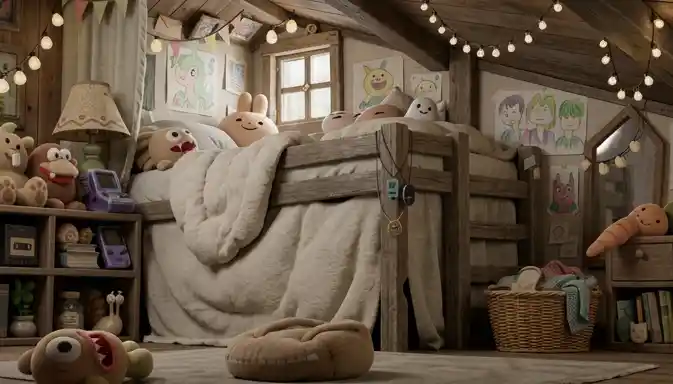
Best for: Users who want fast generation and more creative control over their sketch-to-image results.
Price: 5 free generations in our test, with additional usage available through paid plans.
3. IColoring
✅️Pro:
- Supports both PNG and PDF
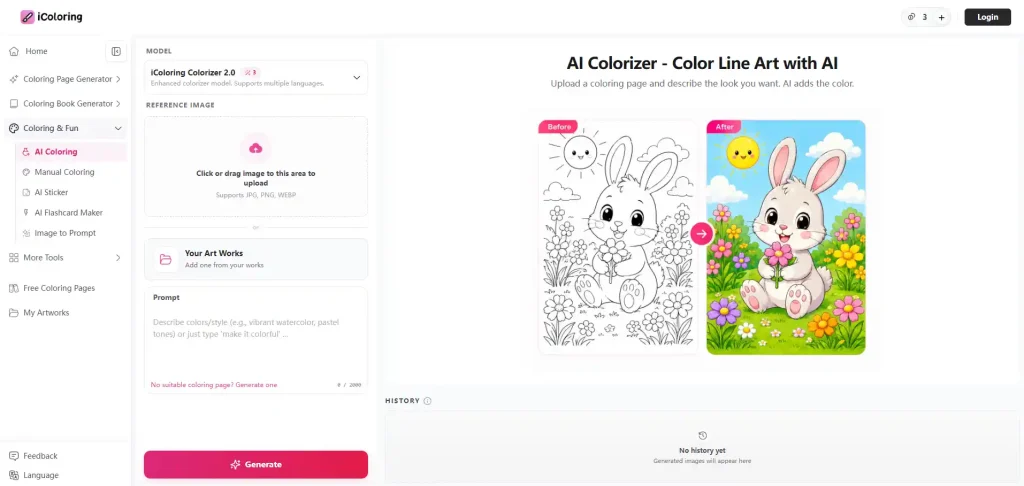
- High fidelity to the original sketch
- Simple and easy-to-use workflow
- Good choice for adding color without significantly changing the original drawing
❌️Con:
- You need to enter your own prompts
- Limited format options
- Less suitable if you want extensive creative customization
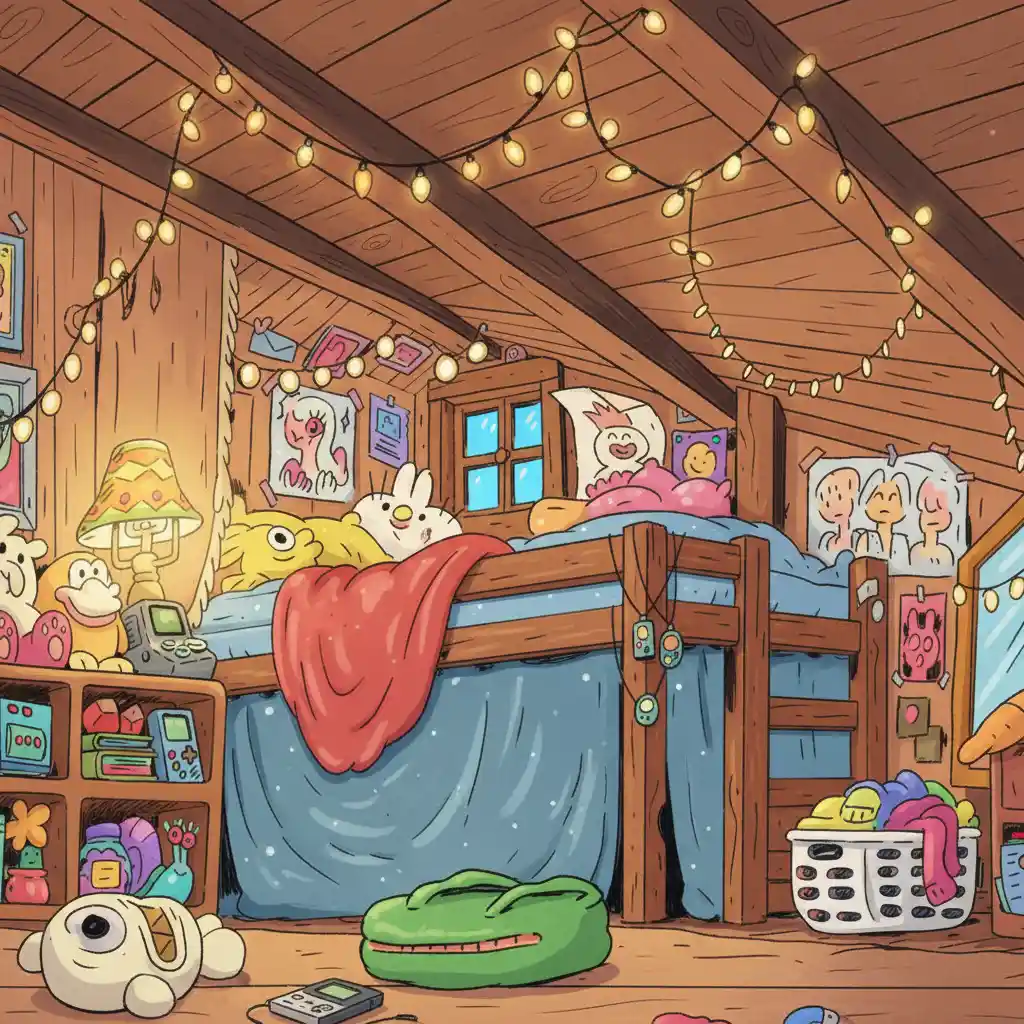
Best for: Users who want to preserve their original sketch while adding color.
Price: Credit-based system, with 2 free generations in our test.
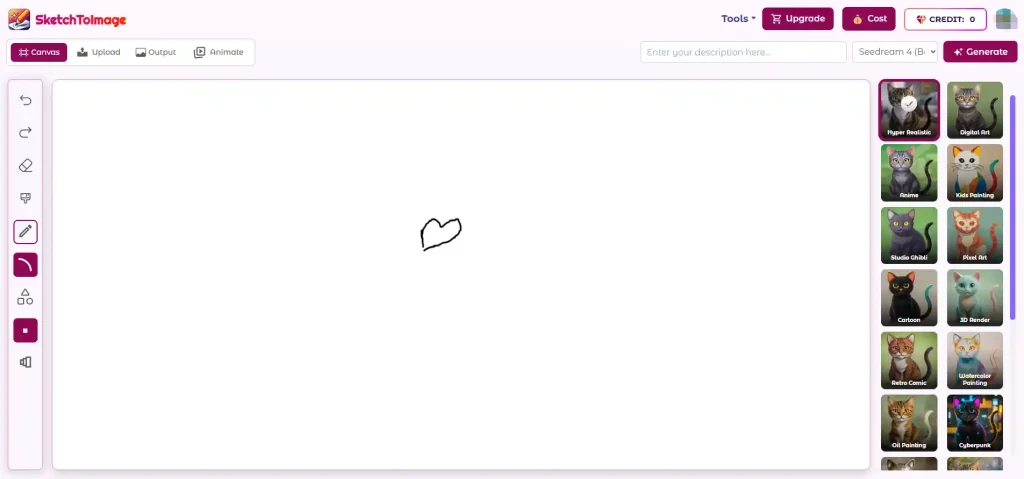
4. SketchToImage
✅️Pro:
- Allows you to draw directly in the tool
- Supports image uploads
- Offers multiple styles
- Provides a dedicated sketch-to-image workflow
❌️Con:
- Not available for free use
- We could not test its image generation with the free version
Best for: Users looking for a dedicated tool to draw or upload sketches and transform them into images.
Price: Paid. A free version was not available for our test.
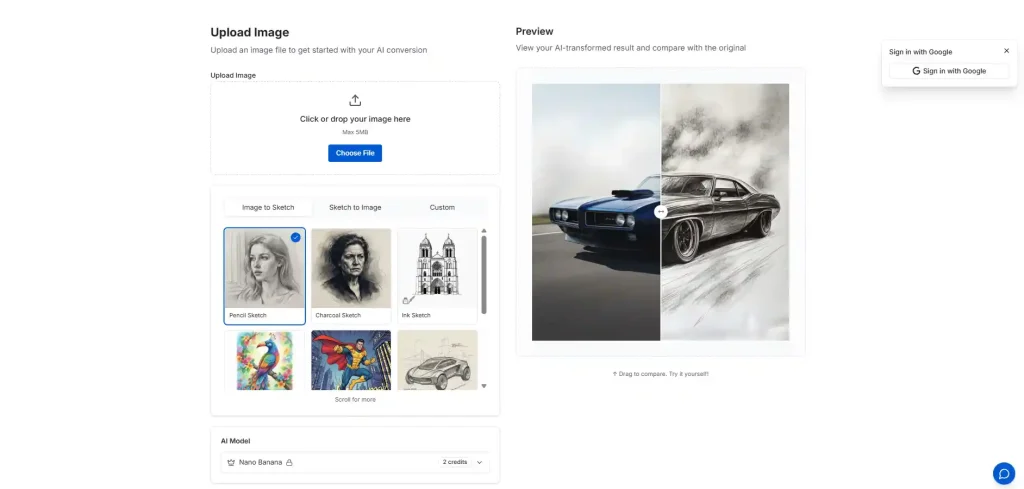
5. Sketch To
✅️Pro:
- Multiple AI models to choose from
- Preset styles make the process easier
- Good 1:1 reproduction of the original sketch
- Before-and-after view for comparing results
❌️Con:
- Free credits are limited
- Free users can only access the basic model
- Style selection is relatively limited
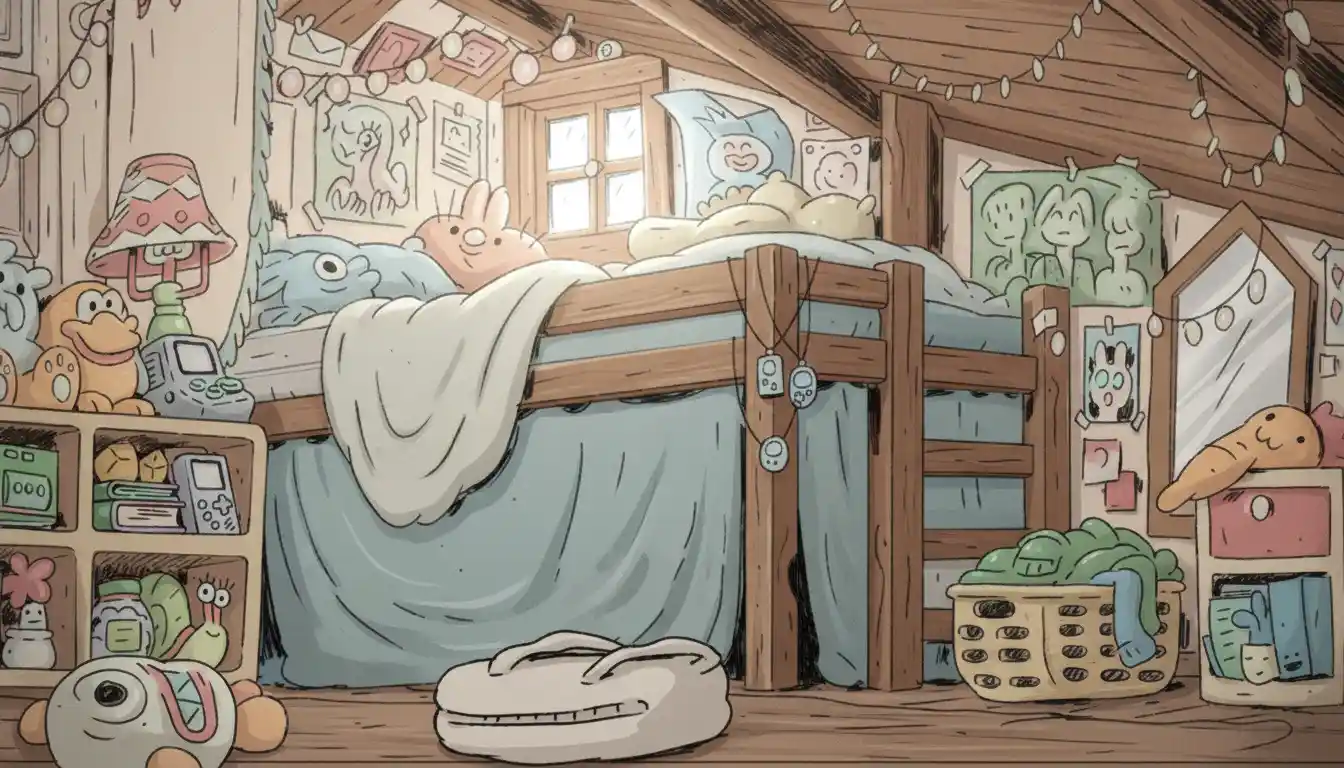
Best for: Users who want quick sketch conversion with preset styles.
Price: Credit-based system, with 2 free generations in our test.
6. Imgkits
Imgkits offers both drawing and image-upload modes, so you can either create a sketch from scratch or work with an existing one. It also provides templates that can make the process faster for users who don’t want to start completely from scratch.
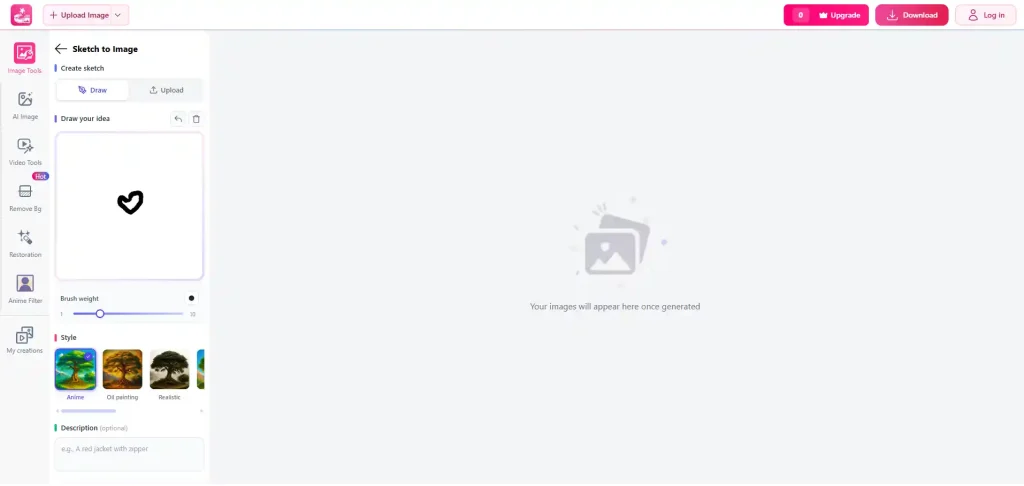
✅️Pro:
- Supports both drawing and image uploads
- Provides templates
- Simple workflow
- Easy to experiment with different results
❌️Con:
- Does not always reproduce the original sketch accurately
- Some results can introduce unusual or unrealistic details
- The AI may change parts of the original drawing
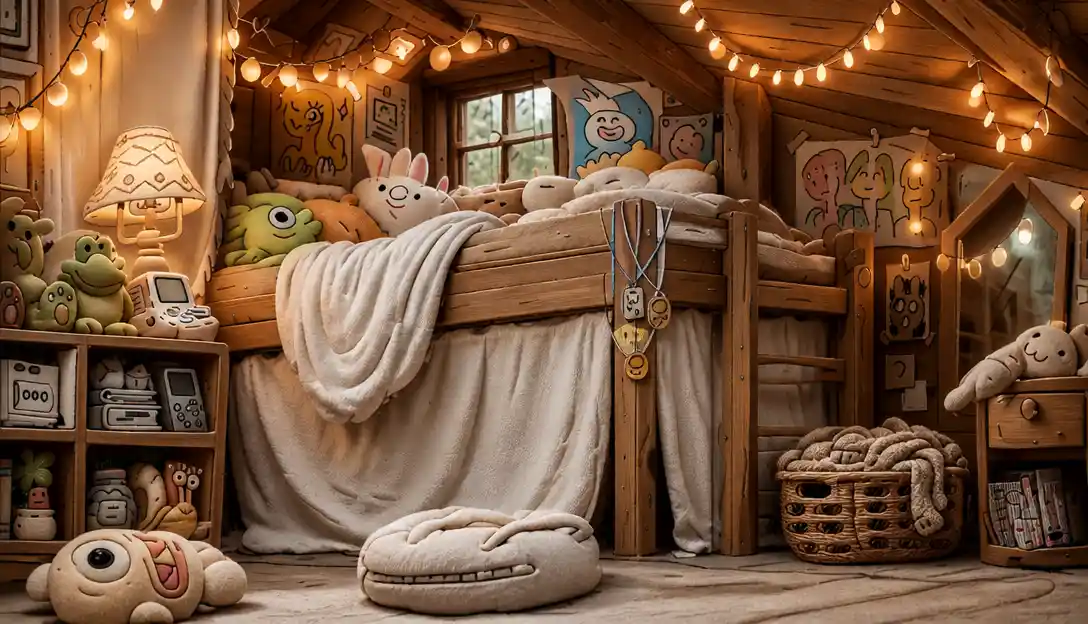
Best for: Users who want to quickly experiment with different sketch styles.
Price: 1 free generation in our test.
7. OpenArt
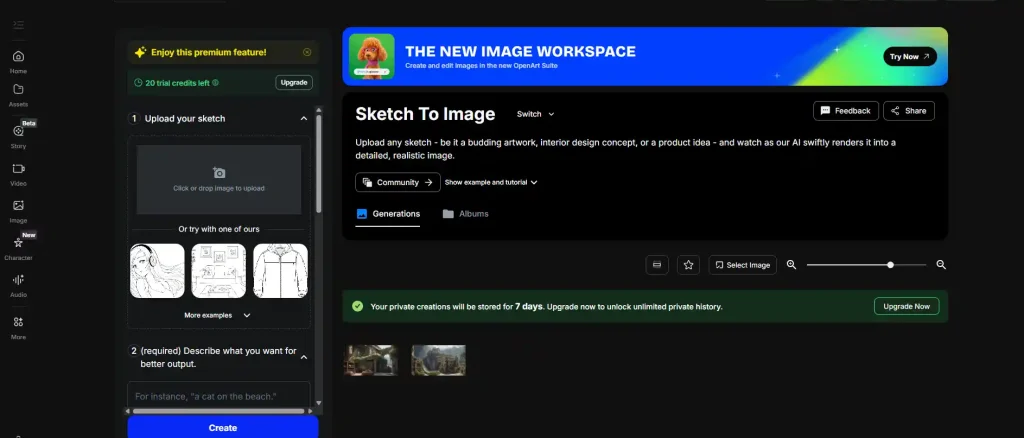
✅️Pro:
- Creativity adjustment
- Customizable color themes
- 13 style options
- Multiple output options
- Generated images can be adjusted further
❌️Con:
- Requires manually written prompts
- More complicated than a dedicated one-click sketch-to-color tool
- The AI may move away from the original sketch depending on the prompt
- More settings can make the workflow less beginner-friendly
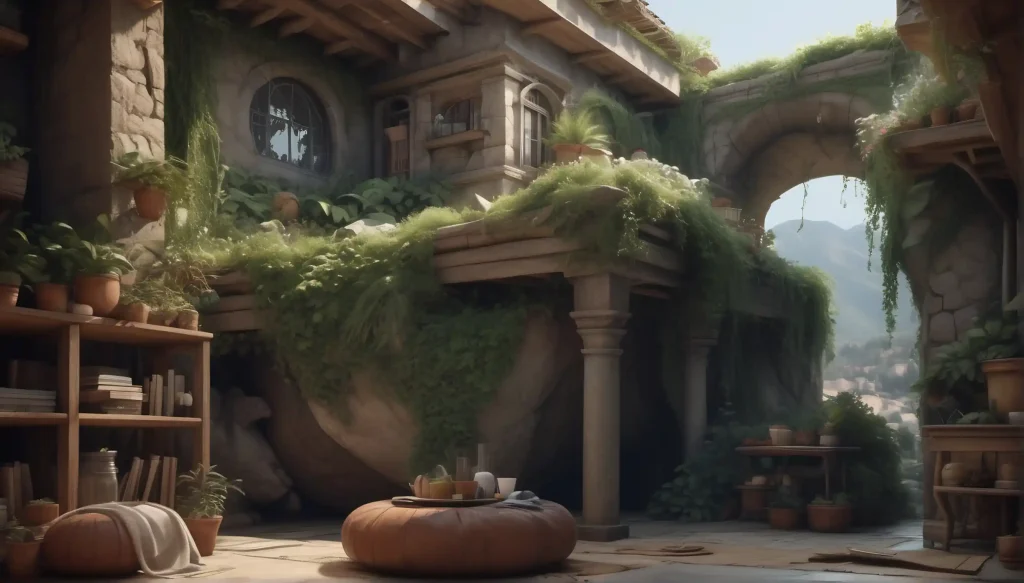
Best for: Users who want more creative control and customization.
Price: Credit-based system with free credits available.
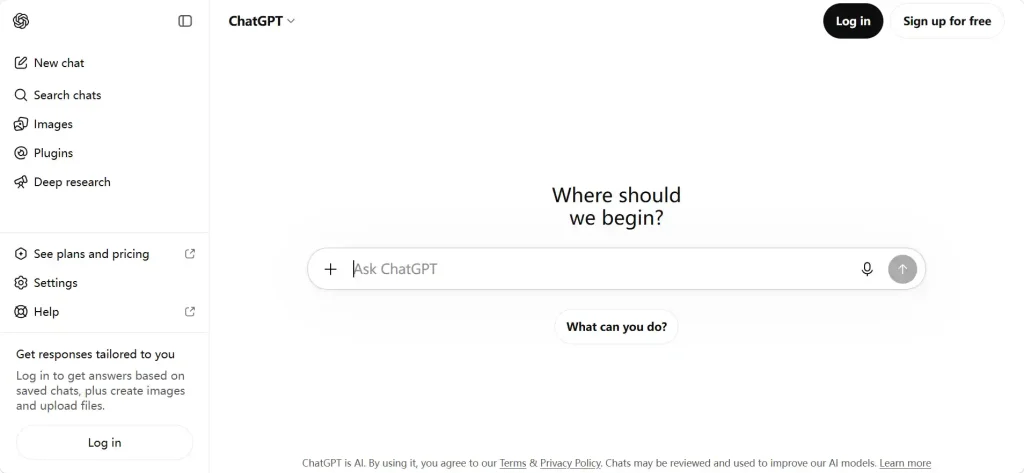
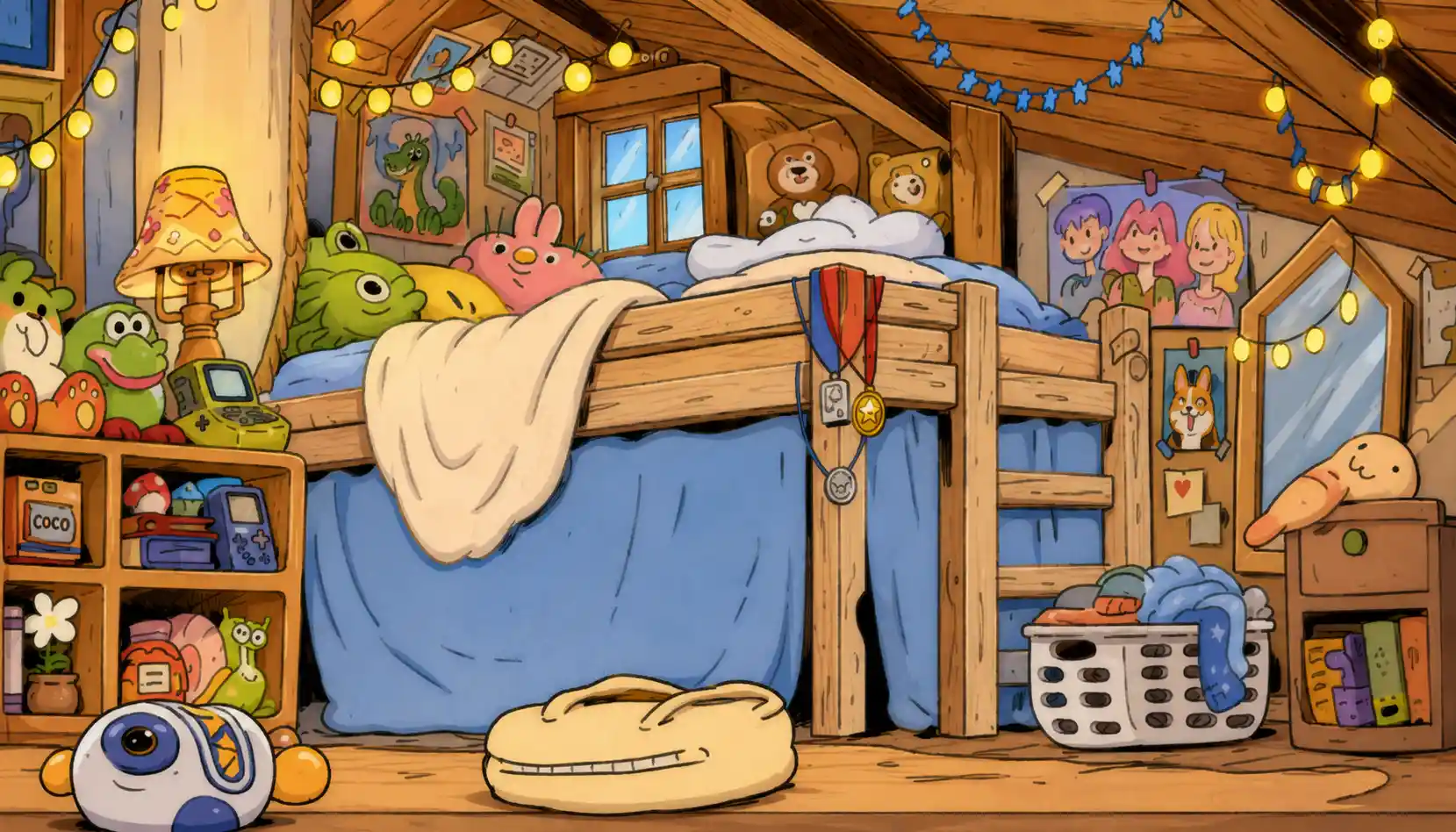
8. ChatGPT
✅️Pro:
- Allows you to make changes through conversation
- Easy to refine colors and tones step by step
- Good-looking color results
- You can continue modifying the image without starting over
- Flexible for different creative directions
❌️Con:
- Requires clear prompts for precise results
- Generation can be slower than some dedicated tools
- May creatively reinterpret parts of the original sketch
- Does not always provide perfect 1:1 reproduction
Best for: Users who want to refine their sketch through conversational editing.
Price: Free image generation is available with daily usage limits.
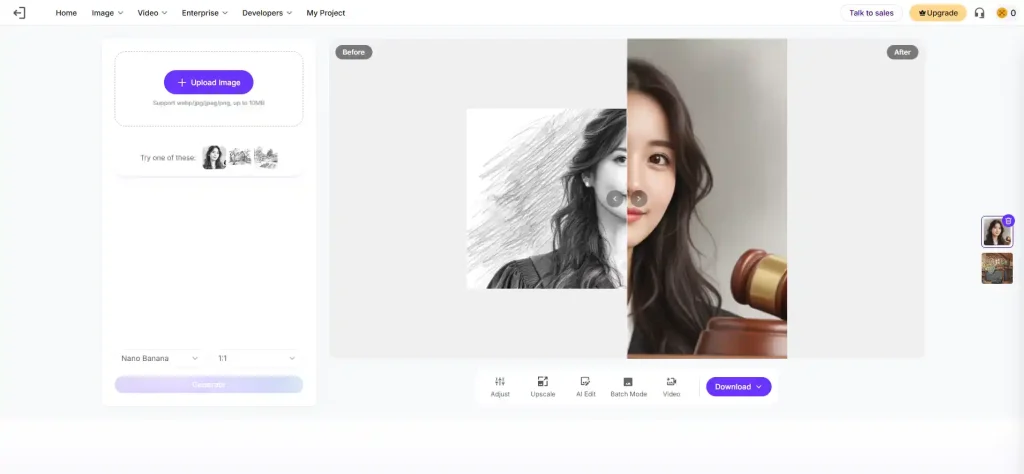
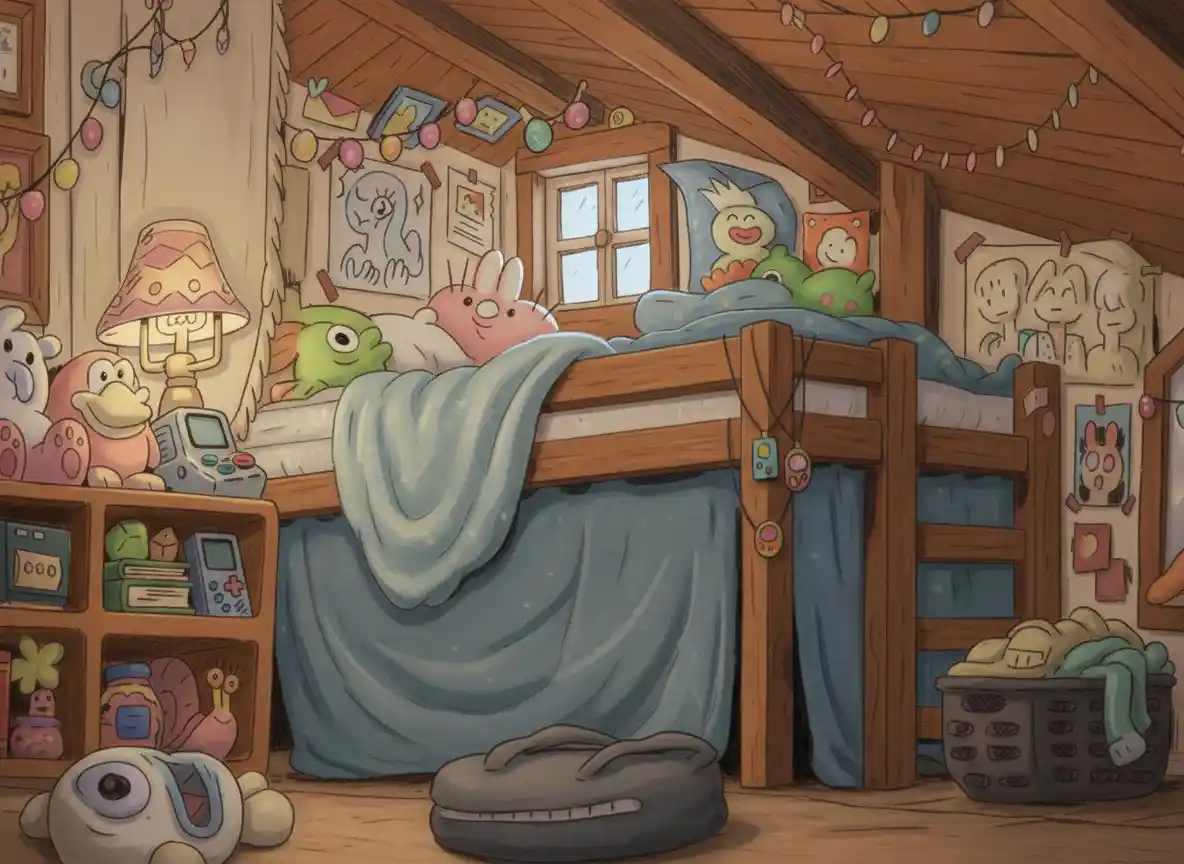
9. Pixelbin
✅️Pro:
- Simple and easy-to-use interface
- Provides templates
- Before-and-after comparison slider
- Generated results can be adjusted
❌️Con:
- Free users are limited to the basic model
- Limited style selection
- Advanced models require an upgrade
- HD downloads require an upgrade
Best for: Users who want a simple sketch-to-image workflow with basic customization.
Price: 1 free generation without logging in and 1 additional generation after logging in during our test.
10. Fotor
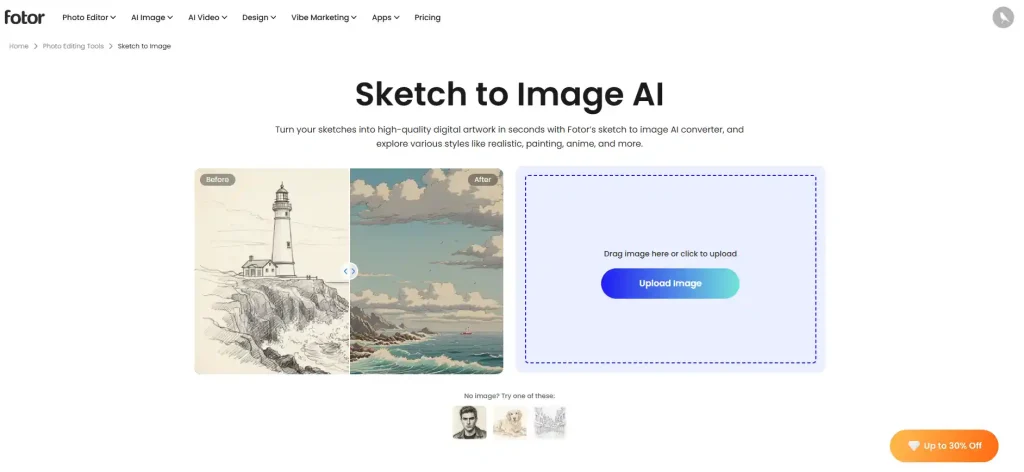
✅️Pro:
- Large selection of styles
- Very fast generation
- Easy to experiment with different visual effects
- Simple workflow
❌️Con:
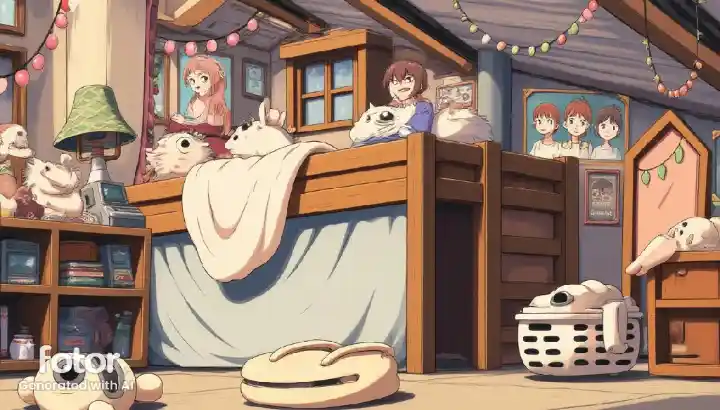
- Generated results are not always faithful to the original sketch
- Some results lack clarity
- Can introduce distorted or unexpected elements
- Free results may include a watermark
Best for: Users who want to quickly experiment with different styles.
Price: 2 free generations in our test.
Conclusion
The best sketch to image AI tool depends on what you want to achieve with your sketch. If keeping the original lines and structure is your priority, Colorify AI and IColoring are strong choices for sketch-to-color tasks. If you want to explore more creative possibilities, Adobe Firefly and OpenArt offer more control over styles, models, and image generation. ChatGPT is a good option if you prefer making changes through conversation, while Sketch To is better suited to users who want a simple workflow with preset styles.
For users who simply want to turn a sketch into a finished, colored image without dealing with complicated settings, a dedicated sketch to color AI tool is usually the most convenient choice. On the other hand, if you want the AI to reinterpret your sketch more creatively, a general-purpose image generator may give you more flexibility.
Since free access varies significantly between tools, it is also worth trying the free version first. Testing your own sketches is the easiest way to see which tool gives you the right balance of fidelity, image quality, creative control, and ease of use.