
How to Turn a Photo into a Sketch for Free with AI
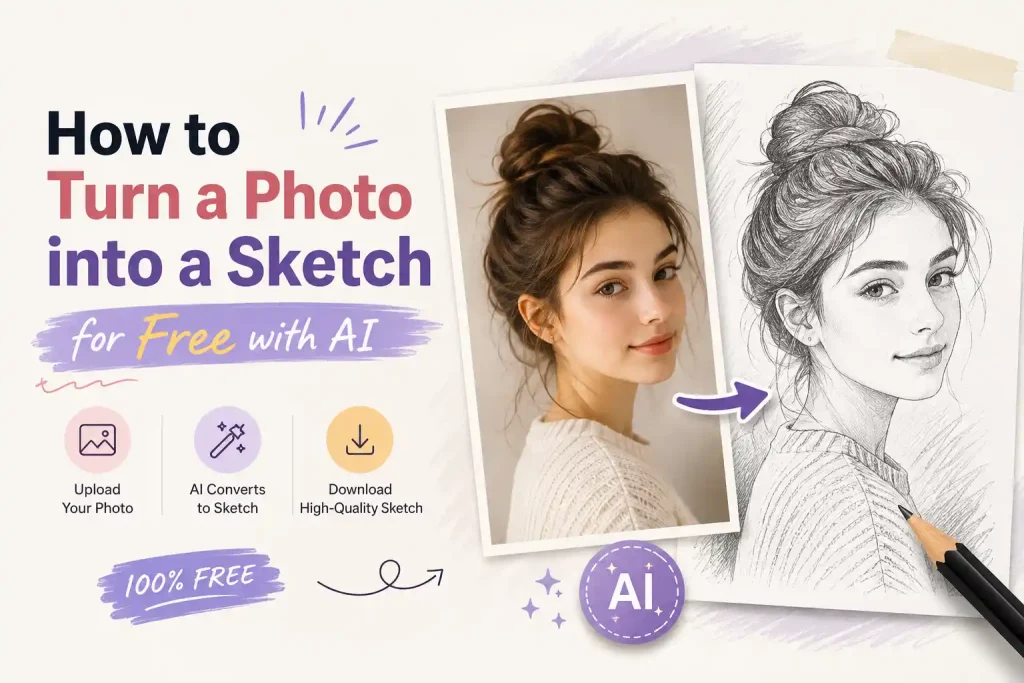
Have you ever looked at a beautiful photograph and wondered how to turn a photo into a sketch? Hand-drawn sketches carry a timeless, artistic charm, but learning to draw takes years of practice. Even using complex software like Photoshop can be frustrating and time-consuming for beginners.
Fortunately, technology has changed the game. Today, you don’t need to be a professional artist or a graphic designer to create stunning sketch art. With the help of a powerful photo to sketch converter, you can transform your favorite memories into gorgeous pencil, charcoal, or ink drawings in just a few seconds.
In this guide, we will show you exactly how to do it using the best AI tools available today.
Choose the Right Photo to Sketch Converter
| Feature | ColorifyAI | Canva | NoteGPT |
|---|---|---|---|
| Built for Photo to Sketch | ✅ | ❌ | ✅ |
| Beginner Friendly | ⭐⭐⭐⭐⭐ | ⭐⭐⭐ | ⭐⭐⭐⭐ |
| Free to Start | ✅ | Limited | 2 free images daily |
| Sketch Styles | 10 | Limited | 9 |
| Best for Coloring Pages | ✅ | ⚠️ | ❌ |
| Best for Classroom & Family Use | ✅ | ⚠️ | ❌ |
| Browser-Based | ✅ | ✅ | ✅ |
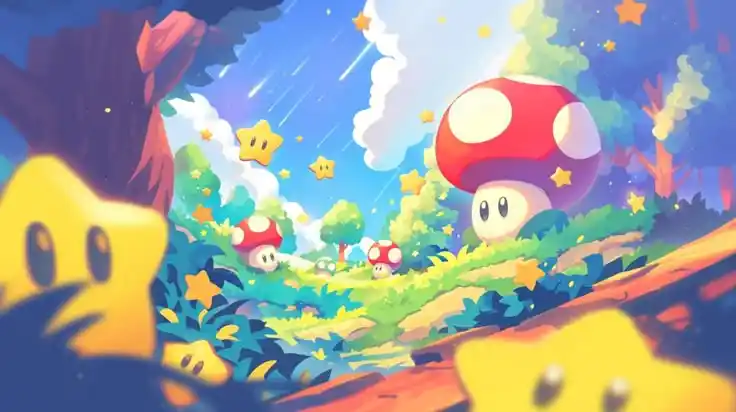
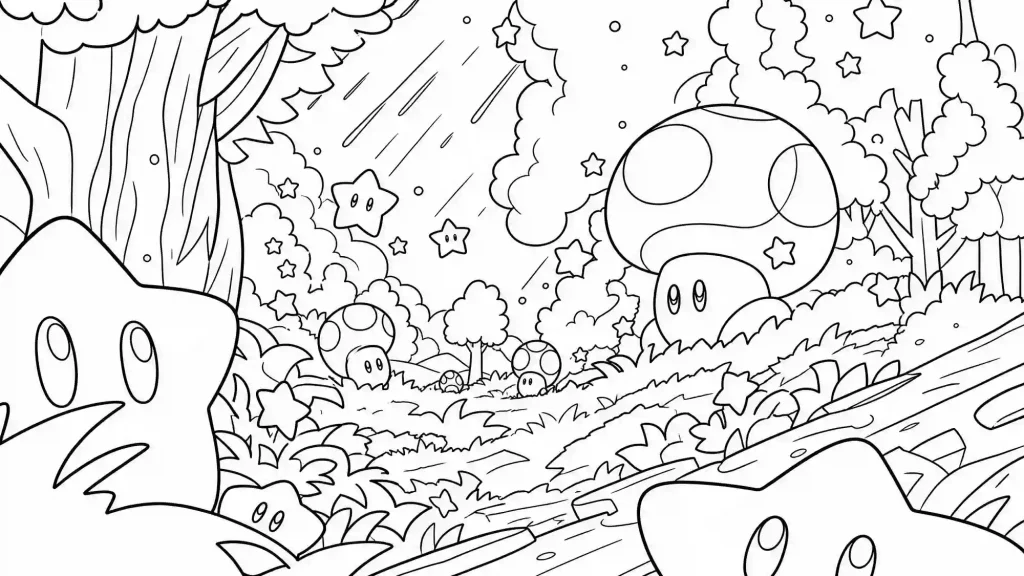
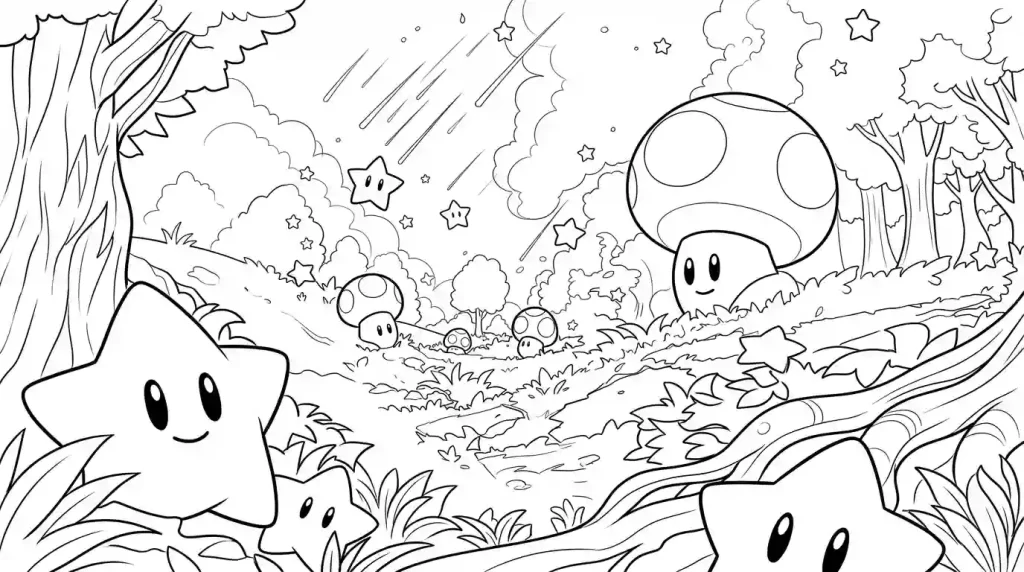
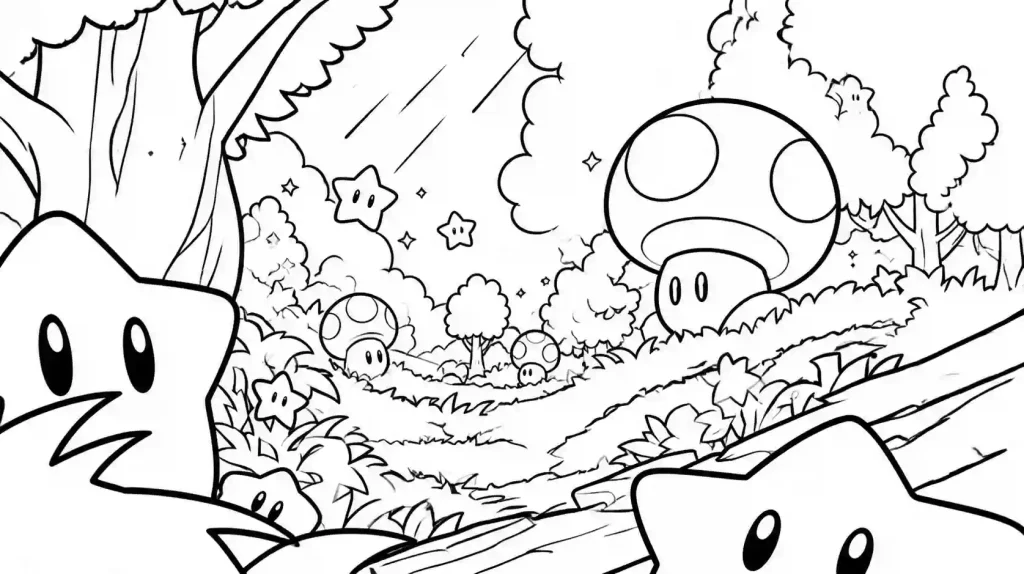
What We Found
💡Choose the Best Photo for Sketch Conversion
Use a High-Resolution Image
Keep the Main Subject Clear
Choose Good Lighting
Keep the Background Simple
How to Choose the Right Sketch Style
Different photos work best with different sketch styles. Choosing the right style can make your artwork more expressive and better suited for its intended use.
Here are ten popular sketch styles you can explore:
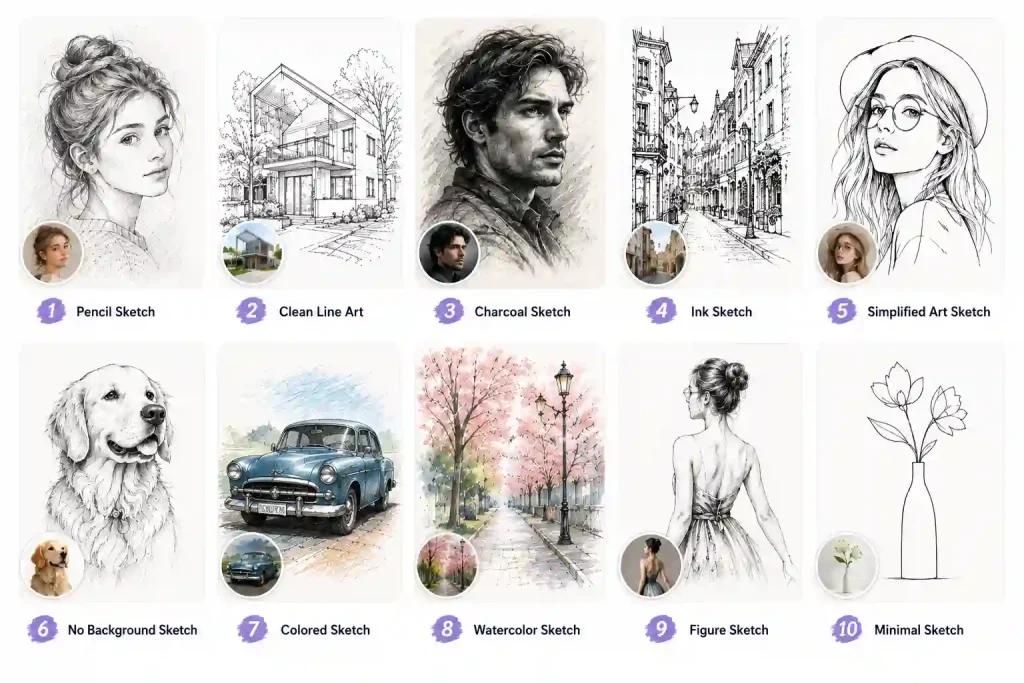
| Sketch Style | Description | Best For | Why Use It |
|---|---|---|---|
| ✏️Pencil Sketch | Simulates traditional graphite pencil strokes with soft shading and natural textures. | Portraits, pets, artistic prints | Creates a timeless hand-drawn look while preserving realistic details. |
| ✒️Clean Line Art | Produces crisp outlines with minimal shading for a clean and simple appearance. | Coloring pages, illustrations, tattoos | Perfect when you need clear lines that are easy to print or color. |
| ⬛Charcoal Sketch | Uses bold strokes and rich contrast to create dramatic, expressive artwork. | Artistic portraits, posters, gallery-style art | Adds depth and emotion to photos with a classic charcoal drawing effect. |
| 🖋️Ink Sketch | Mimics traditional pen-and-ink illustrations with sharp lines and detailed cross-hatching. | Comics, editorial graphics, creative branding | Produces clean, professional-looking artwork with strong visual impact. |
| 🖼️Simplified Art Sketch | Reduces unnecessary details into clean shapes and smooth shading. | Avatars, minimalist artwork, social media | Creates a modern, uncluttered sketch that keeps the focus on the subject. |
| ✂️No Background Sketch | Removes the original background while keeping only the main subject as a sketch. | Product images, stickers, profile pictures | Makes editing, printing, and designing much easier with a distraction-free subject. |
| 🖍️Colored Pencil Sketch | Blends sketch outlines with soft, natural colors for a hand-colored appearance. | Gifts, children's artwork, creative portraits | Combines the charm of sketch art with gentle colors for a warmer visual style. |
| 🖌️Watercolor Sketch | Combines delicate sketch lines with soft watercolor washes. | Travel photos, wedding portraits, wall art | Adds an elegant, painterly finish while keeping the sketch aesthetic. |
| 🧍♀️Figure Sketch | Focuses on body posture, proportions, and overall silhouette rather than fine facial details. | Fashion design, character concepts, full-body portraits | Highlights movement and composition, making it ideal for figure studies and concept art. |
| ✨Minimal Sketch | Keeps only the essential outlines while removing most fine details and textures. | Logos, icons, modern layouts, simple illustrations | Delivers a clean, contemporary style that's easy to use across digital and print projects. |
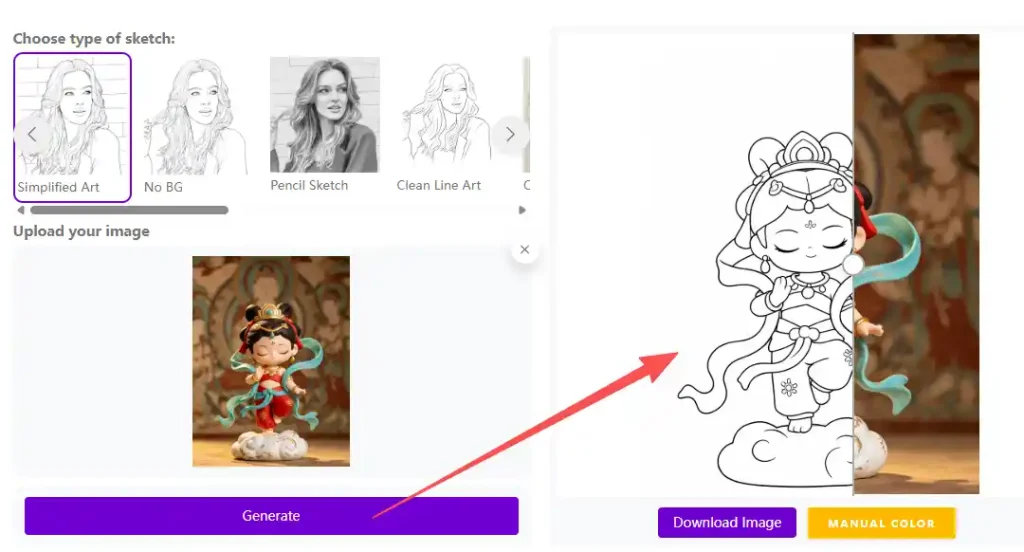
How to Turn a Photo into a Sketch in 3 Steps
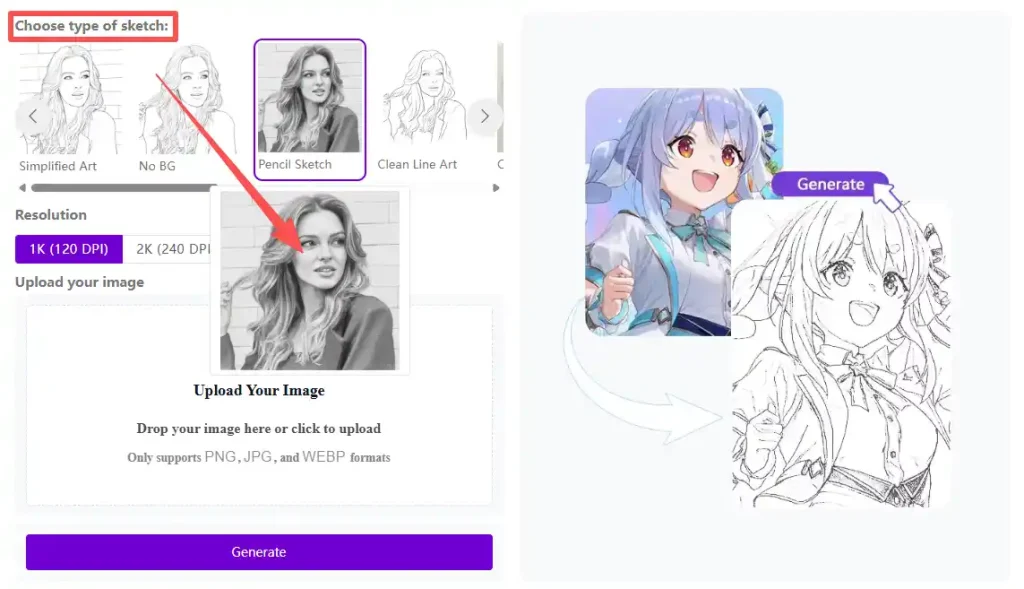
Step 1 – Choose Your Favorite Sketch Style
Step 2 – Upload Your Photo
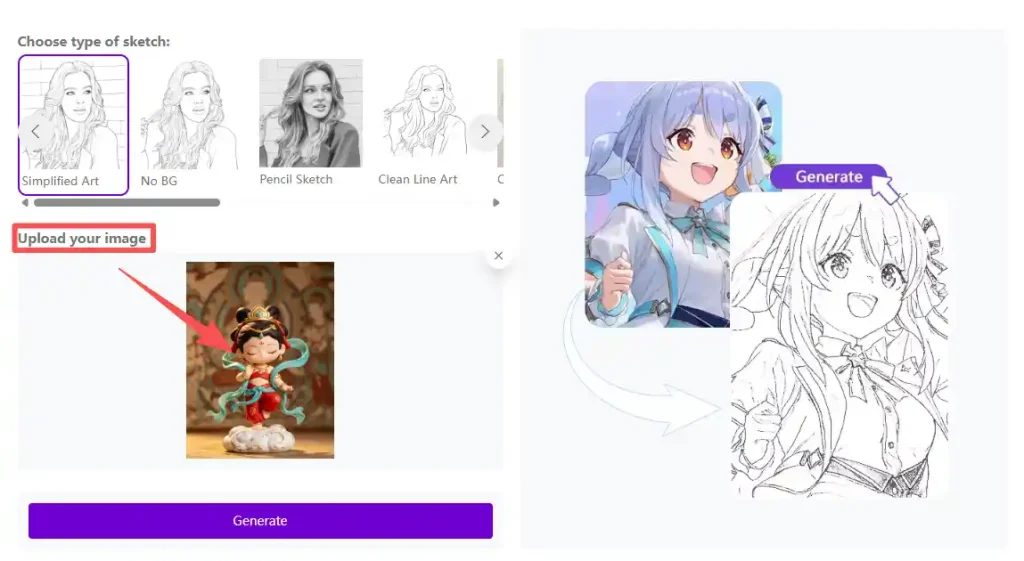
Step 3 – Generate and Download Your Sketch
❌️Common Mistakes to Avoid
Even with the best AI tool, small mistakes can affect the final result. Keep the following points in mind to get the best possible sketch from your photo.
Expecting AI to Produce the Perfect Sketch on the First Try
Choosing a Sketch Style Based Only on the Preview
Forgetting to Compare Multiple Sketch Styles
Editing the Original Photo Too Much Before Uploading
Using the Same Sketch Style for Every Project
🖌️Creative Ways to Use Your Sketch
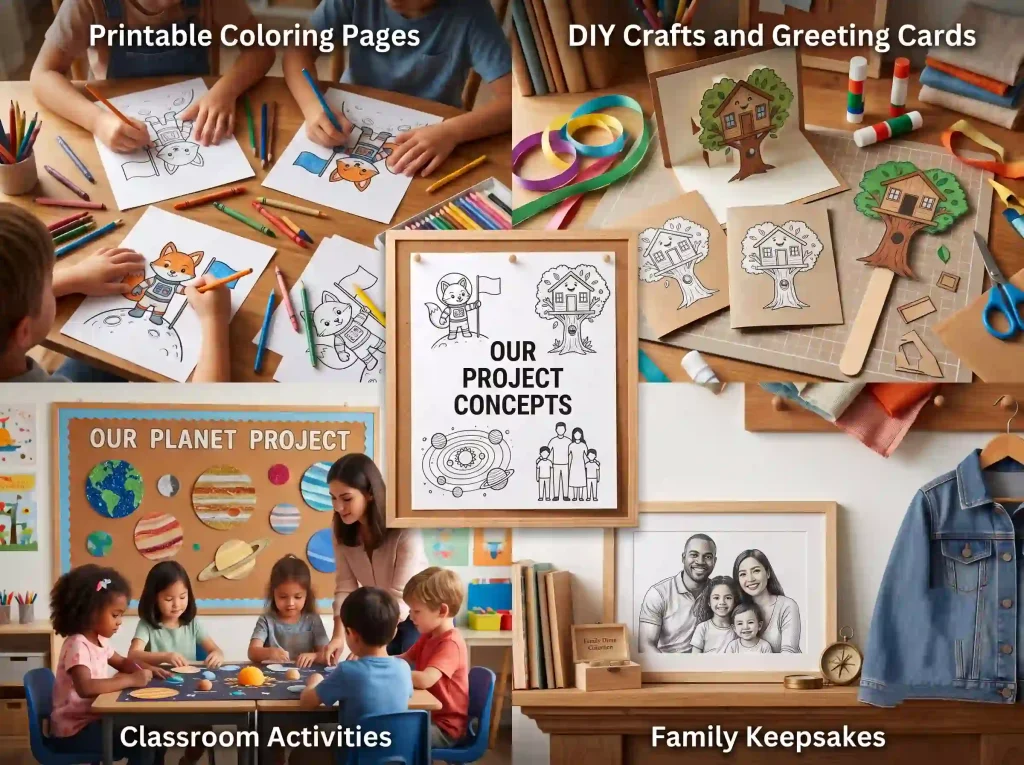
Printable Coloring Pages
DIY Crafts and Greeting Cards
Classroom Activities
Family Keepsakes
Conclusion
Creating beautiful sketch artwork no longer requires professional drawing skills or expensive software. With modern AI, photo to sketch has become faster, easier, and more accessible than ever. In just a few clicks, you can transform portraits, pets, landscapes, and everyday photos into detailed sketch art for printing, sharing, or creative projects.
Whether you’re designing personalized gifts, making coloring pages, or simply exploring new artistic styles, AI helps you achieve impressive results in seconds.
Upload your favorite photo, choose the sketch style you love, and start creating unique sketch art today.